
Read this page as a quick path: scan the headings, use the step blocks, and escalate if the expected result does not happen.
Need help applying this to your account?
Contact support and we will keep this article attached to your request.
Why these three steps exist
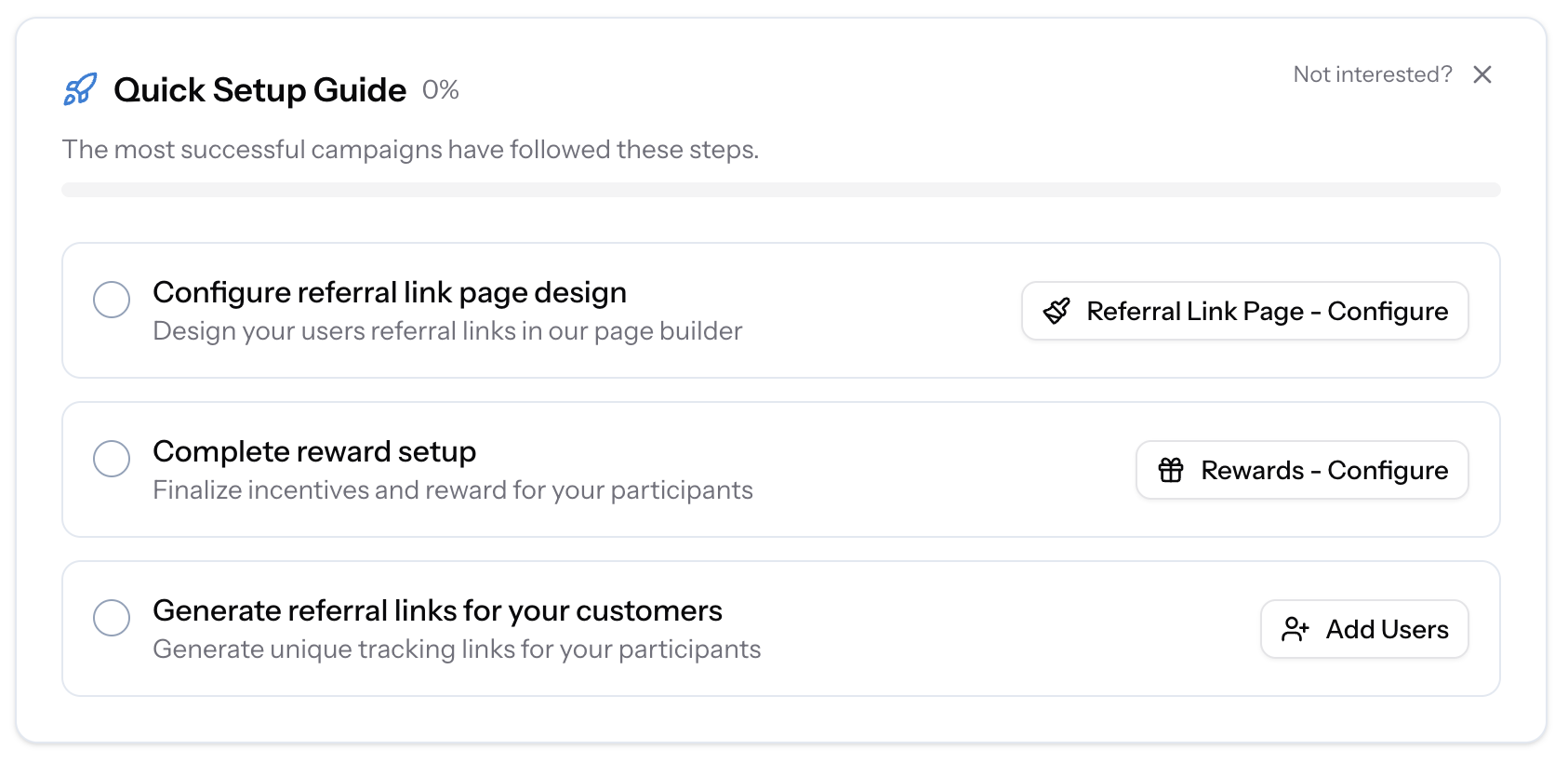
When you create a new campaign in Referral Factory, the dashboard displays a Quick Setup Guide with a progress indicator, highlighting three setup actions. These aren't arbitrary checkboxes — they represent the three things your program fundamentally cannot function without.
You can configure other things later (emails, integrations, promotion tools), but without these three in place, your program has no face for your customers to see, no incentive to motivate them, and no links to share. You can dismiss the guide by clicking Not interested? if you prefer to configure things in your own order. When dismissed, the Quick Setup Guide is replaced by a Campaign Analytics panel showing your top-level campaign metrics (Total Reach, Referral Links, Total Leads, and Qualified Leads).
Step 1: Configure your Referral Link Page design
The Referral Link Page is the landing page that every referrer shares with their friends. When someone clicks a referral link, this is what they see first.
It's personalised to the referrer — it shows their name, your brand, and the offer they're extending to the friend. A well-designed page increases the likelihood that the friend submits their details, which is how a referral enters your system.
Without this page configured, clicking a referral link leads to a blank or incomplete experience that will not convert. See How to design your Referral Link Page.
Step 2: Complete your reward setup
The reward is what motivates your customers to refer. Without a configured reward, there's nothing to trigger or issue when a referral qualifies. Even if you plan to handle rewards manually, you still need to define the reward structure so the platform knows what it's tracking toward.
This step also determines whether your program is single-sided (referrer only) or double-sided (referrer and lead). That decision shapes both the referrer experience and the conversion rate of the Referral Link Page. See How to set up a reward.
Step 3: Generate referral links for your customers
Your customers can't refer anyone without a referral link. This step is where you actually enrol your existing customers into the campaign — either by uploading a CSV, syncing from a CRM, or using one of the platform's promotion tools to let customers join themselves.
Every customer who is enrolled gets a unique referral link. That link is what they share, and it's how the platform knows which referrals came from which customer.
Until you've generated links for at least some of your customers, nobody is participating in your program regardless of how well everything else is configured.