
Read this page as a quick path: scan the headings, use the step blocks, and escalate if the expected result does not happen.
Need help applying this to your account?
Contact support and we will keep this article attached to your request.
While leads typically enter your campaign through referral links, you can also add them manually or via CSV import. Click the Add Leads button at the top of the Leads tab.
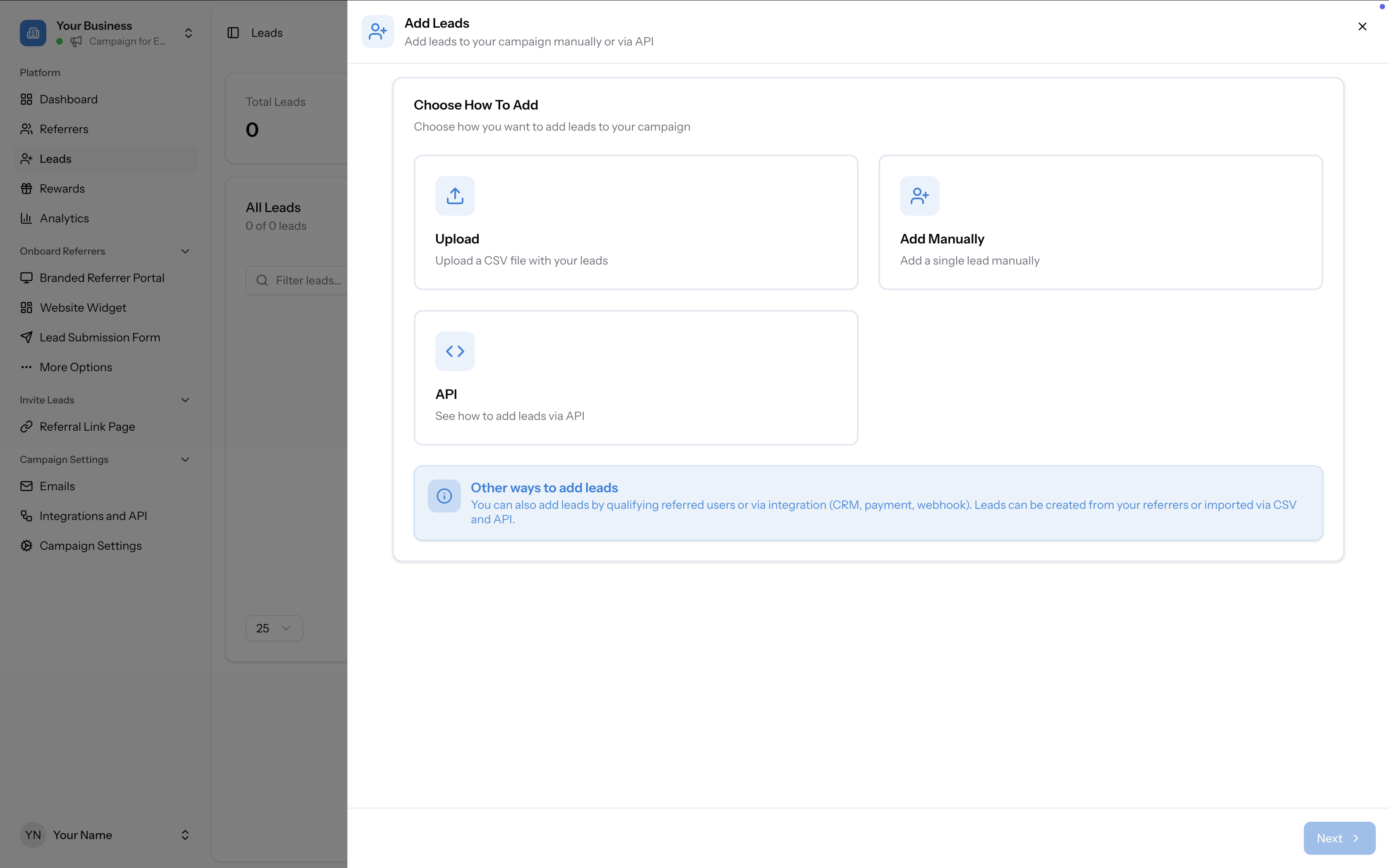
Option 1: Add a single lead manually
- Click Add Leads → Add Manually
- Fill in the required fields:
- First Name (required)
- Email (required)
- Referrer (required) — search by name or email from a dropdown of all referrers in your campaign
- Click Add Lead
Option 2: Import leads via CSV
Step 1 — Upload your file
Drag and drop a CSV file or click to browse. The file must include at minimum: First Name, Email, and Referrer Email Address. Download the sample CSV for the correct format.
Step 2 — Map your fields
Map each column in your CSV to the corresponding field in Referral Factory. First Name, Email, and Referrer Email Address are required. Unrecognised columns can be set to "Do Not Map Column".
Two import rules are available:
Step 3 — Confirm and save
Review the summary and click Save. Leads are added silently — they are not notified that they've been added. Their referral links are generated automatically. You can export the list afterward to get a CSV with all referral links.
- Ignore the first row — checked by default (assumes a header row)
- Overwrite existing users — unchecked by default (existing users are skipped)
Option 3: Add leads via API
See Referral Factory API — adding leads via API for the full endpoint reference, required fields, and example payloads.