
Need help applying this to your account?
Contact support and we will keep this article attached to your request.
Once a reward has already been issued, it can no longer be cancelled from the Due Rewards queue.
When a due/pending reward can be cancelled or stopped
A reward can be cancelled while it is waiting in Due Rewards.
For example:
Lead qualifies → Reward becomes Due → You review the referral → Cancel the reward before issuing it
This is one reason you may choose to review rewards manually before issuing them. If Auto Issue is enabled, rewards can be sent automatically once they are triggered, so there may not be an opportunity to review and cancel them first.
Cancelling one individual reward is different from deactivating the entire reward configuration. Cancelling affects that specific reward, while deactivating a reward stops future rewards from being generated under that reward setup.
Where to take the action
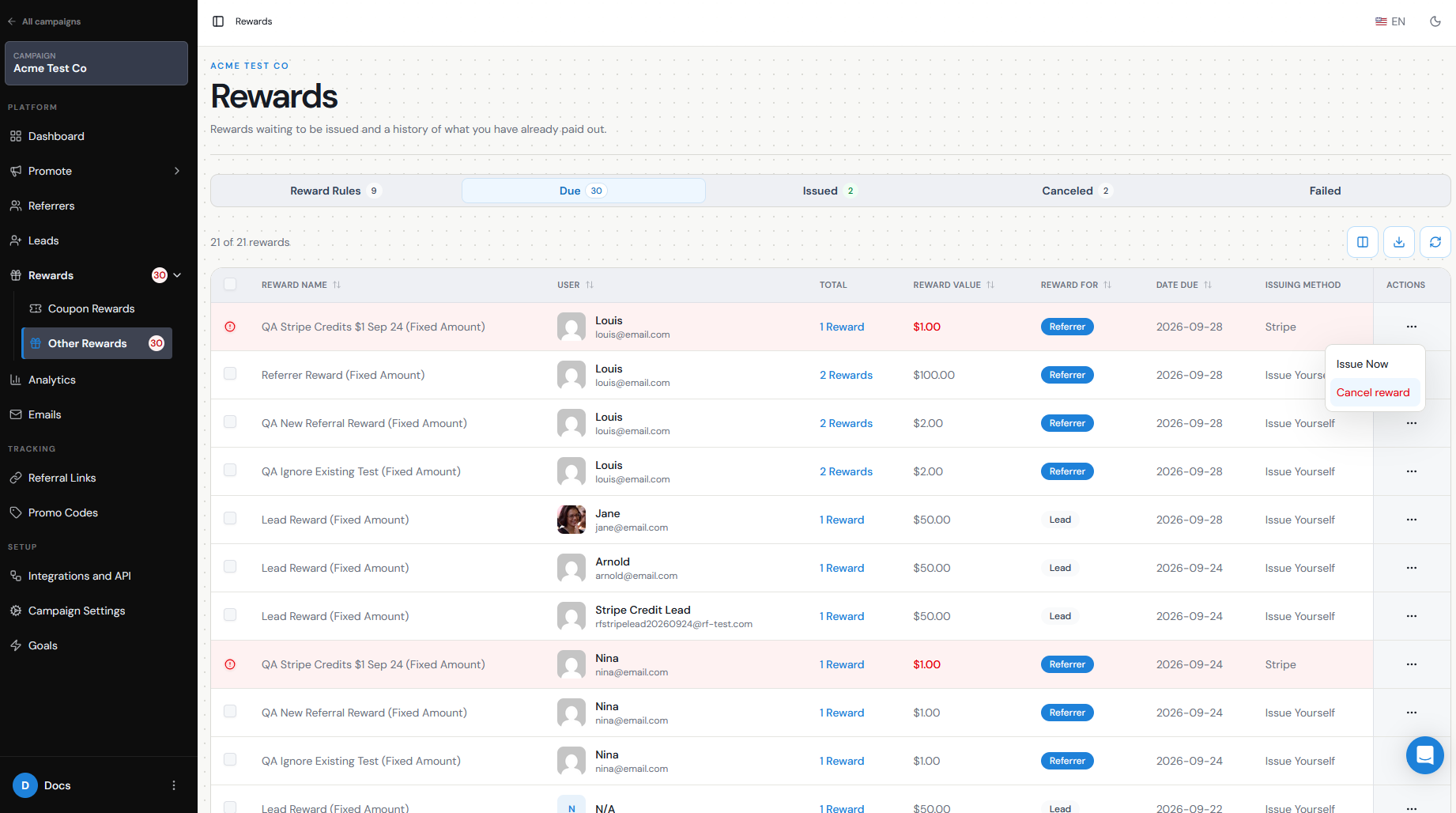
To cancel an individual reward:
Go to Rewards.
Open Due Rewards.
Find the reward you want to cancel.
Open the Actions menu for that reward.
Select Cancel.
Confirm the action.
The reward will no longer be waiting to be issued to that recipient.
Effect on qualification and recipient
Cancelling a reward and changing a Lead's qualification are separate actions.
Cancelling the reward stops that particular reward from being issued. It does not automatically change the Lead from Qualified back to Pending.
If the referral itself should no longer count as a successful conversion — for example, because the customer received a refund — you may also need to Unqualify the Lead separately.
This distinction is useful when the referral is still valid but you have another reason not to issue a particular reward.
What happens if already issued
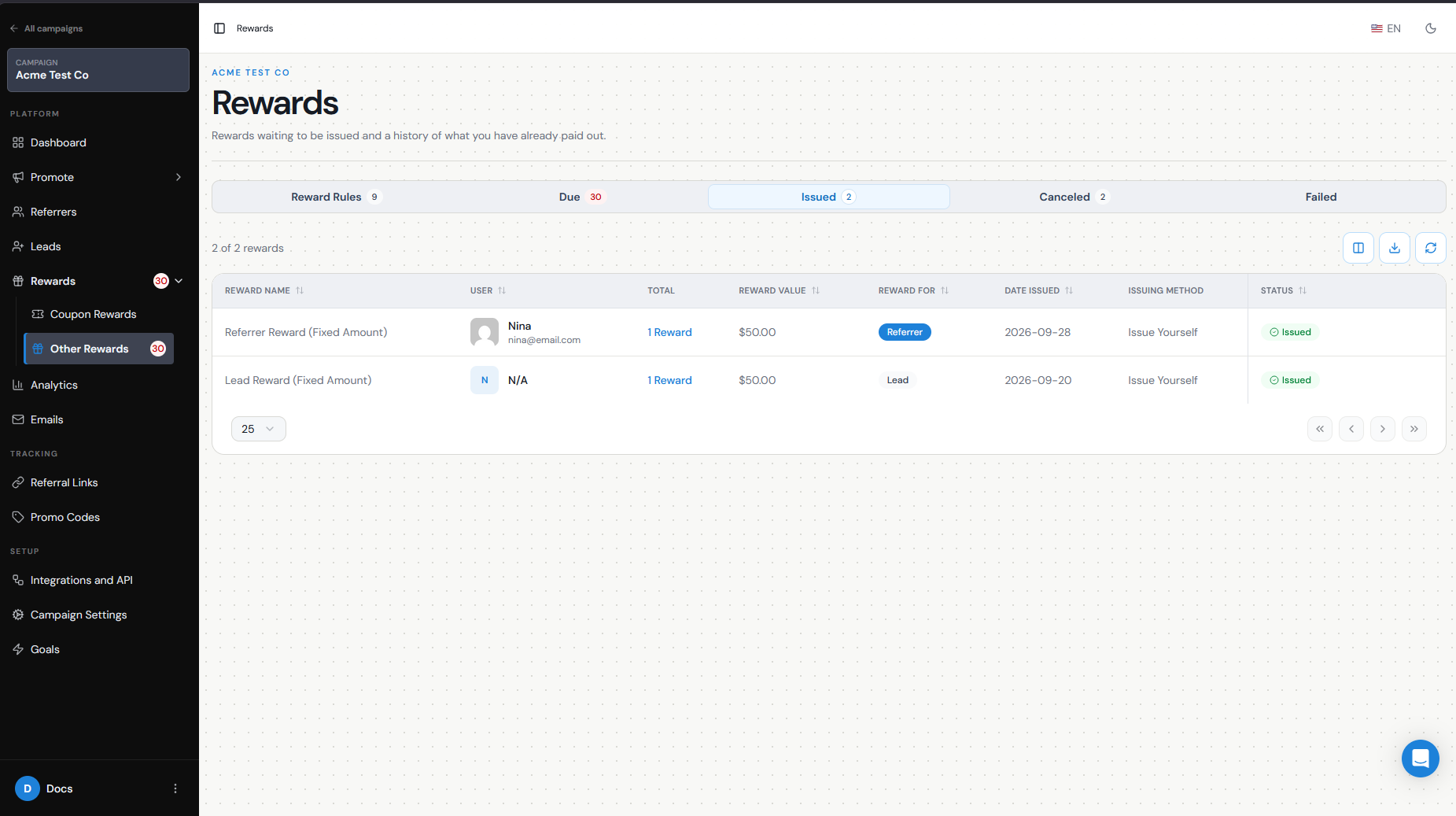
Once a reward has already been issued, it is no longer available to cancel from Due Rewards. Issued rewards are stored under Issued Rewards, where you can review their status and history.
If the reward was sent through an external provider such as PayPal, Tremendous, Stripe, Make, or another issuing method, any refund or reversal will depend on the provider and the type of reward that was sent.
For rewards issued using Issue Yourself, you will need to manage any reversal directly through the method you used to pay or deliver the reward.
This is why it is important to review questionable referrals before issuing rewards when there is a risk of refunds, fraud, or cancellations.
Audit/history
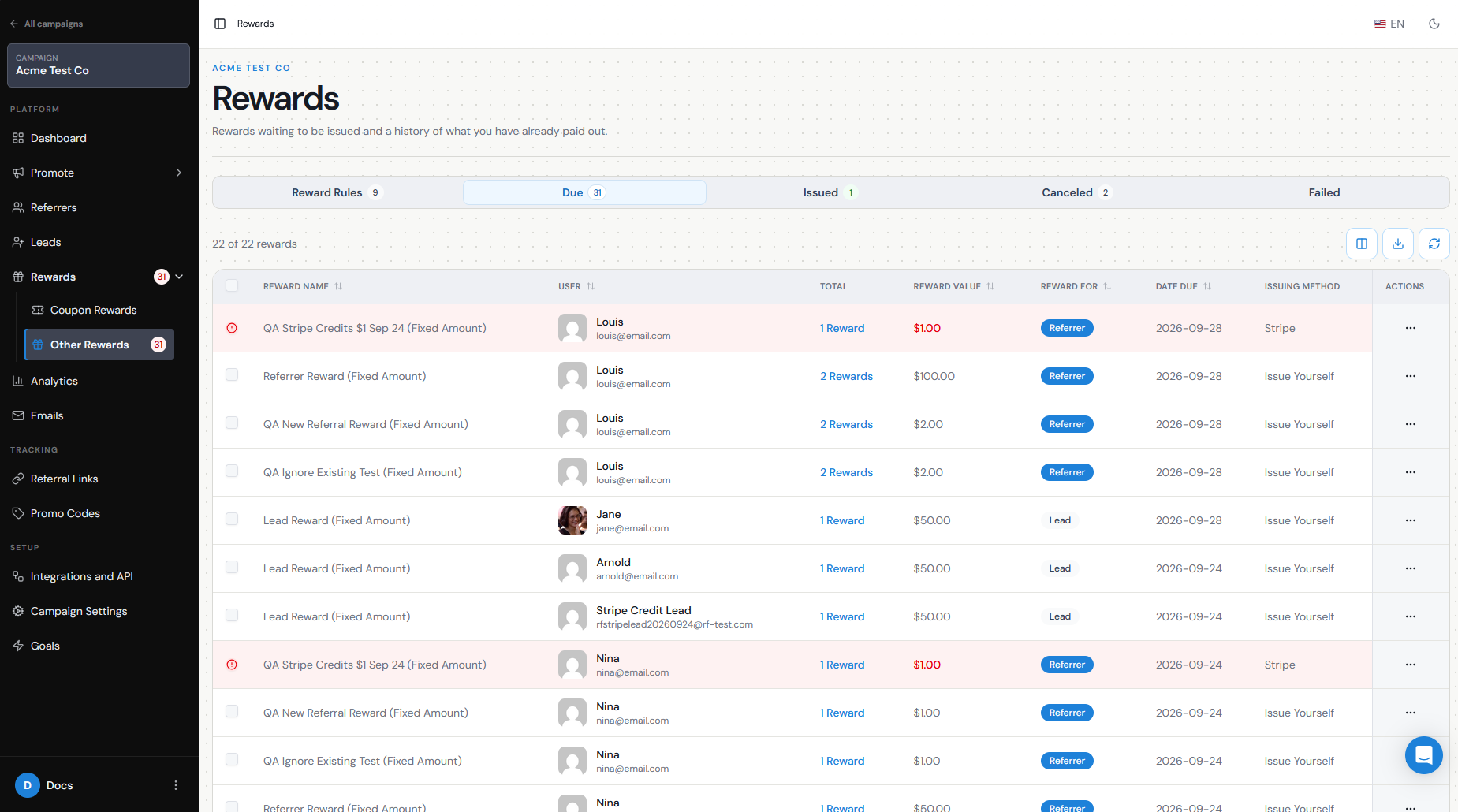
Use Due Rewards to review rewards that are still waiting to be issued and Issued Rewards to review rewards that have already been sent. Referral Factory keeps issued reward information available so you can review previous reward activity.
You can also export reward data if you need an external record for reconciliation, finance, or internal reporting. Reward exports can be filtered by information such as campaign, date, or status before downloading.
Before cancelling a reward, it is a good idea to review the recipient and the referral that triggered it so you can confirm you are cancelling the correct reward.
Common reasons such as fraud or refunds
There are several situations where you may decide to cancel a reward before it is issued, including:
The referred customer requested a refund.
The referral was identified as fraudulent or suspicious.
The same transaction or referral was counted incorrectly.
The Lead was qualified by mistake.
The qualifying transaction was cancelled.
The referral did not meet your campaign's eligibility requirements.
Your team identified an issue during manual reward review.
If the reason also means the referral itself should no longer count as successful, review the Lead's qualification status as well as the reward. Cancelling the reward alone and Unqualifying the Lead are two separate actions.