
Need help applying this to your account?
Contact support and we will keep this article attached to your request.
Referral Factory connects each Referrer’s unique code to a Stripe coupon. This means the code can both give the referred customer a discount and help Referral Factory attribute the referral to the correct Referrer.
How a referrer can share a Stripe coupon/discount with a friend
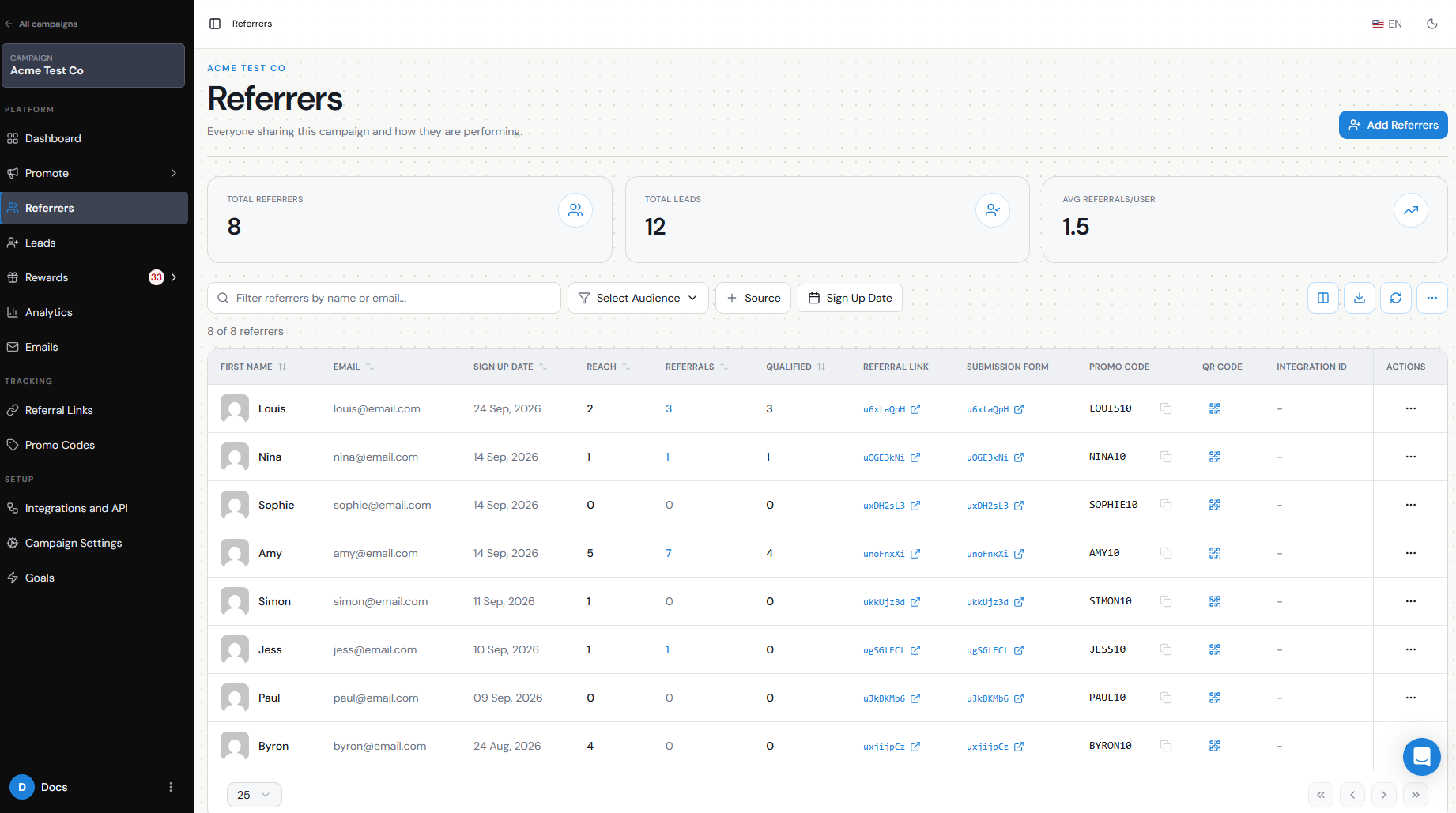
Each Referrer receives their own unique Referral Code connected to the campaign’s Stripe coupon.
For example:
Campaign coupon: 20% offSarah’s Referral Code: SARAH123James’s Referral Code: JAMES456
Sarah can share SARAH123 with a friend through email, WhatsApp, social media, SMS, verbally, or anywhere else a code is easier to use than a Referral Link.
The friend enters Sarah’s code during Stripe checkout, receives the configured discount, and Referral Factory attributes the referral to Sarah.
Coupon creation/selection
First, connect Stripe under:
Campaign Settings → Integrations and API → Payment
Then configure the coupon for the campaign:
Go to Ways To Refer → Referral Codes.
Under Create coupon rules for this campaign, enter a coupon name.
Choose whether the discount is a fixed amount or percentage.
Enter the discount value.
Choose the duration.
Configure any additional rules you need.
Click Create coupon in Stripe.
Referral Factory creates the campaign coupon inside your connected Stripe account. Individual Referral Codes generated for your Referrers are then linked to that coupon.
Distribution method
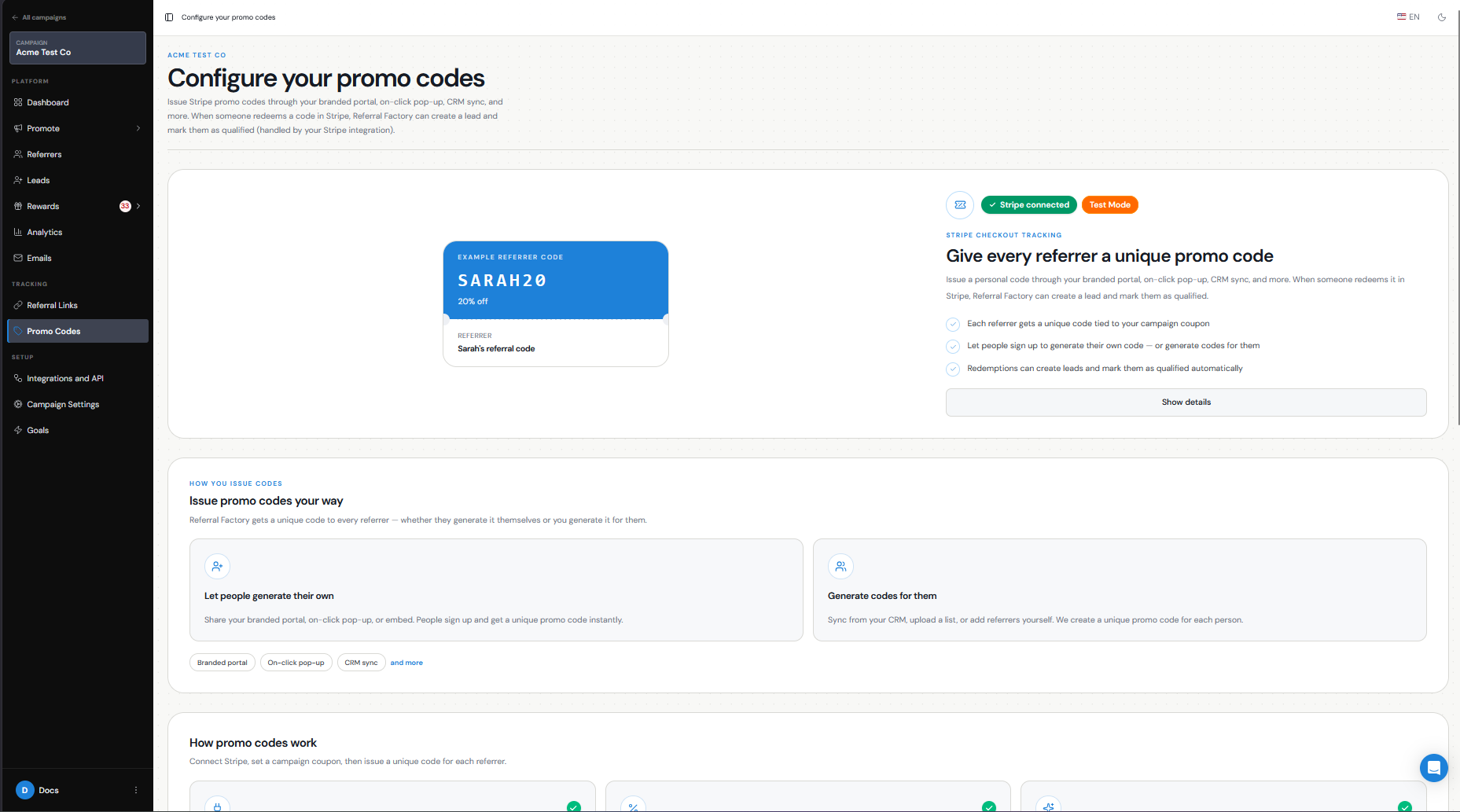
Once Referral Codes are enabled, you can make them available to Referrers through the referral experience you use.
For example, you can display the code in the:
Branded Referrer Portal
Website Widget
On-Click Pop Up
Campaign emails
You can show the Referral Link, Referral Code, or both depending on how you want customers to refer.
Referral Codes can also be generated manually from Referrers when you need to give someone their code directly.
Attribution relationship
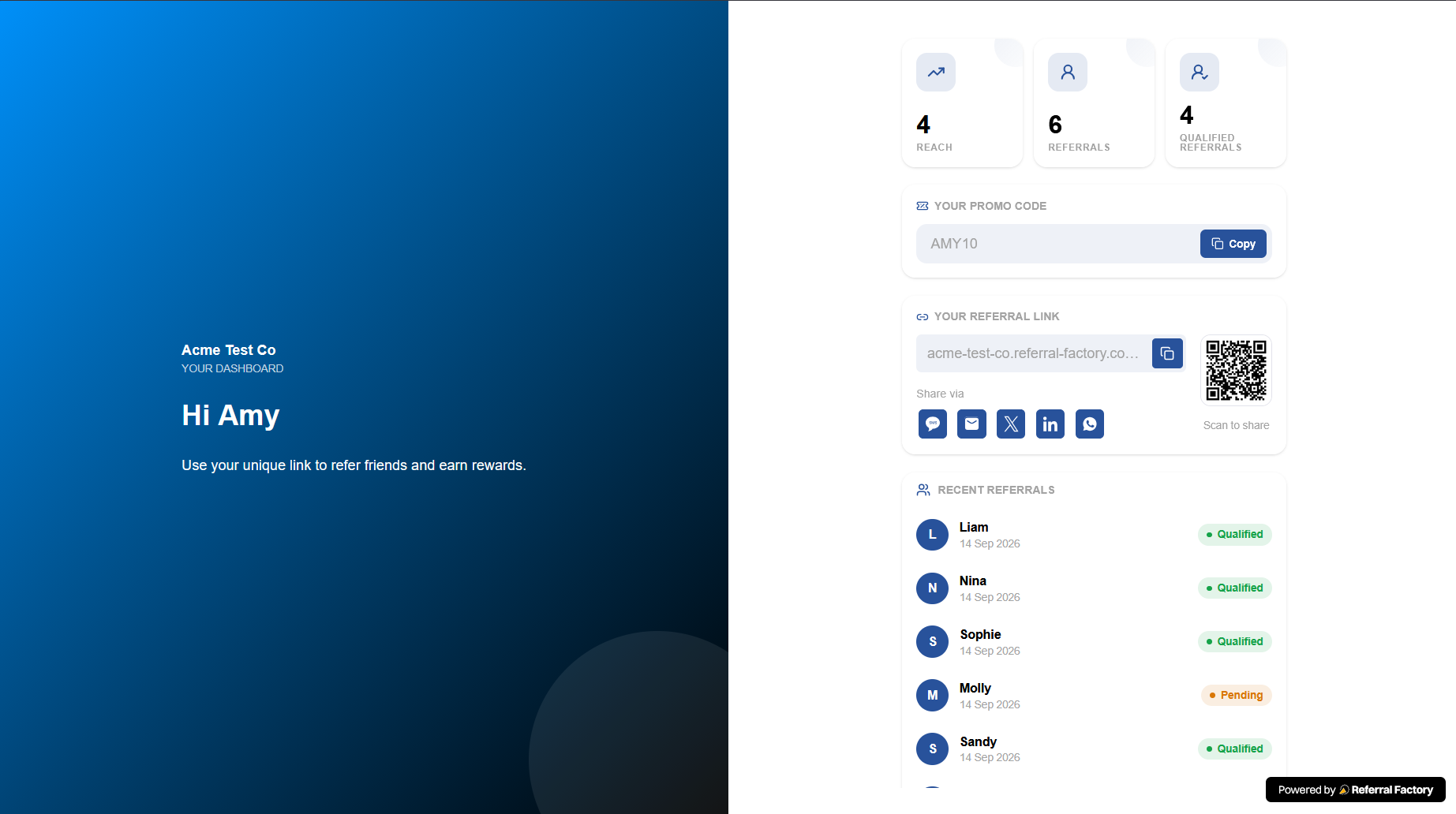
Each generated Referral Code belongs to a specific Referrer.
When someone redeems that code through Stripe:
Friend enters Referrer’s code → Stripe applies the discount → Referral Factory identifies the Referrer → Lead is created and attributed to that Referrer
The code identifies who made the referral, while the Stripe customer information identifies who was referred.
You can use Referral Codes and Referral Links in the same campaign, so Referrers can share whichever option is easiest for the situation.
Redemption
The referred customer enters the code during the Stripe checkout or payment flow where promo-code redemption is enabled.
You can decide what should happen after the code is redeemed.
Under Campaign Settings → Integrations and API → Payment → Stripe, enable Qualify when referral code is used if the Lead should become Qualified immediately when the code is successfully redeemed.
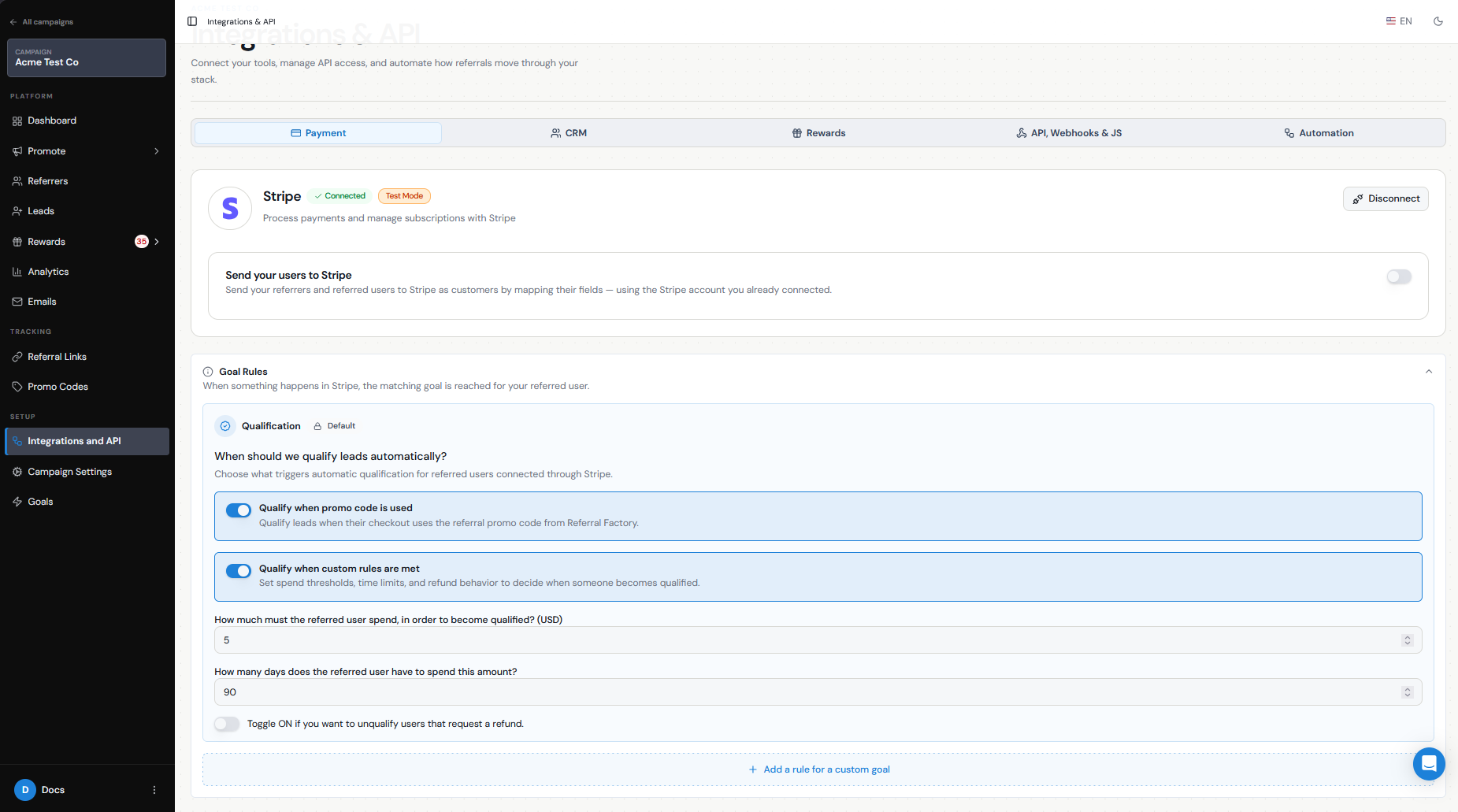
Alternatively, you can leave the Lead as Pending until they meet another Stripe qualification rule, such as reaching a minimum spend.
For example:
Code redeemed → Lead created as Pending → Customer spends $100 → Lead becomes Qualified
or:
Code redeemed → Lead immediately becomes Qualified
Limits/expiry
You can configure rules for the Referral Codes generated from your Stripe coupon, including:
First-time order only
Redemption limits
Expiration date
Minimum order value
These rules let you control how and when the discount can be used.
For example:
20% off the first purchase, minimum order $50, one redemption per Referral Code, valid until December 31.
Testing
Before giving Referral Codes to live Referrers, test the complete journey using Stripe Test Mode.
Connect your Stripe test account.
Create the campaign coupon.
Add a test Referrer.
Generate or display their Referral Code.
Complete a Stripe test checkout using that code.
Confirm that Stripe applies the expected discount.
Check Leads and confirm that the customer was attributed to the correct Referrer.
Confirm that the Lead is Pending or Qualified according to the qualification rule you configured.
Test any redemption limits, minimum order values, or expiration rules you plan to use.