
Need help applying this to your account?
Contact support and we will keep this article attached to your request.
Can I run a referral program with Salesforce?
Yes. Referral Factory can run the referral experience while Salesforce remains the place where your team manages Leads, Contacts and Opportunities.
You can bring existing Salesforce Leads or Contacts into Referral Factory as referrers, send new leads and referrers to Salesforce, and use Salesforce activity to mark a referral as qualified. For a complete example, read the Salesforce automation guide.
What can Referral Factory and Salesforce do together?
- Sync existing Salesforce Leads, Contacts or people from a Salesforce campaign into Referral Factory as referrers.
- Write each referrer’s referral link and other available referral information back to mapped Salesforce fields.
- Create a Salesforce Lead or Contact when a new lead joins the referral campaign.
- Create a Salesforce Lead or Contact when a new referrer joins the campaign.
- Qualify a referral from a Lead field change, Lead conversion, Opportunity stage change or Contact field change.
What do I need before connecting Salesforce?
Make sure you have access to the Salesforce account you want to connect and a Referral Factory campaign to configure. You need Account Admin or Campaign Admin permission in Referral Factory to manage campaign integrations.
Decide whether new leads and referrers should become Salesforce Leads or Contacts. Create any custom Salesforce fields before mapping them in Referral Factory.
How do I connect Salesforce?
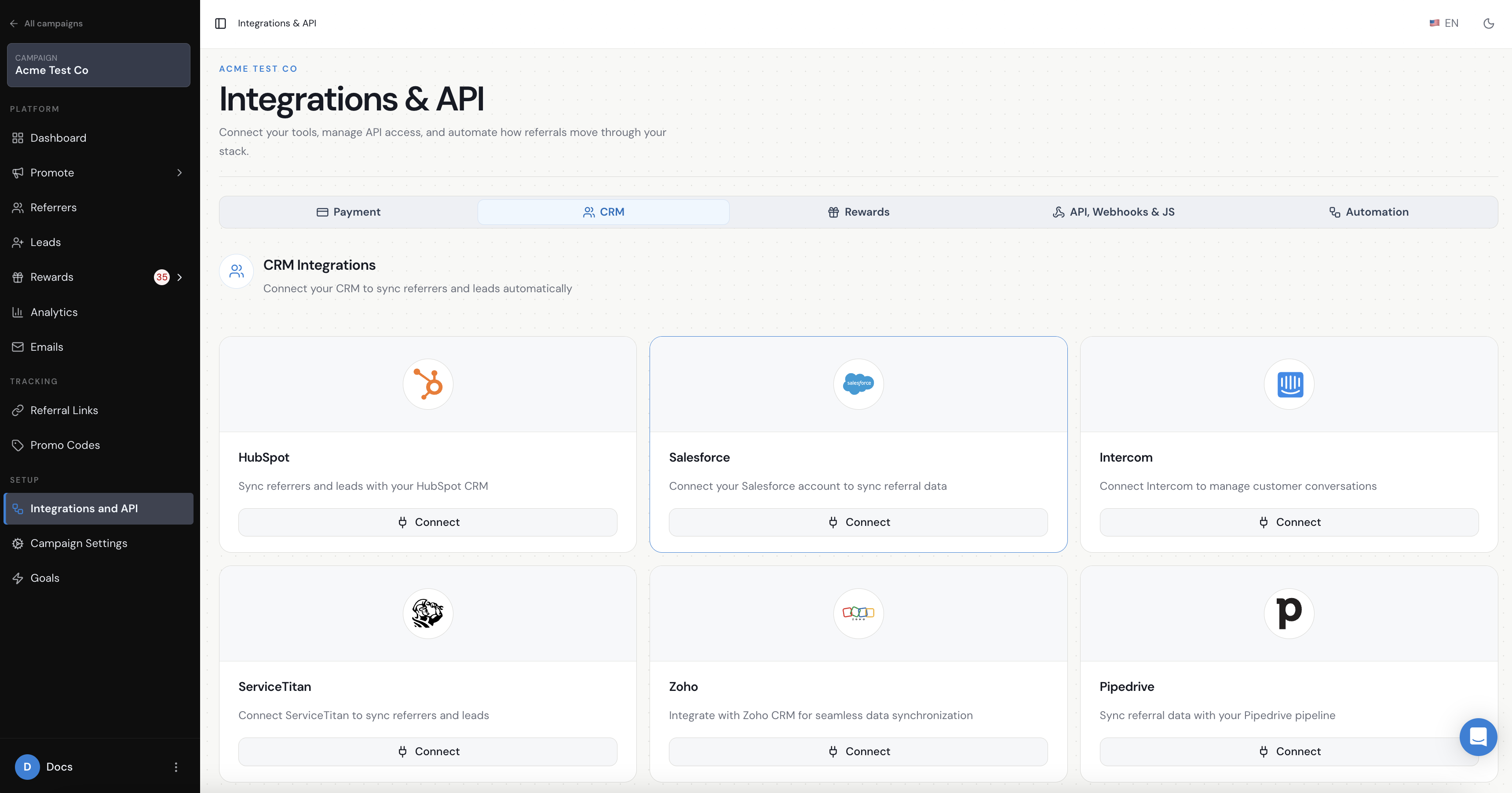
Open your campaign and go to Integrations & API → CRM. Select Salesforce, choose Live Mode for your production Salesforce environment or Test Mode for a Salesforce sandbox, then continue to Salesforce’s authorisation screen.
Approve the requested access. When you return to Referral Factory, confirm that Salesforce shows as Connected before configuring the Leads, Referrers or sync settings.
The Salesforce settings apply to the current Referral Factory campaign, so configure and test every campaign that should use the integration.
Can existing Salesforce Leads and Contacts become Referrers?
Yes. You can sync all Leads, all Contacts or records from a Salesforce campaign, map them into Referral Factory and write referral information back to Salesforce. Follow the Salesforce referral-link sync guide.
Can new Leads and Referrers be sent to Salesforce automatically?
Yes. The campaign’s Leads and Referrers settings can each create a Salesforce Lead or Contact. Configure these paths separately using the Salesforce lead-sync guide and the Salesforce referrer-sync guide.
Can Salesforce activity mark a referral as converted?
Yes. A Lead can qualify when a field changes, when it converts to an Opportunity, or when the converted Opportunity reaches a selected stage. A Contact can qualify when a selected Contact field changes.
Referral Factory does not create an Opportunity directly. An Opportunity is used only after a Salesforce Lead converts. See the Salesforce automatic-qualification guide.
What stays in Salesforce and what stays in Referral Factory?
Salesforce remains the place where your team works the Lead, Contact or Opportunity. Referral Factory remains the place where you manage the campaign, referrer experience, attribution, qualification status and reward rules.