Need help applying this to your account?
Contact support and we will keep this article attached to your request.
What does it mean to mark a Lead as converted?
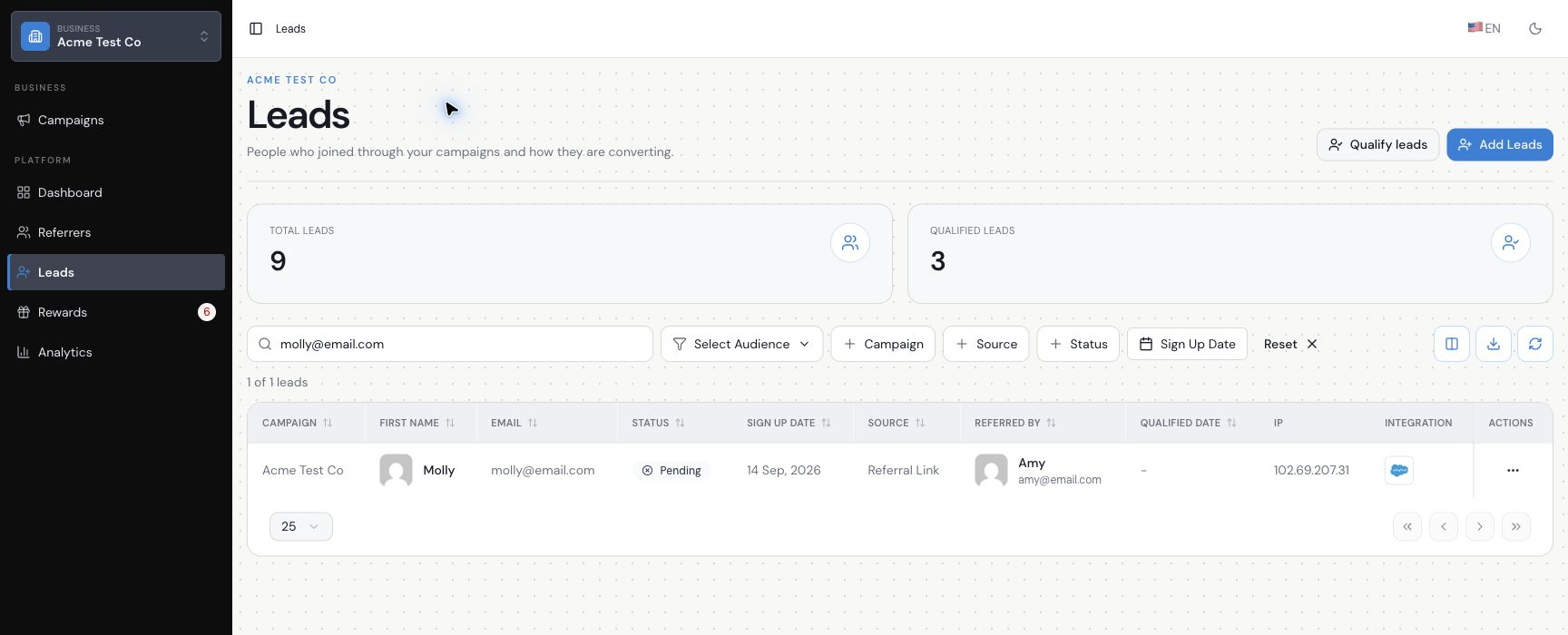
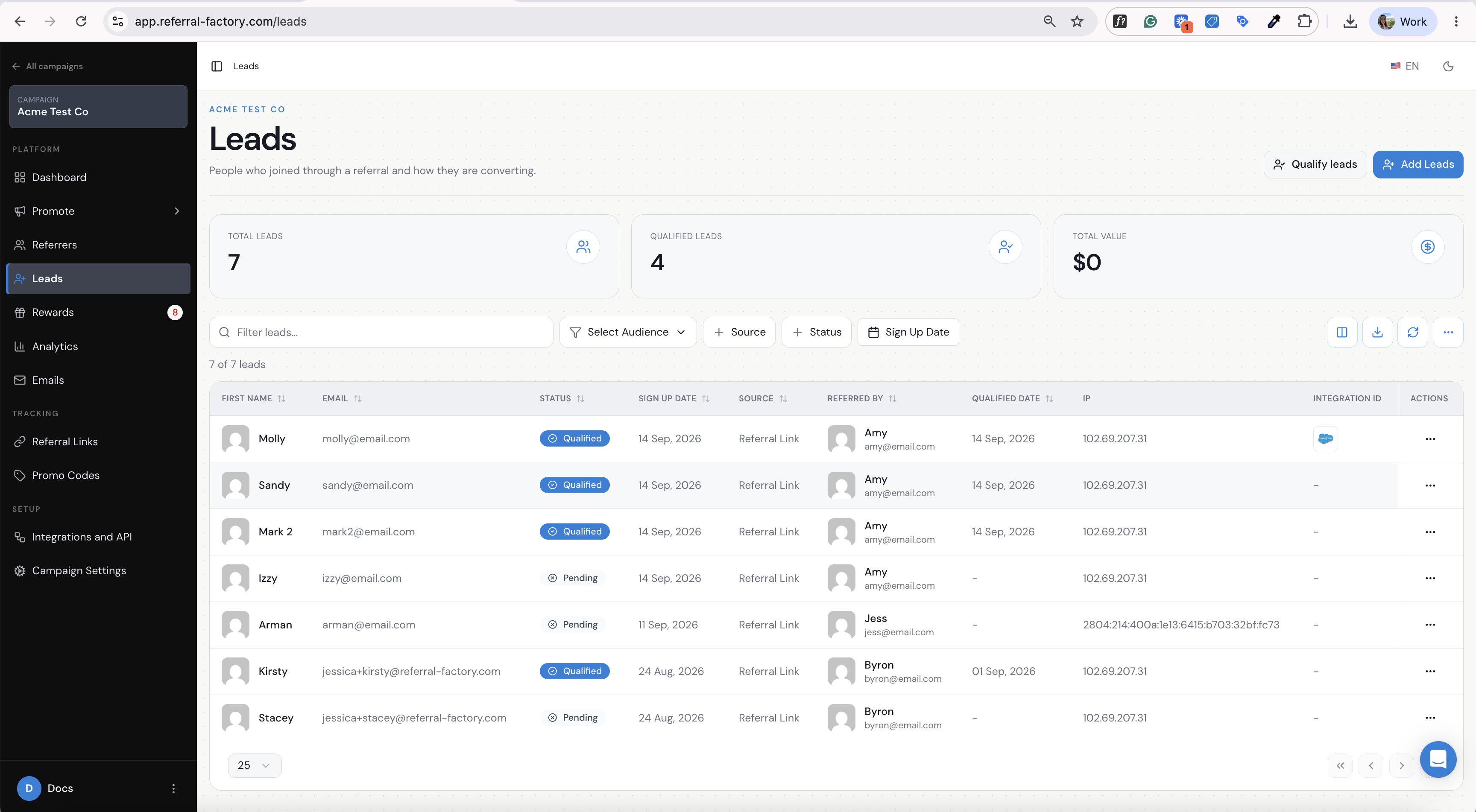
In Referral Factory, a converted referral is marked as qualified after the lead reaches the success condition selected for the campaign. That qualified status can then be used by the campaign’s reward rules.
How does automatic Qualification with Salesforce work?
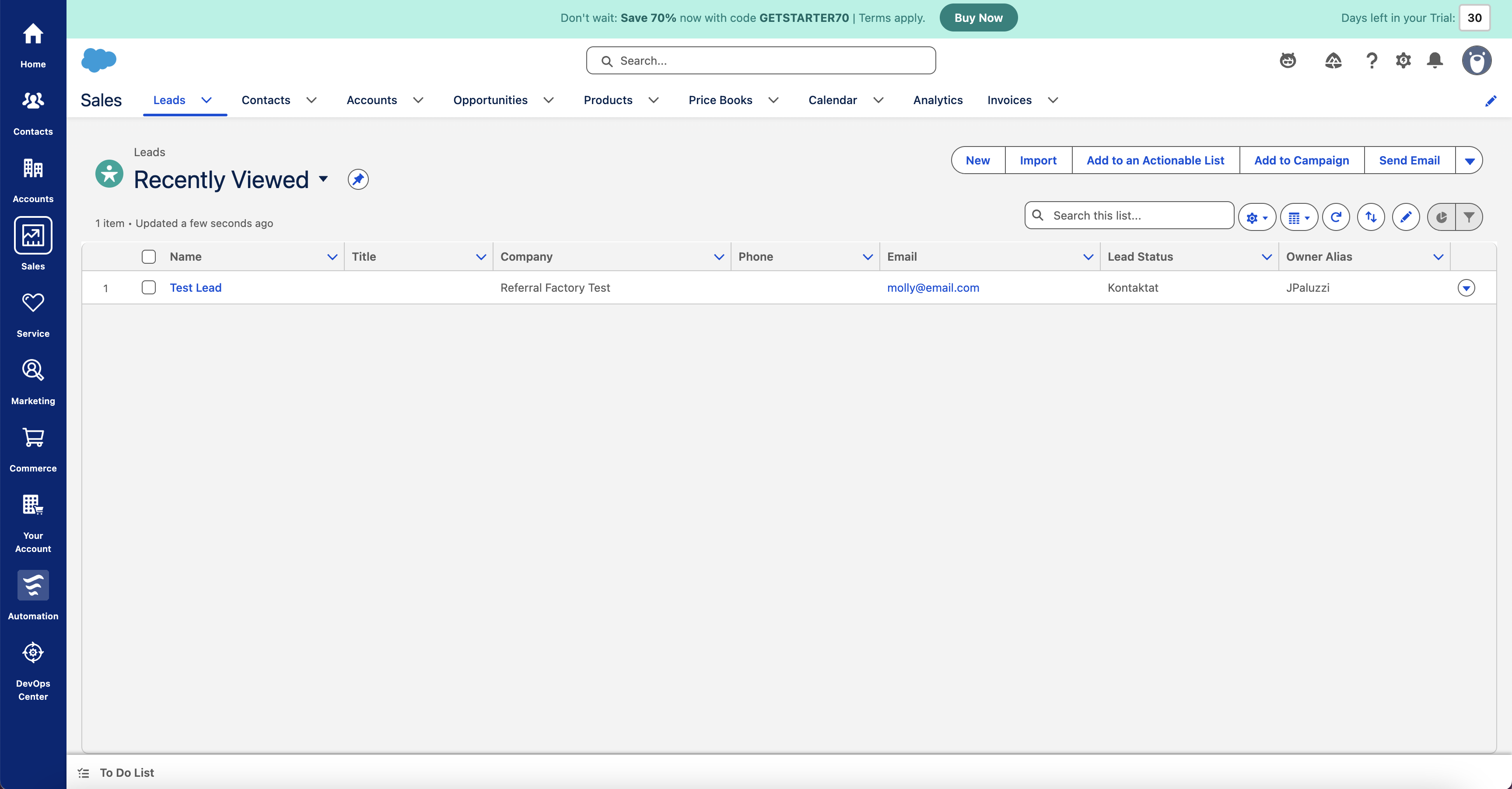
Referral Factory sends the lead to Salesforce and monitors the saved rule for the Salesforce record associated with that lead. When the configured Salesforce condition is met, Referral Factory marks the referral as qualified.
Before you start
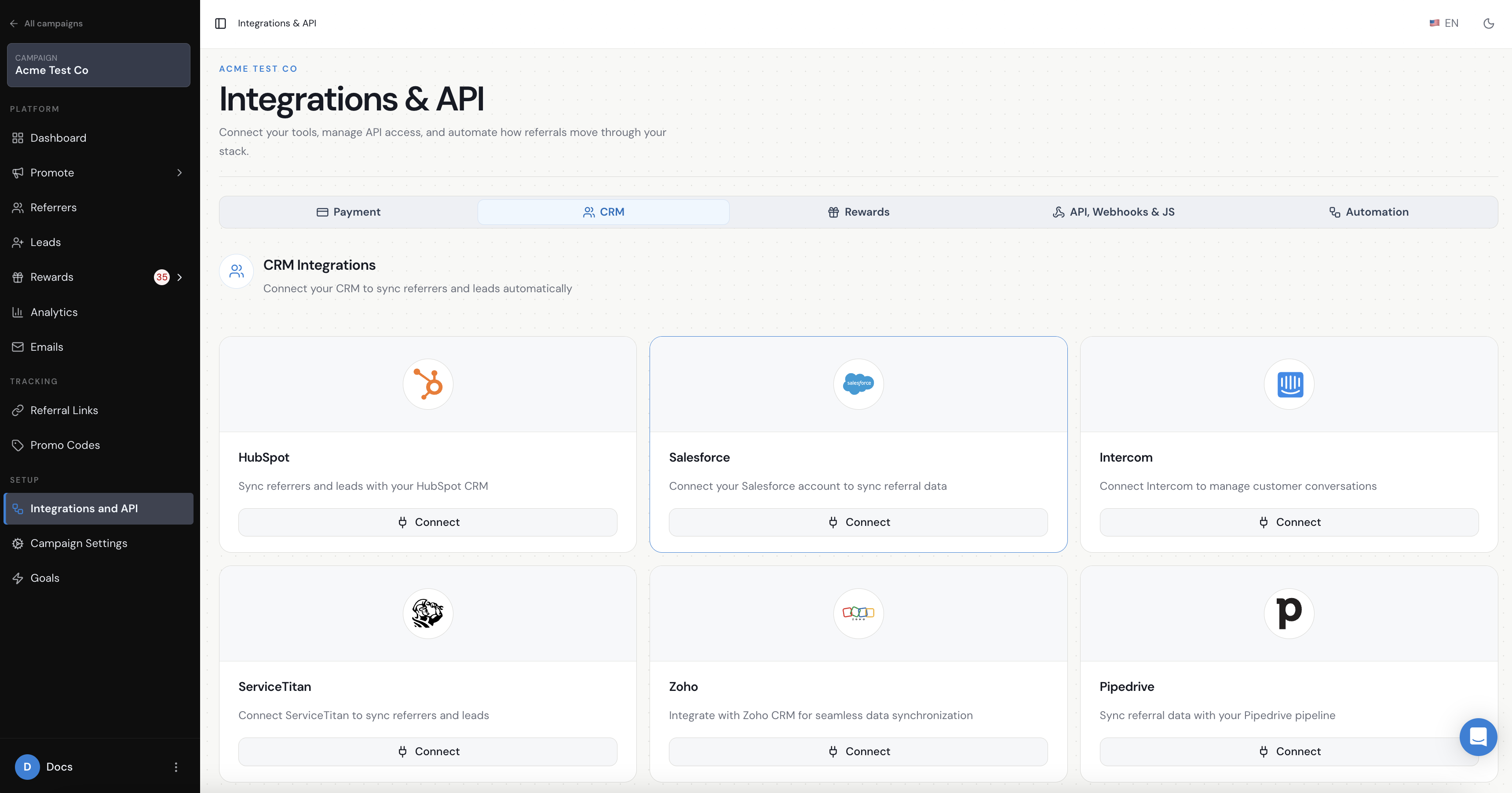
Salesforce must already be connected under Integrations & API → CRM. The campaign’s Leads setting must also create the Salesforce Lead or Contact that the qualification rule will monitor.
If the Leads setting is not configured yet, use the Salesforce lead-sync guide first.
How do I qualify a referral from a Salesforce Lead?
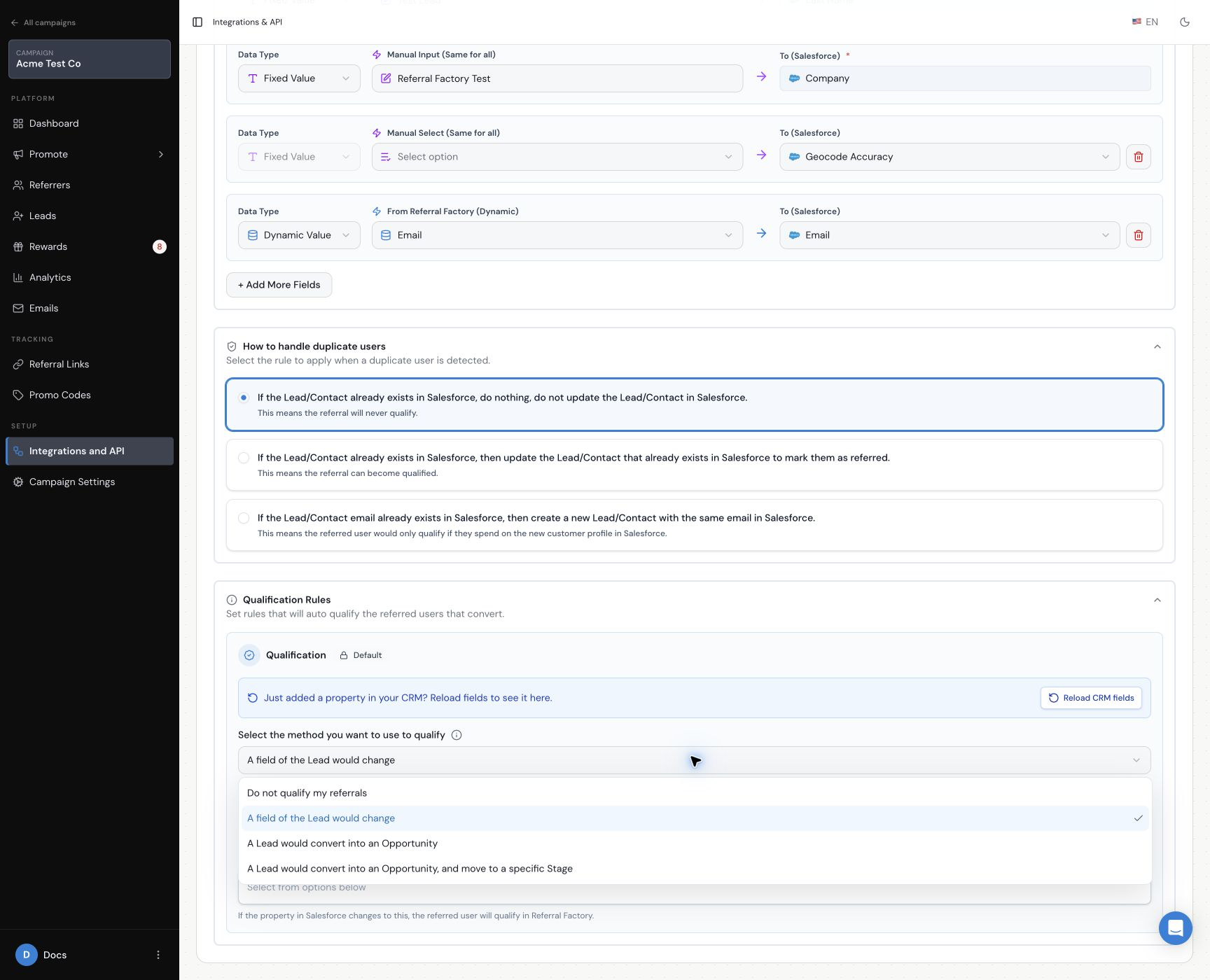
Choose the Salesforce Lead path in Integrations & API → CRM → Leads, then select the rule that represents a successful referral.
- A field of the Lead would change. Select the Lead property and the value it should change to.
- A Lead would convert into an Opportunity. Qualification follows the Lead conversion.
- A Lead would convert into an Opportunity and move to a specific Stage. Select the Opportunity stage that represents qualification.
How do I qualify a referral from a Salesforce Contact?
Choose the Salesforce Contact path, then select A field of the Contact would change. Select the Contact property and the value it should change to when the referral qualifies.
How long does Salesforce Qualification take?
Salesforce qualification is usually reflected immediately in Referral Factory, but in some cases it can take up to 30 minutes after the qualifying Salesforce change occurs.
Does Qualification automatically trigger a reward?
It can if the campaign’s reward rules are configured to reward qualified referrals. Qualification and reward setup are separate settings.
How do I test automatic Qualification?
Use a dummy lead and the exact Salesforce field, conversion or Opportunity stage selected in the rule. Confirm the Salesforce record, make the qualifying change, and then check the lead status in Referral Factory. Do not test with a real customer or a live reward.