Need help applying this to your account?
Contact support and we will keep this article attached to your request.
Before you start
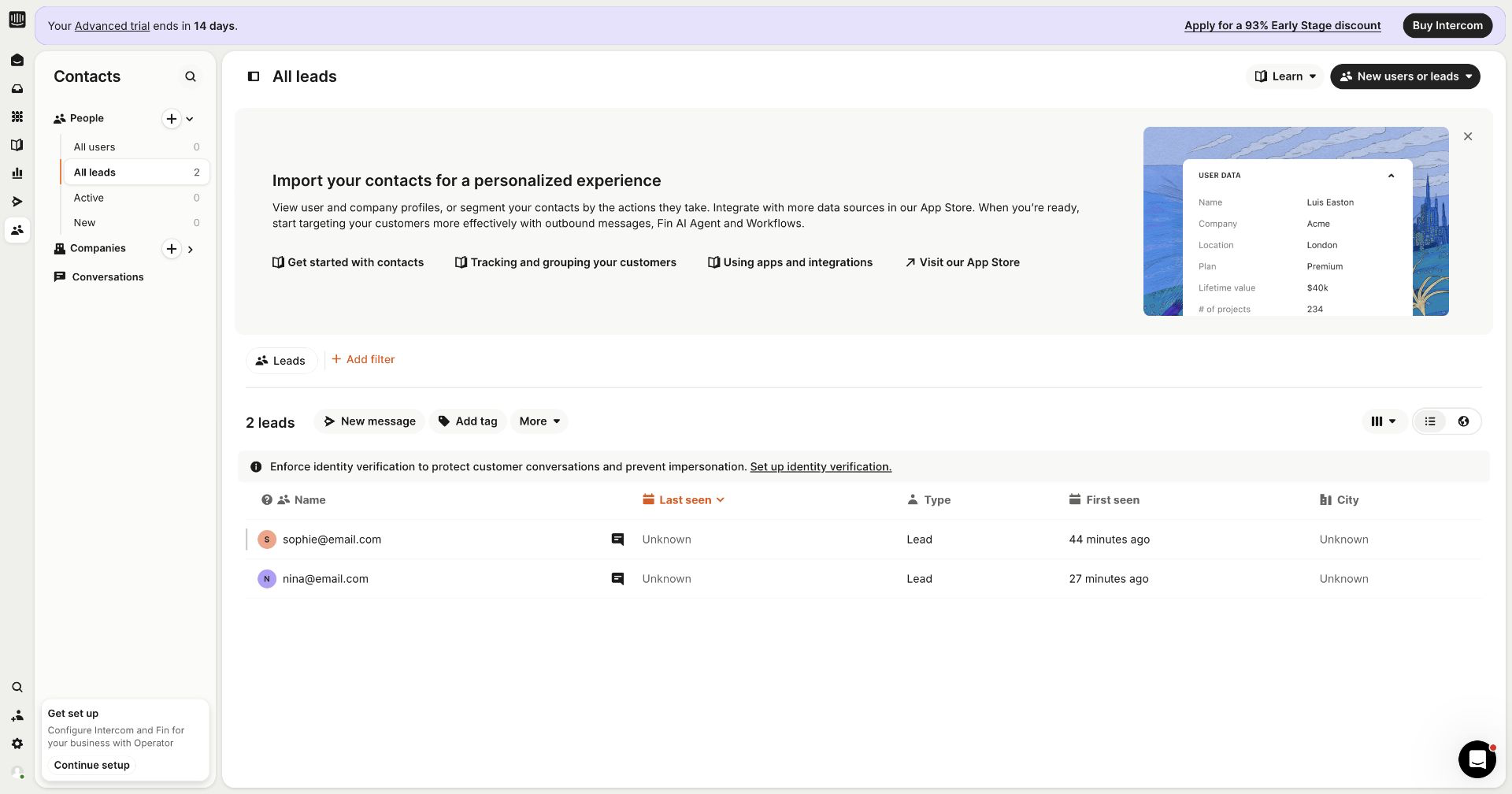
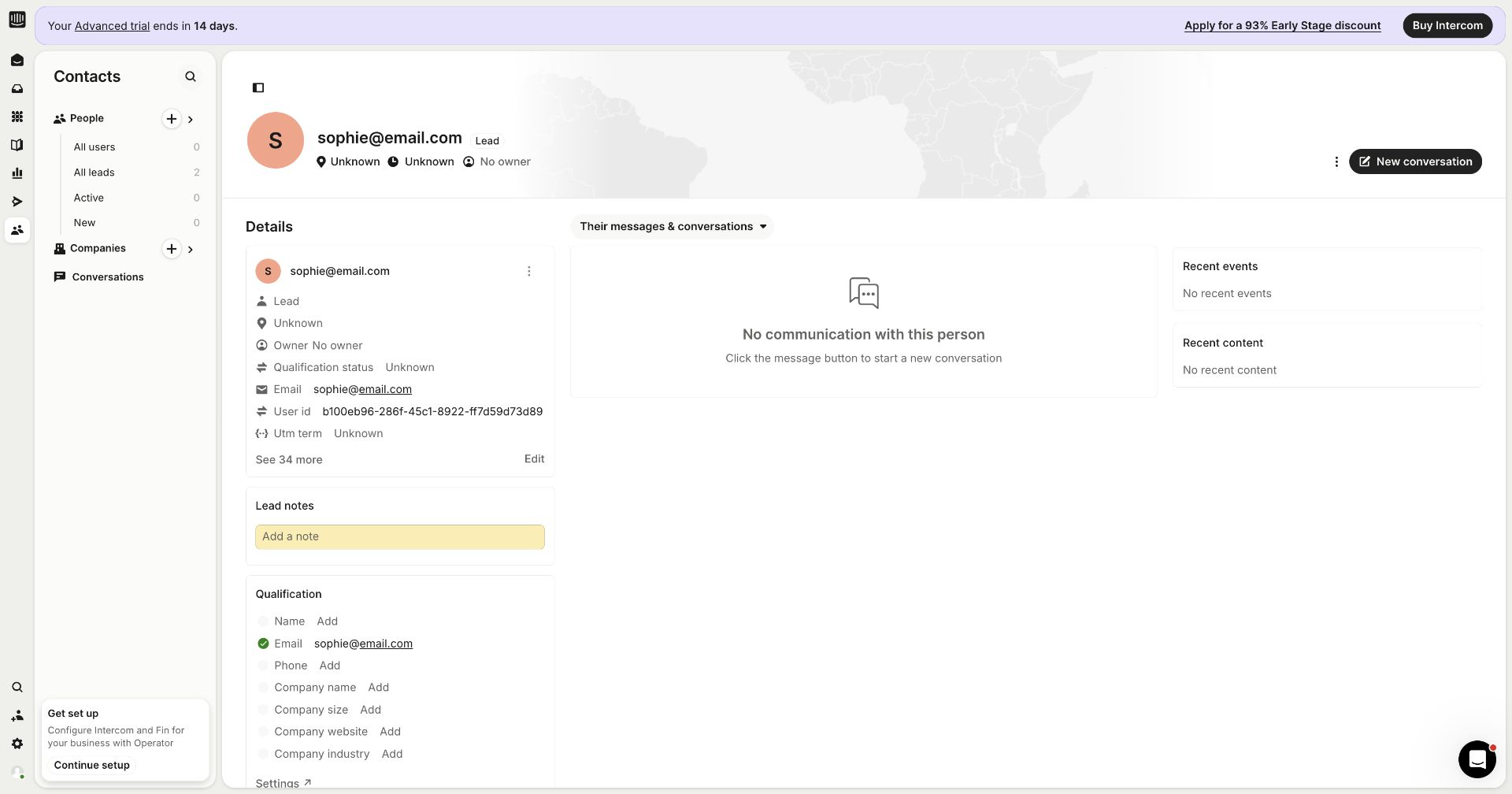
Connect Intercom under Integrations & API → CRM, open the Leads settings, and decide whether new campaign leads should become Intercom Leads or Users.
Sending a lead to Intercom does not qualify the lead. Configure qualification separately using the qualification guide.
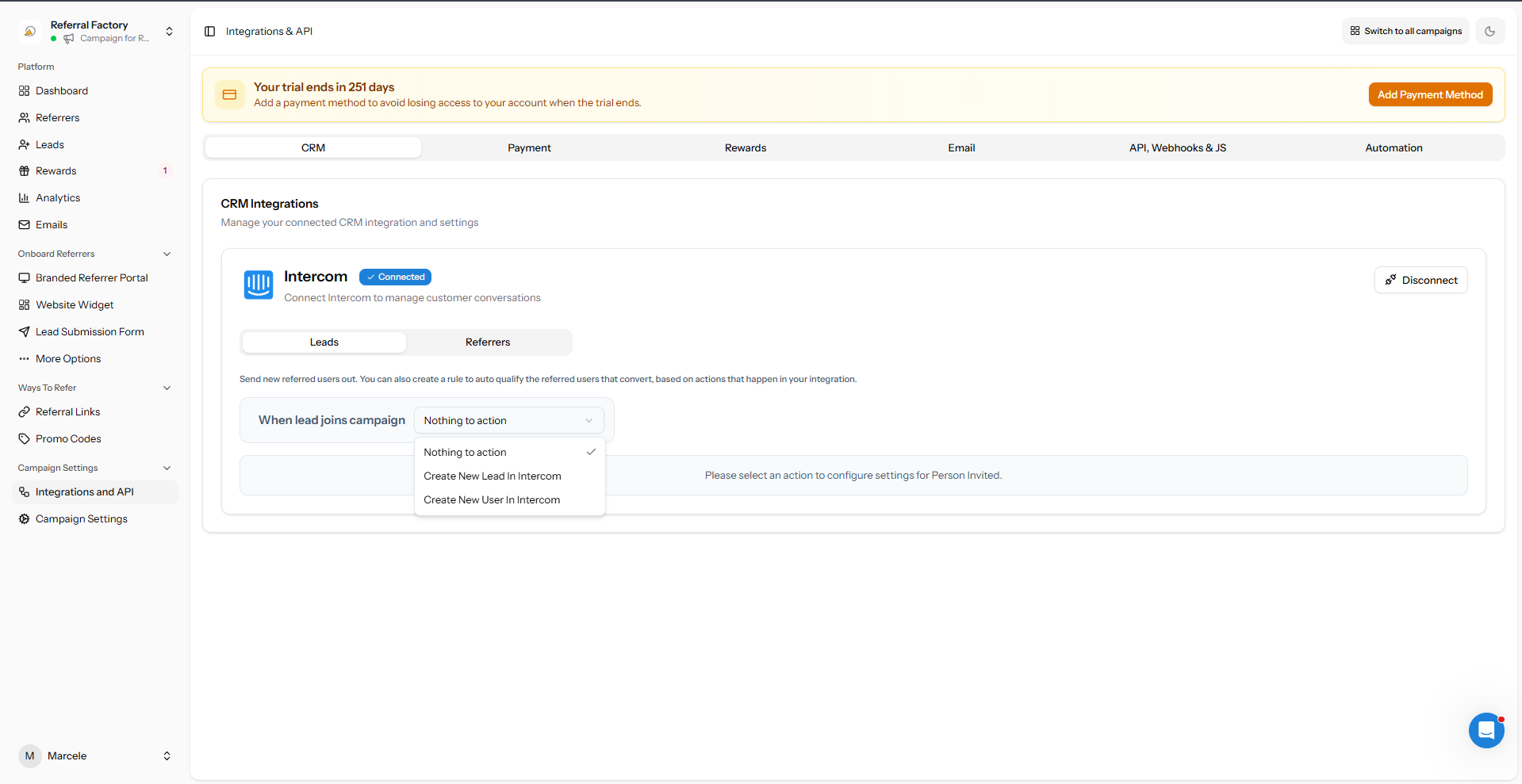
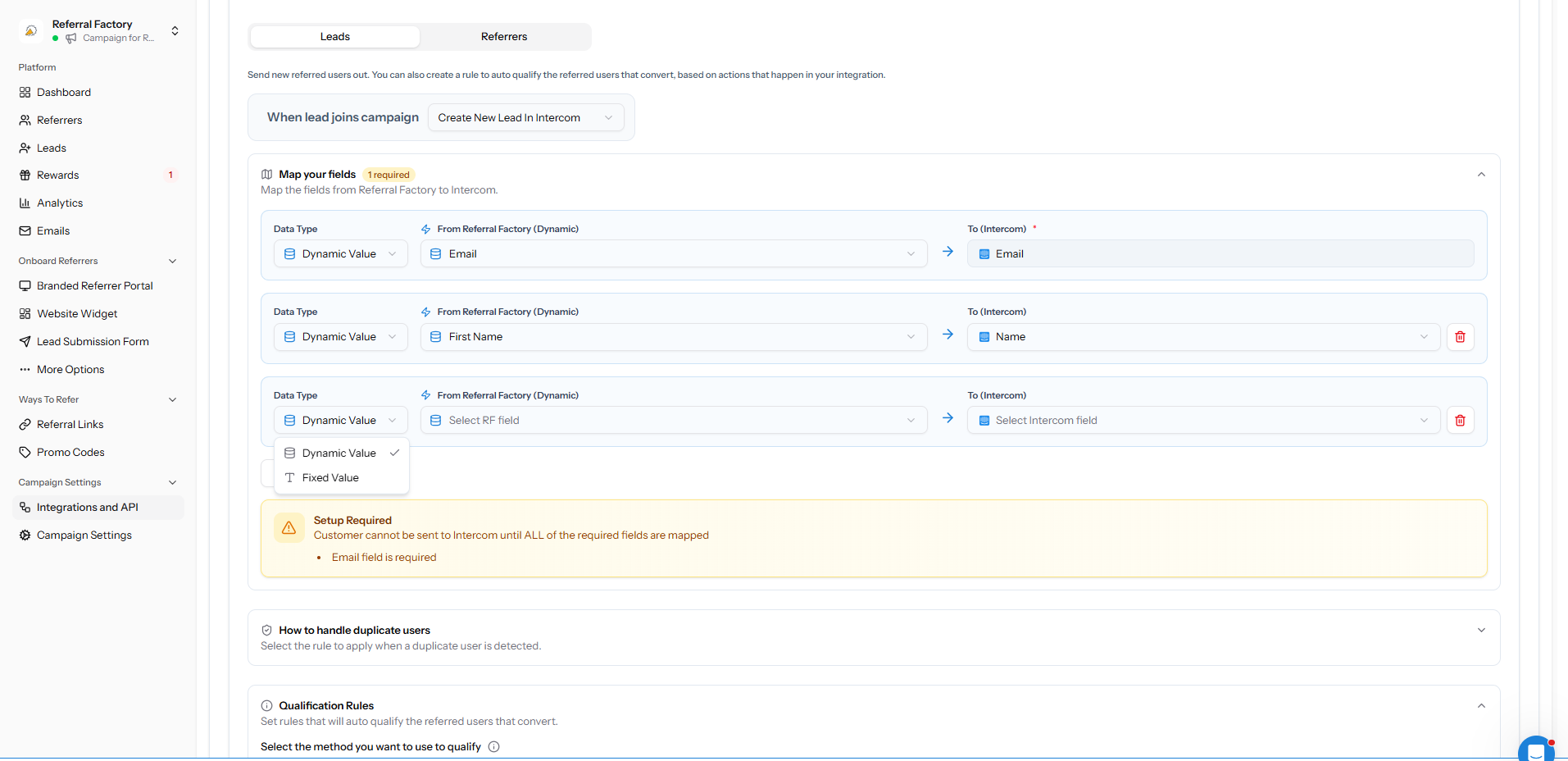
Choose what happens when a Lead joins
Select Create New Lead In Intercom or Create New User In Intercom. If Nothing to action is selected, Referral Factory will not create an Intercom record.
Map the required fields
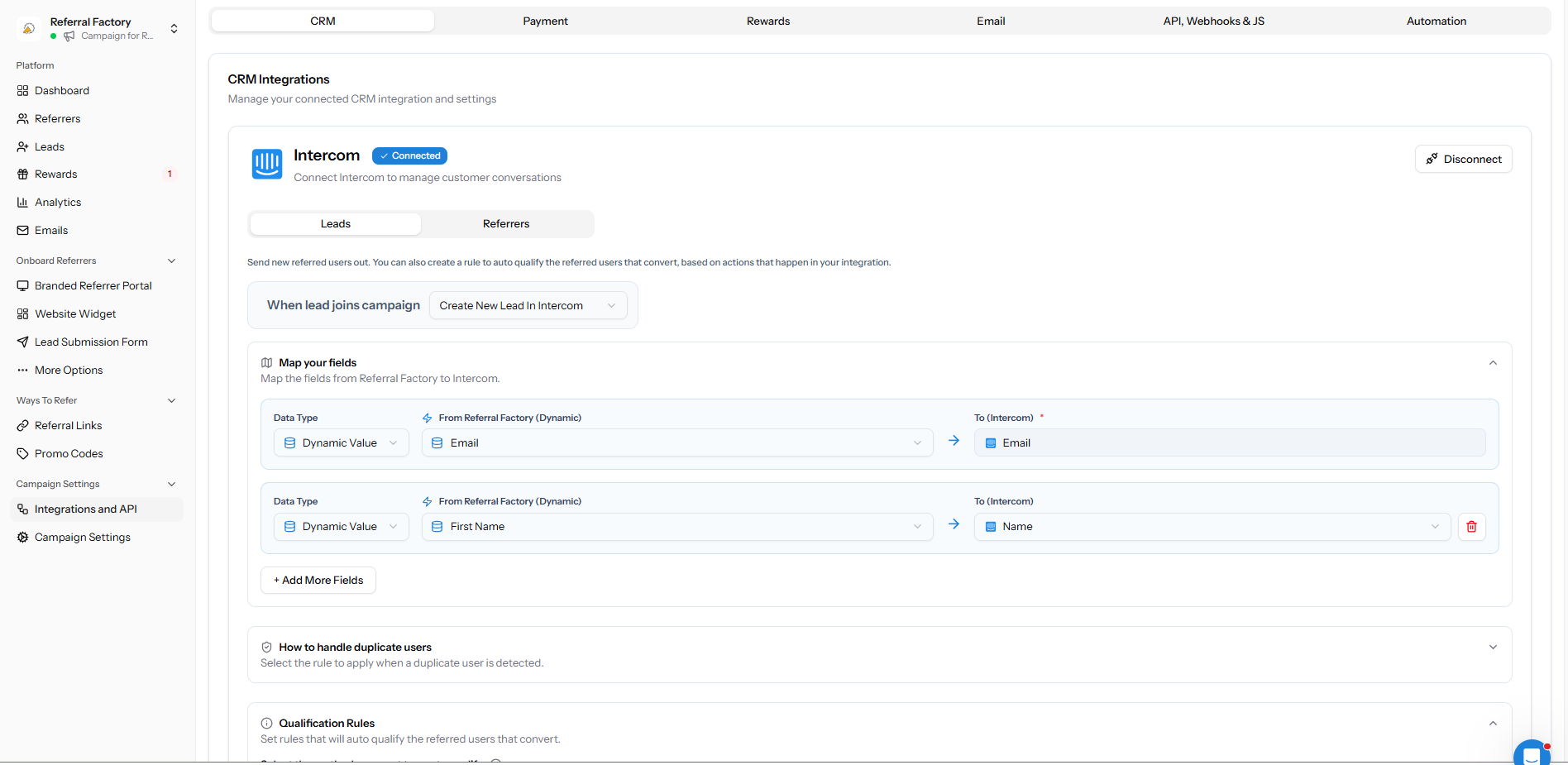
Map Referral Factory Email to Intercom Email. Add any other fields your team needs.
Use Dynamic Value for campaign or lead data, and Fixed Value for information that should be the same on every created record. Reload fresh data from the integration if a new Intercom property is missing.
Choose how duplicates are handled
Choose whether to leave an existing Intercom contact unchanged or update the contact to show that the person was referred. Use the option that matches how your team manages existing contacts.
Save and test the setup
Create one test lead in the campaign, then confirm the person appears in the correct Intercom audience with the expected fields and Referral Factory attribution.