Need help applying this to your account?
Contact support and we will keep this article attached to your request.
Before you start
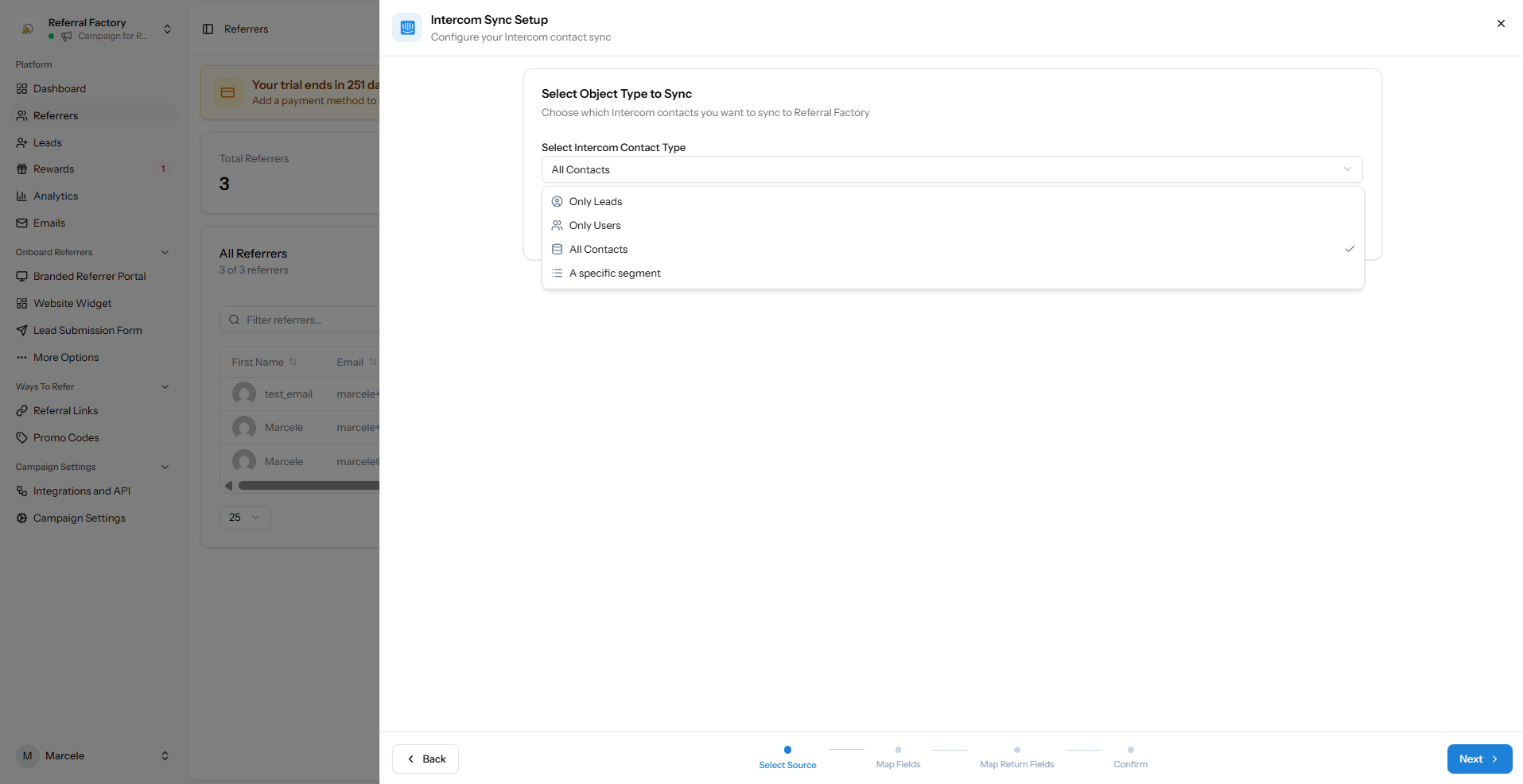
Connect Intercom under Integrations & API → CRM. Decide whether to sync Leads, Users, all Contacts or a specific Intercom segment.
This workflow is for people who already exist in Intercom. For people who join the campaign later, use the new referrers guide.
Choose Intercom as the sync source
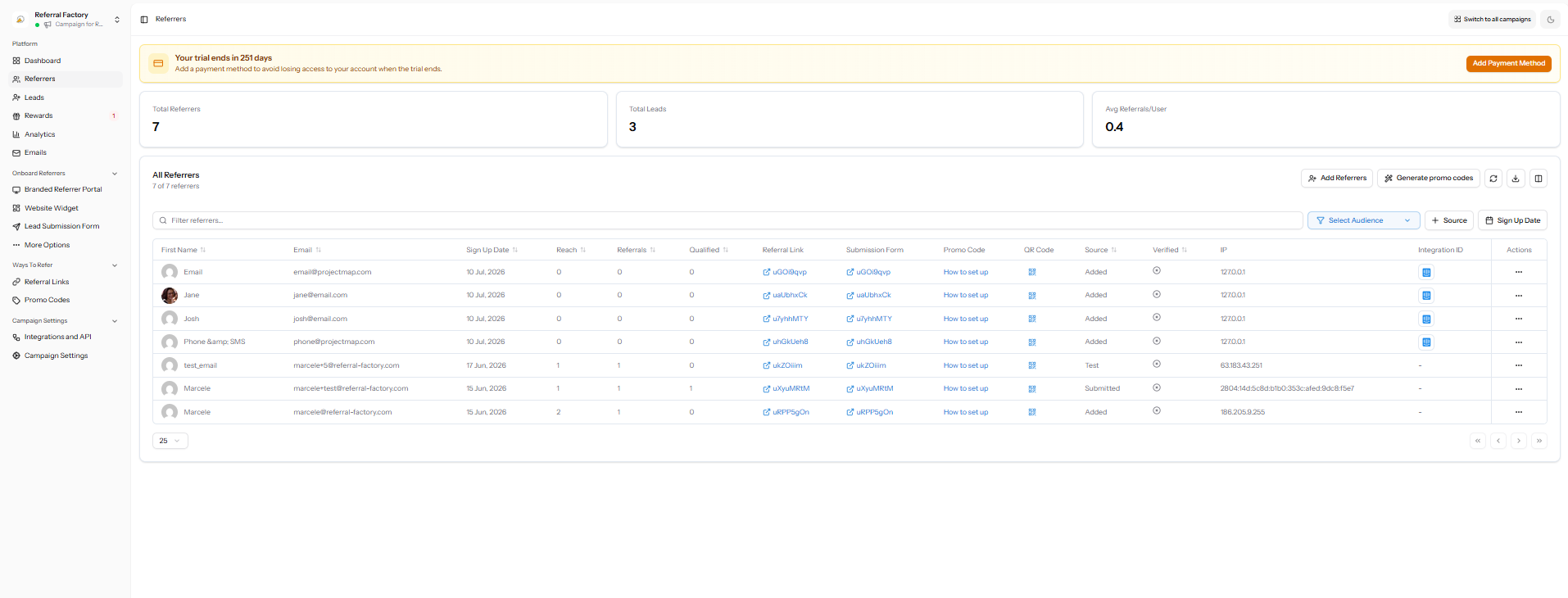
Open Referrers, choose Add Referrers, then Sync, and select Intercom.
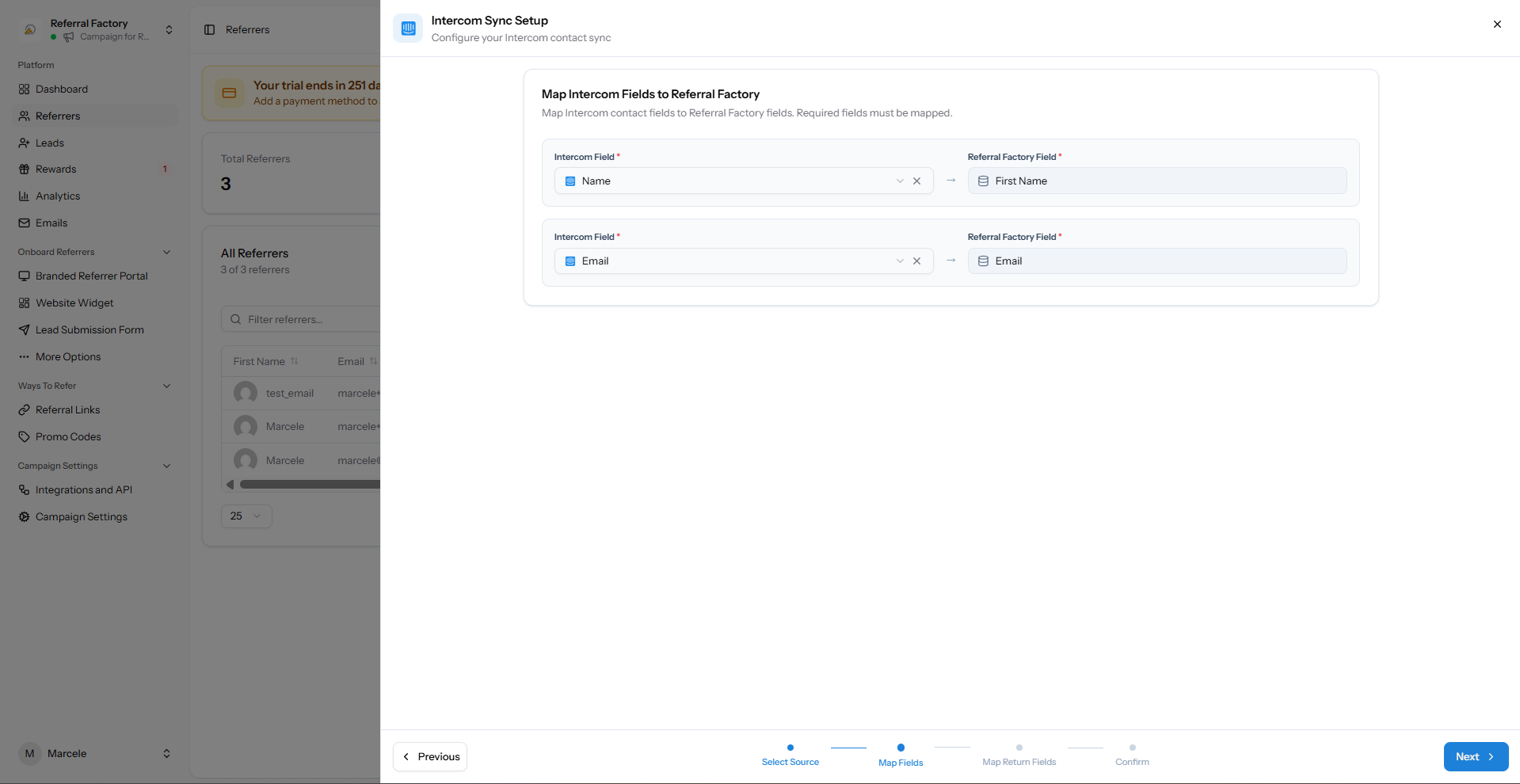
Map Intercom fields into Referral Factory
Map the contact name and email address. Email is required because it identifies the person and prevents avoidable duplicates.
Choose the audience carefully: Only Leads, Only Users, All Contacts or a specific segment.
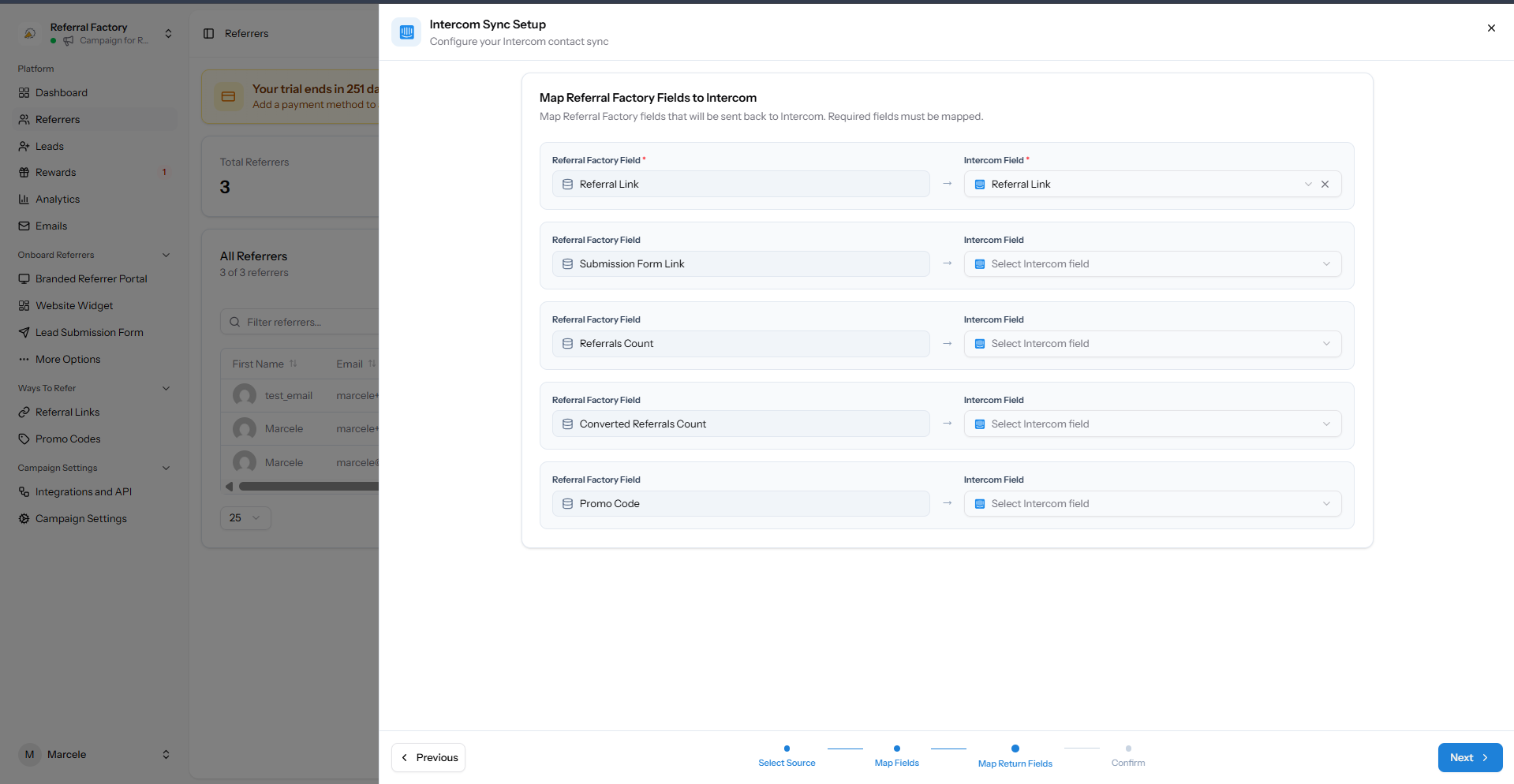
Map referral information back to Intercom
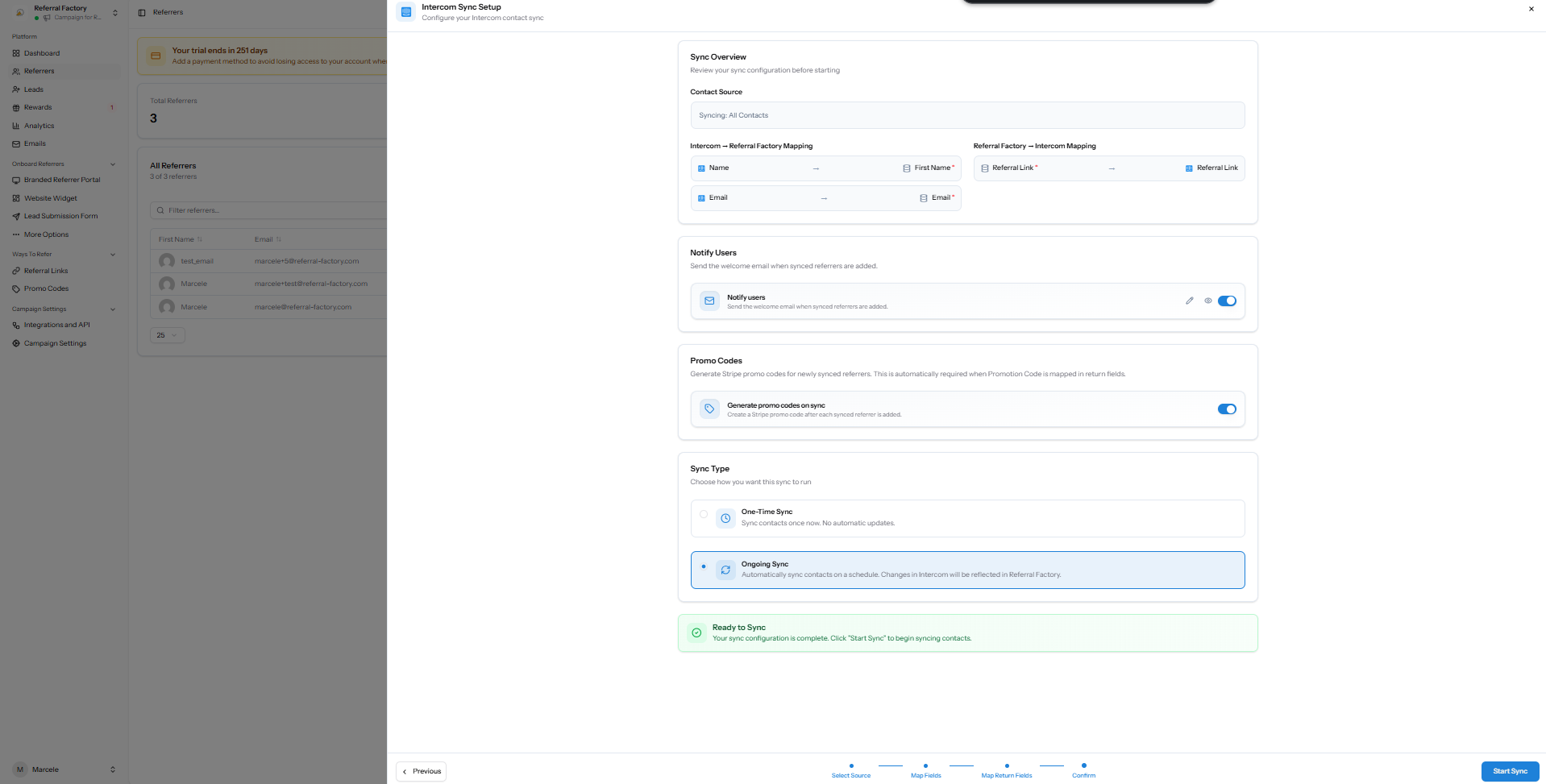
Choose which Referral Factory values should be written to Intercom, such as the referral link, promo code or referral counts.
Only map information your team will actually use in Intercom.
Choose the sync type and confirm
Use a one-time sync for a single import or an ongoing sync when future contacts in the selected audience should also become referrers.
You can optionally notify synced users. Test with a small segment before syncing a large audience.