
Read this page as a quick path: scan the headings, use the step blocks, and escalate if the expected result does not happen.
Need help applying this to your account?
Contact support and we will keep this article attached to your request.
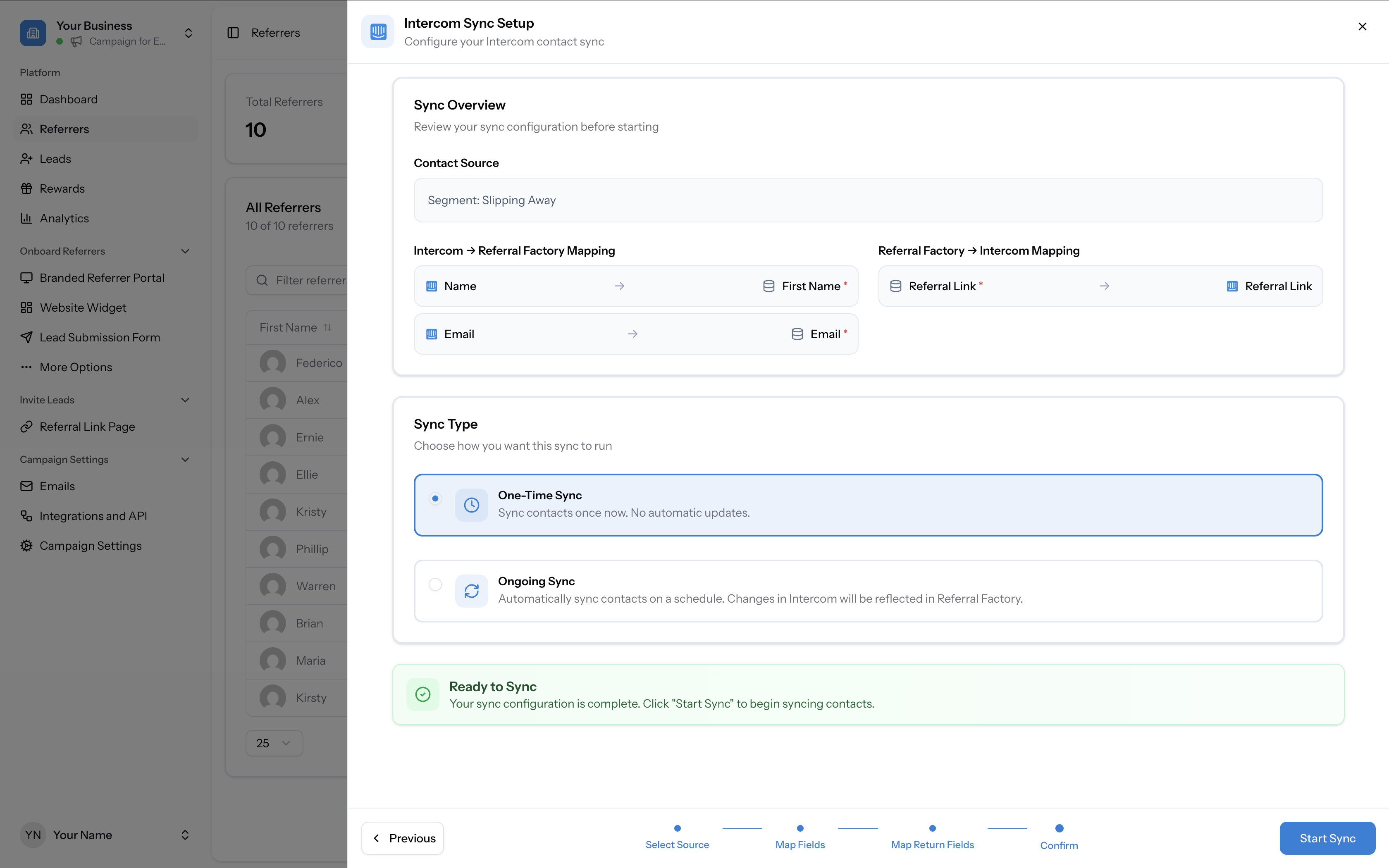
When syncing CRM or payment processor contacts into Referral Factory, you can choose between two sync modes on the confirmation page of the sync wizard:
One-Time Sync
Imports contacts from your CRM or payment processor once. After the sync completes, no further automatic updates happen. If new contacts are added to your CRM or payment processor, those updates will not be reflected in Referral Factory.
Use this if you want a one-off import of a specific set of contacts.
Ongoing Sync
Automatically syncs contacts on an ongoing basis. Changes in your CRM or payment processor will be reflected in Referral Factory over time.
Use this if you want your referrer list to stay in sync with your CRM or payment processor data without manual re-imports.
Important notes
- In both modes, previously synced contacts are not removed if they are deleted from the CRM or payment processor. See FAQ: Does Referral Factory automatically remove users who leave an Intercom segment?
- You can always perform an additional one-time sync later if needed, even if you initially chose ongoing.