Need help applying this to your account?
Contact support and we will keep this article attached to your request.
Referrers can use the Branded Referrer Portal to access their personal referral dashboard, see their referral activity, and keep track of their referral rewards without needing access to your Referral Factory account.
What they can see depends on the blocks you choose to display on the portal Dashboard.
How Referrers can view referred Leads, Qualification status and rewards
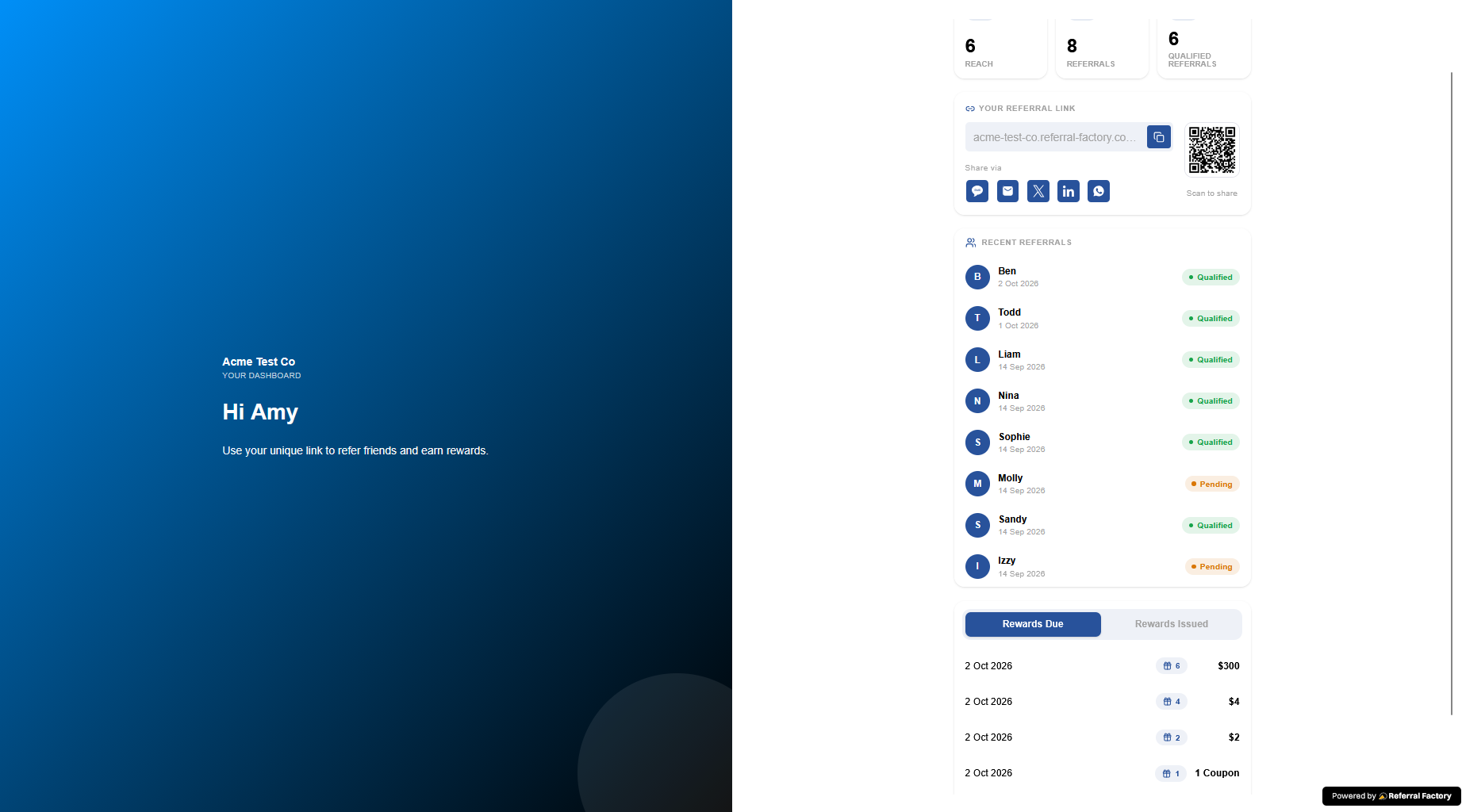
The Branded Referrer Portal Dashboard can show Referrers information about the Leads they have generated and how those referrals are progressing.
Depending on your portal setup, Referrers can see information such as:
This gives Referrers a place to check their own progress instead of contacting your team for updates.
- Their recent referrals.
- How many referrals they have generated.
- How many have successfully converted.
- Referral and conversion statistics.
- Reward information.
- Their unique Referral Link or Stripe Promo Code.
Portal/login flow
Returning Referrers access the same Branded Referrer Portal used for the campaign.
They enter the email address associated with their Referrer record and then access their personal Dashboard.
If Verification On Login is enabled, they will need to complete the configured verification step before the Dashboard opens.
Once logged in, the Dashboard displays the referral and reward information you have chosen to make available.
What statuses mean
New referred Leads normally begin as Pending.
Pending means the Lead has been referred but has not yet met the criteria your business uses to consider the referral successful.
Qualified means the Lead has completed the action you define as a successful referral, such as becoming a customer, making a purchase, or reaching a particular CRM stage.
Rewards are connected to the reward rules you configure. When qualification triggers a reward, that reward can become Due before it is issued, or be issued automatically if you have configured automatic issuing.
When data updates
The information Referrers see in the portal reflects the referral activity recorded in Referral Factory.
For example:
New Lead submits their details → Referral activity updates
Lead becomes Qualified → Conversion information updates
Reward is triggered or issued → Reward information updates
If qualification happens through a CRM, Stripe, Zapier, Make, n8n, webhook, or another integration, the portal reflects the change after that workflow has updated the Lead in Referral Factory.
What admins can control
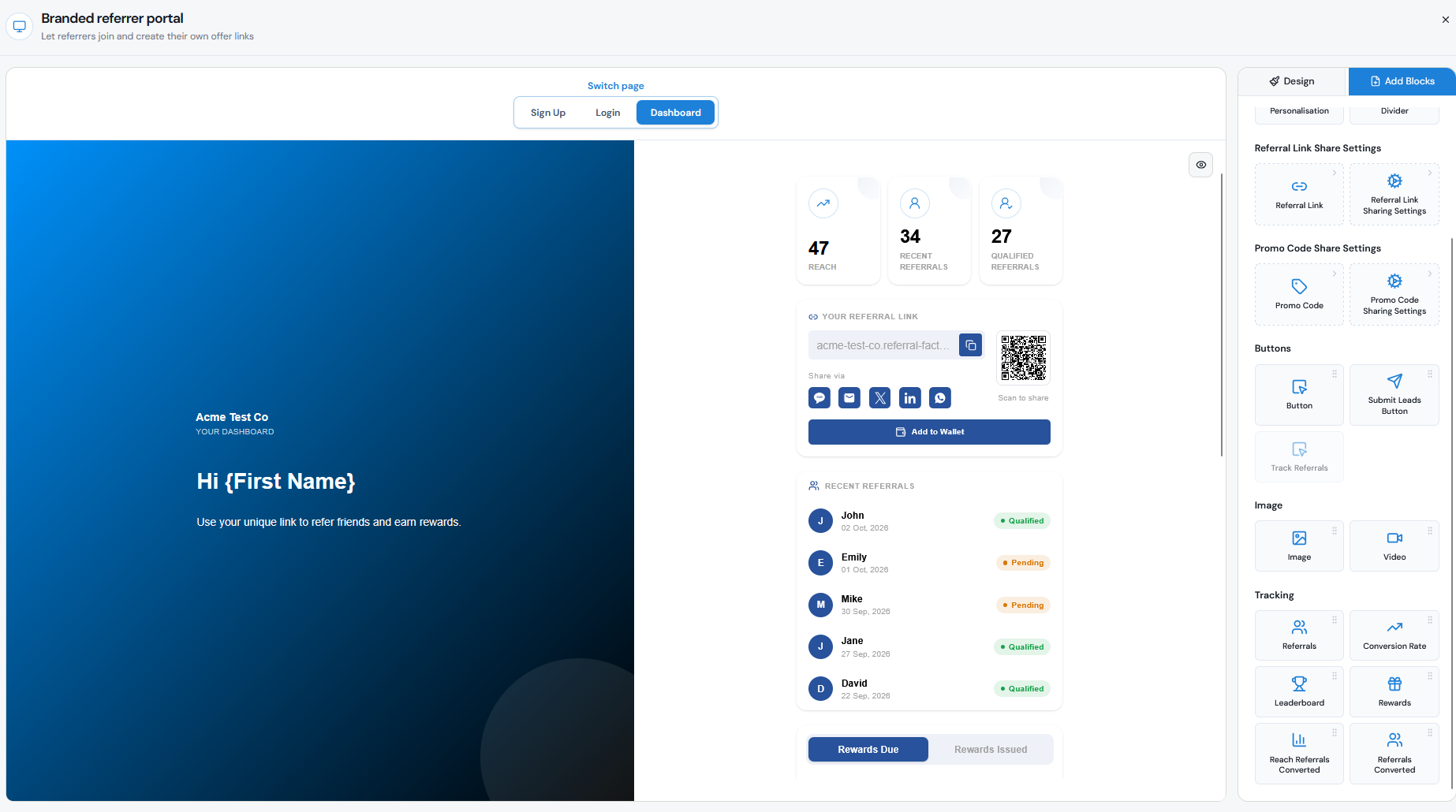
You decide which information Referrers can see by configuring the Dashboard of the Branded Referrer Portal.
Go to:
Promote → Branded Referrer Portal → Customize portal pages → Dashboard
From Add Blocks, you can choose which tracking and reward information to display.
Depending on your setup, you can add or remove blocks for:
This means you can keep the Dashboard simple or give Referrers a more detailed view of their performance.
- Referrals.
- Conversion statistics.
- Rewards.
- Leaderboard.
- Reach and other performance statistics.
- Referral Link or Promo Code.
- Sharing options.