
Need help applying this to your account?
Contact support and we will keep this article attached to your request.
Can I automatically send new Referrers to HubSpot?
Yes. When a person newly joins your campaign as a referrer, Referral Factory can create a HubSpot Contact or Deal for that person, depending on the Referrers setting you choose.
This is different from importing people who already exist in HubSpot. For that process, use the HubSpot referral-link sync guide.
Before you start
Connect HubSpot from Integrations & API → CRM. Decide whether new referrers should be represented as Contacts or Deals, and create any HubSpot properties that will store referral information.
How do I choose what happens when a Referrer joins?
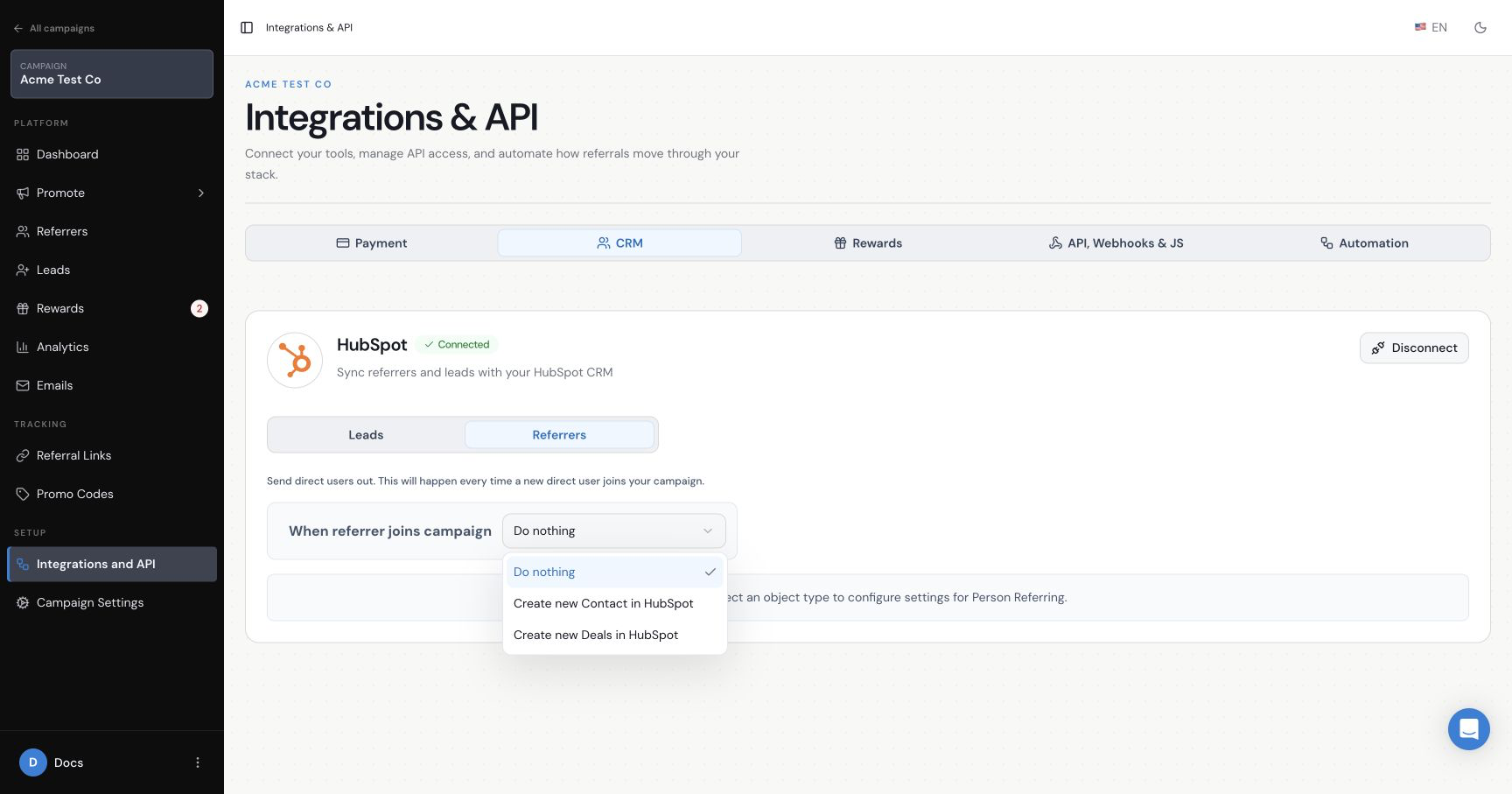
Open the HubSpot Referrers tab. Under When a referrer joins campaign, choose Do nothing, Create new Contact in HubSpot, or Create new Deals in HubSpot.
How do I configure the Contact path?
Choose Create new Contact in HubSpot, then map the required Email and First Name values. Add other HubSpot fields only when needed and make sure every required row is complete before saving.
How do I configure the Deal path?
Choose Create new Deals in HubSpot, select the required Pipeline and Deal Stage, and map a dynamic Deal Name. If Create contact associated with deal is enabled, map the associated Contact’s Email and First Name.
Which referral information can I map?
Available values can include Referral Link, Submission Form Link, Promo Code, Referrals Count and Campaign Name, depending on the campaign. Map only the values your team needs and use clearly named HubSpot properties.
How do I handle an existing HubSpot Contact?
Use the existing-Contact choice in the Referrers setup. You can leave an existing Contact unchanged or update it with the mapped values. If contacts can participate in more than one campaign, use a separate property for each campaign’s referral link so that one link does not overwrite another.
How do I test the setup?
Save the Referrers settings, then create one dummy referrer through the campaign. Confirm that the selected HubSpot Contact or Deal exists and that the mapped values are correct. Keep this test separate from the existing-contact sync so you know which setting created the record.