
Need help applying this to your account?
Contact support and we will keep this article attached to your request.
Native CRM/app integrations plus automation routes such as Zapier, make, n8n, Webhooks and API
Referral Factory can connect your referral program to the systems you already use to manage customers, sales, payments, and rewards.
We offer native integrations with several CRMs and business tools, as well as flexible automation options such as Zapier, Make, n8n, webhooks, and our API for connecting to thousands of other apps.
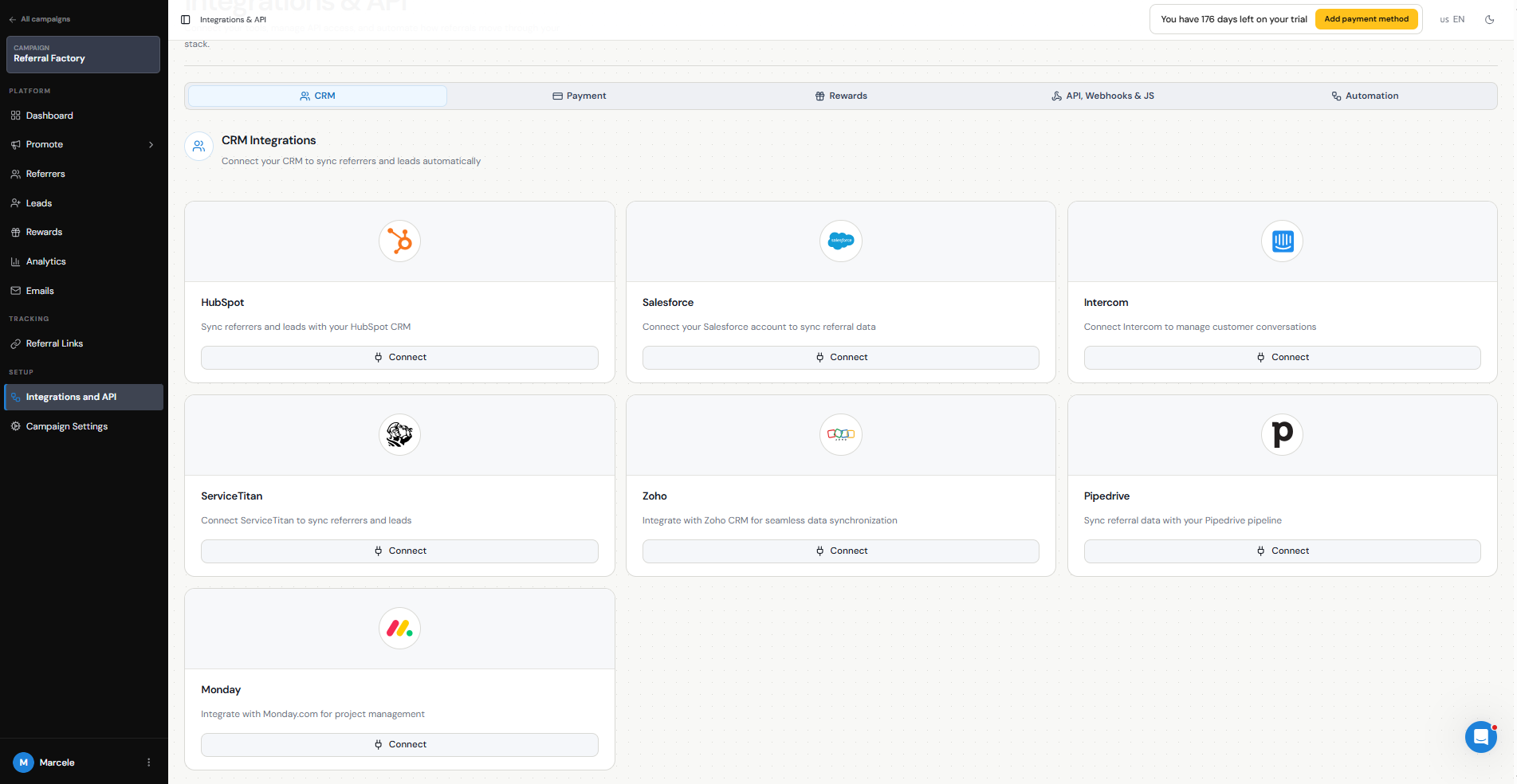
Our native integrations include:
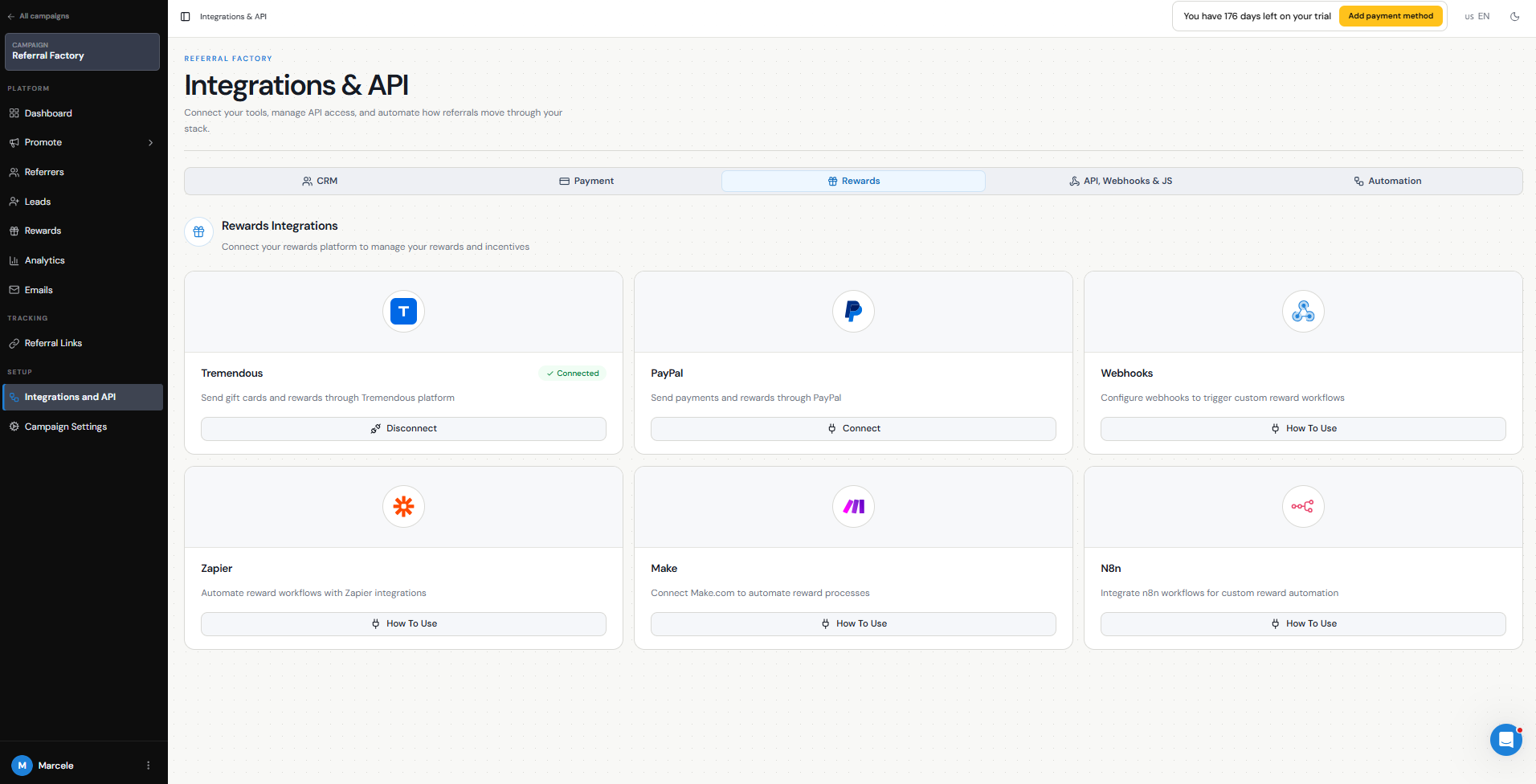
We also integrate with reward providers such as Tremendous and PayPal for issuing rewards.
If the app you use does not have a native integration, you can connect it through:
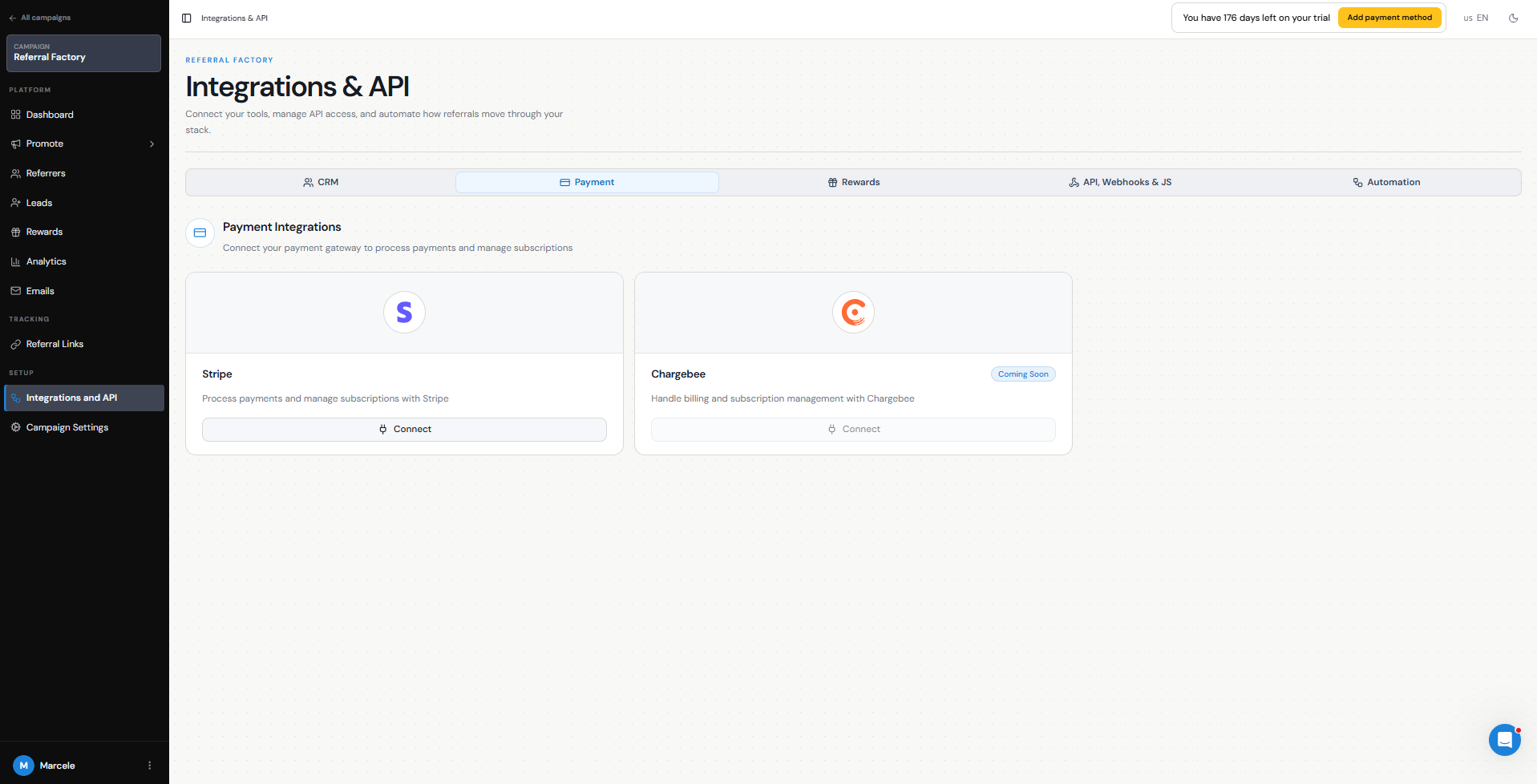
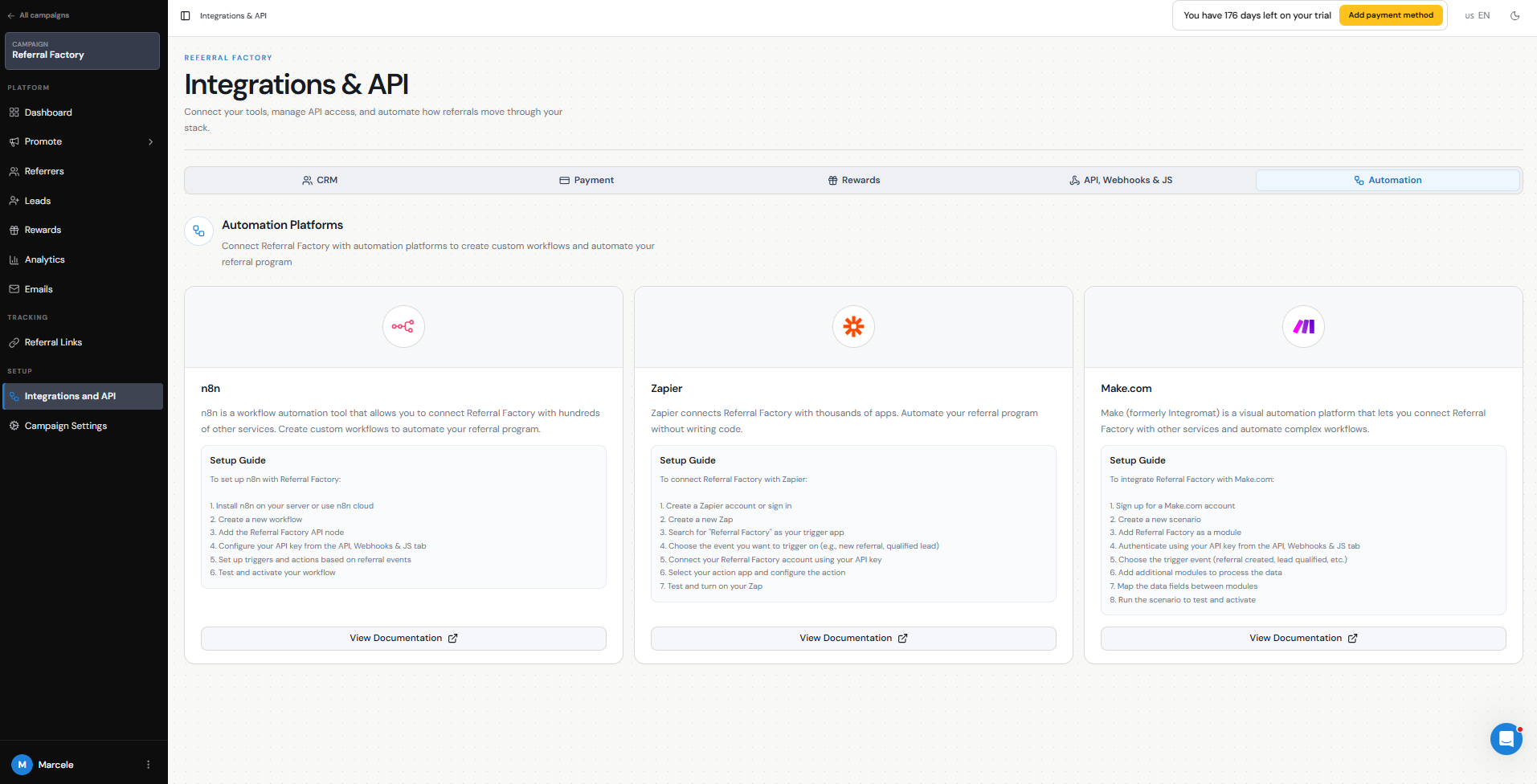
You can find these options in Campaign Settings → Integrations and API, organized by integration type.
- HubSpot — sync contacts as Referrers, send new Leads and Referrers into HubSpot, and automatically qualify Leads based on CRM activity.
- Salesforce — sync contacts, create Lead or Contact records, and qualify Leads based on fields, Lead conversion, or Opportunity stages.
- Intercom — sync contacts, send Leads and Referrers into Intercom, and qualify Leads based on contact attributes.
- Zoho CRM — sync contacts, send new Leads into Zoho, and qualify Leads based on Lead, Contact, or Deal activity.
- Pipedrive — sync contacts, send Leads into Pipedrive, and qualify them based on Lead or Deal activity.
- Monday.com — connect referral activity to your Monday.com boards and workflows.
- ServiceTitan — sync customers as Referrers, create bookings for new Leads, and qualify referrals based on job activity.
- Stripe — qualify Leads based on payments or subscriptions, sync Stripe customers as Referrers, use Stripe promo codes, and issue Stripe Credits as rewards.
- Zapier — connect Referral Factory to thousands of apps using no-code Zaps.
- Make — create multi-step automation scenarios between Referral Factory and other platforms.
- n8n — build custom automated workflows using n8n Cloud or a self-hosted setup.
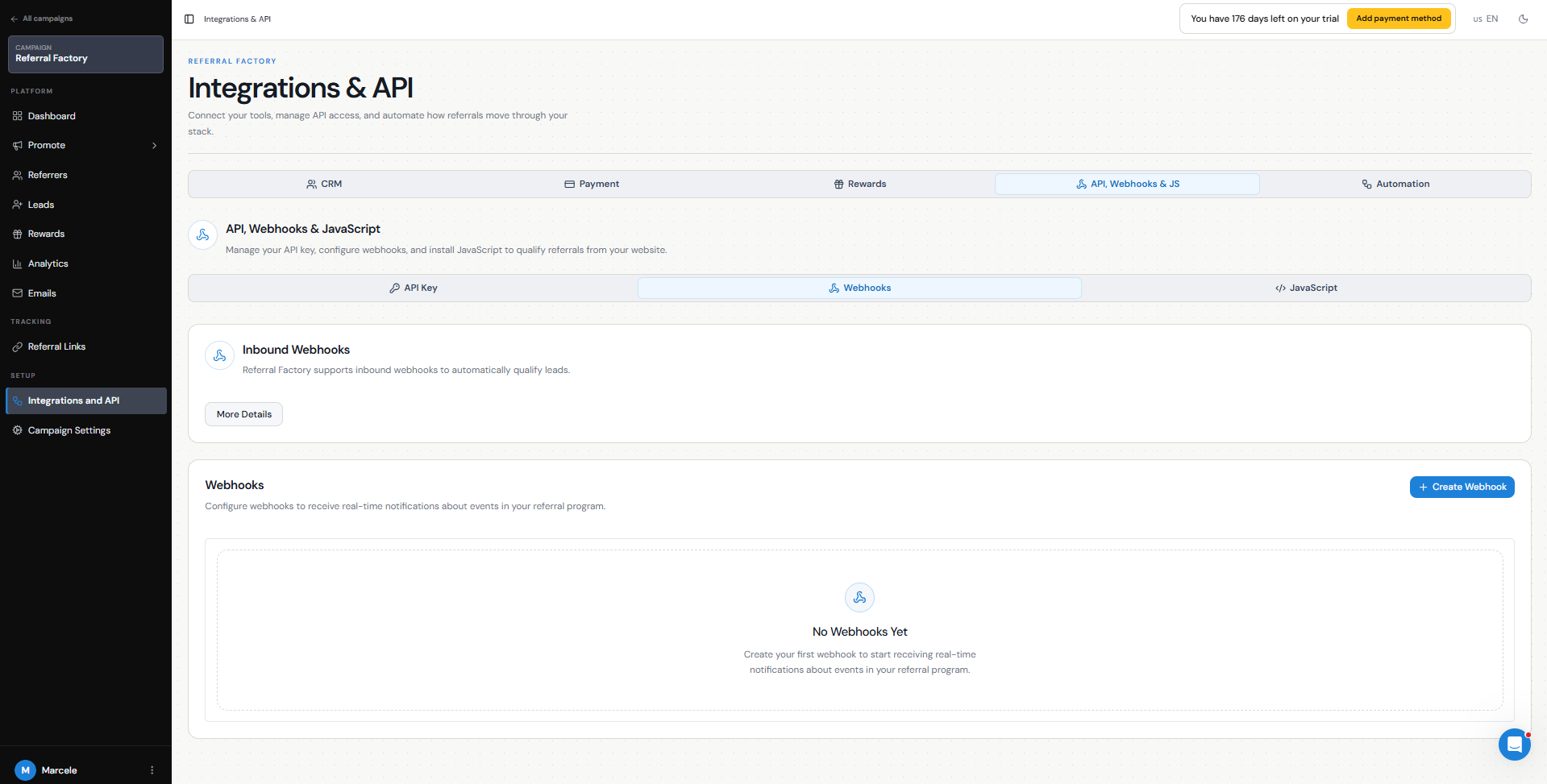
- Webhooks — send Referral Factory events to another system or send an event back to Referral Factory to qualify a Lead.
- Referral Factory API — build a custom integration to add Referrers, qualify Leads, retrieve referral data, and manage other referral workflows programmatically.
What integrations can do
Integrations can automate several parts of your referral program.
Depending on the platform you connect, you can:
For example, you could sync your existing HubSpot customers into Referral Factory as Referrers, generate a referral link for each person, send new Leads back into HubSpot, and automatically qualify those Leads when their HubSpot Deal reaches Closed Won.
The exact actions available depend on the integration you use.
- Sync existing customers as Referrers and automatically generate their unique referral links.
- Send new Leads into your CRM so your sales team can manage them using its existing workflow.
- Send new Referrers into your CRM and store their referral information there.
- Automatically qualify Leads when they reach a milestone such as becoming a customer, reaching a specific Deal stage, completing a payment, or finishing a job.
- Send referral links and referral data back to your CRM.
- Send leads information to other apps, such as your CRM, marketing platform, internal database, or notification tool.
How to choose a route
If we have a native integration for the platform you use, this is usually the simplest place to start. Native integrations are built specifically around Referral Factory workflows such as syncing Referrers, sending Leads, field mapping, duplicate handling, and automatic qualification.
Use Zapier, Make, or n8n when your app is not natively integrated or when you want to connect several systems together without building your own integration. These platforms are also useful when you need a workflow that is more customized than the native integration provides.
Use webhooks when you want referral events to move directly between Referral Factory and another system. For example, an outbound webhook can send a new Lead to your own application, while an inbound webhook can tell us when that Lead should become Qualified.
Use the API when you need a fully custom integration managed by your developers, such as adding Referrers from your own product, qualifying Leads based on activity in your backend, or retrieving and updating referral data programmatically.
The best route depends on where your customer data already lives and which system contains the event you consider a successful referral.
Where to find platform-specific setup guides
For native integrations, go to Campaign Settings → Integrations and API, choose the integration you want to connect, and follow the setup options for that platform.
You can also find step-by-step guides in our Integrations section of the Help Center. We have dedicated guides for platforms and connection methods including:
HubSpot, Salesforce, Intercom, Zoho CRM, Pipedrive, Monday.com, ServiceTitan, Stripe, Zapier, Make, n8n, webhooks, and the Referral Factory API.
The platform-specific guides explain the exact record types, mandatory fields, field mapping, duplicate behavior, qualification options, and testing steps for each integration.