
Need help applying this to your account?
Contact support and we will keep this article attached to your request.
The API Integration panel gives you everything you need to build a custom referrer dashboard inside your own application. It provides your API credentials, a visual example of what a referrer dashboard looks like, and the specific API endpoints required to build one.
This method is ideal for businesses with development resources that want full control over the referral experience — embedding referral data directly into their own product.
Where to find the API Integration panel
The API Integration panel is accessed from the Promote section of your campaign dashboard. Scroll to the Methods requiring a logged-in environment group and click the Custom API Dashboard card.
What the panel contains
When you open the API Integration panel, you'll see the following sections:
Developer Documentation
A link to the full API reference at developers.referral-factory.com, including code examples and integration guides. Click View Full Documentation to open the developer portal.
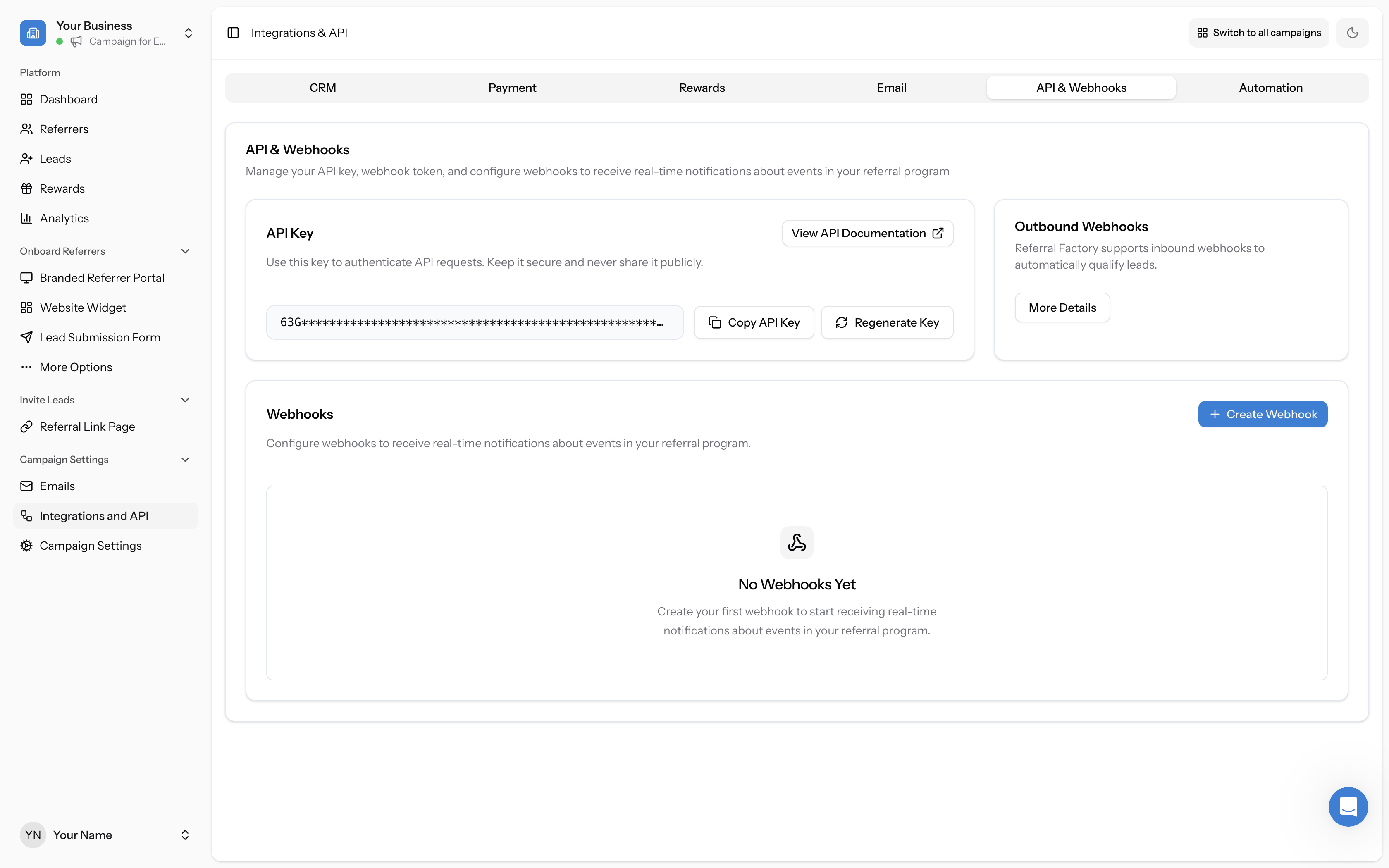
API Key
Your API Key is shown here, partially masked for security. Use the Copy button to copy the full key to your clipboard. If you need a new key, click Regenerate.
Include this key in all API requests as a Bearer token:
Authorization: Bearer YOUR_API_KEY⚠️ Regenerating your key will immediately invalidate the old one. Any existing integrations using the old key will stop working until updated.
The Referrer Dashboard Example
The panel includes a visual mockup showing what a custom referrer dashboard could look like when built using the Referral Factory API. The example displays:
This is a guide to help you design your own dashboard — you have complete flexibility over the layout and design in your application.
- Your Referral Link — the referrer's unique tracking link with a copy button
- Stats — Reach, Referrals, and Qualified Referrals counts
- Recent Referrals — a list of referred people with their qualification status
Required API endpoints for your referrer dashboard
The panel lists the two essential API endpoints you need to build a referrer dashboard:
1. Create Or Fetch User
When a user enters your dashboard, use this endpoint to either create them as a new referrer or retrieve their existing referral data. This generates their unique referral link.
Endpoint:
POST /api/v2/usersSee the full request and response format in the developer documentation.
2. Get User Referrals (List Referrals)
Use the Search API to retrieve all referrals made by a specific user. This populates the referral list and stats in your dashboard.
See the full request and response format in the developer documentation.
API rate limits
The Referral Factory API has a rate limit of 600 requests per minute. Exceeding this limit may result in temporary IP blocking. Implement proper caching and request throttling in your application to stay within the limit.
Need help?
For the complete list of API endpoints, request/response examples, and detailed guides, visit developers.referral-factory.com.
If you need assistance, contact developers@referral-factory.com.