
Read this page as a quick path: scan the headings, use the step blocks, and escalate if the expected result does not happen.
Need help applying this to your account?
Contact support and we will keep this article attached to your request.
If your Tremendous account is connected but the campaign you created isn't appearing in the dropdown when setting up a reward, try the following:
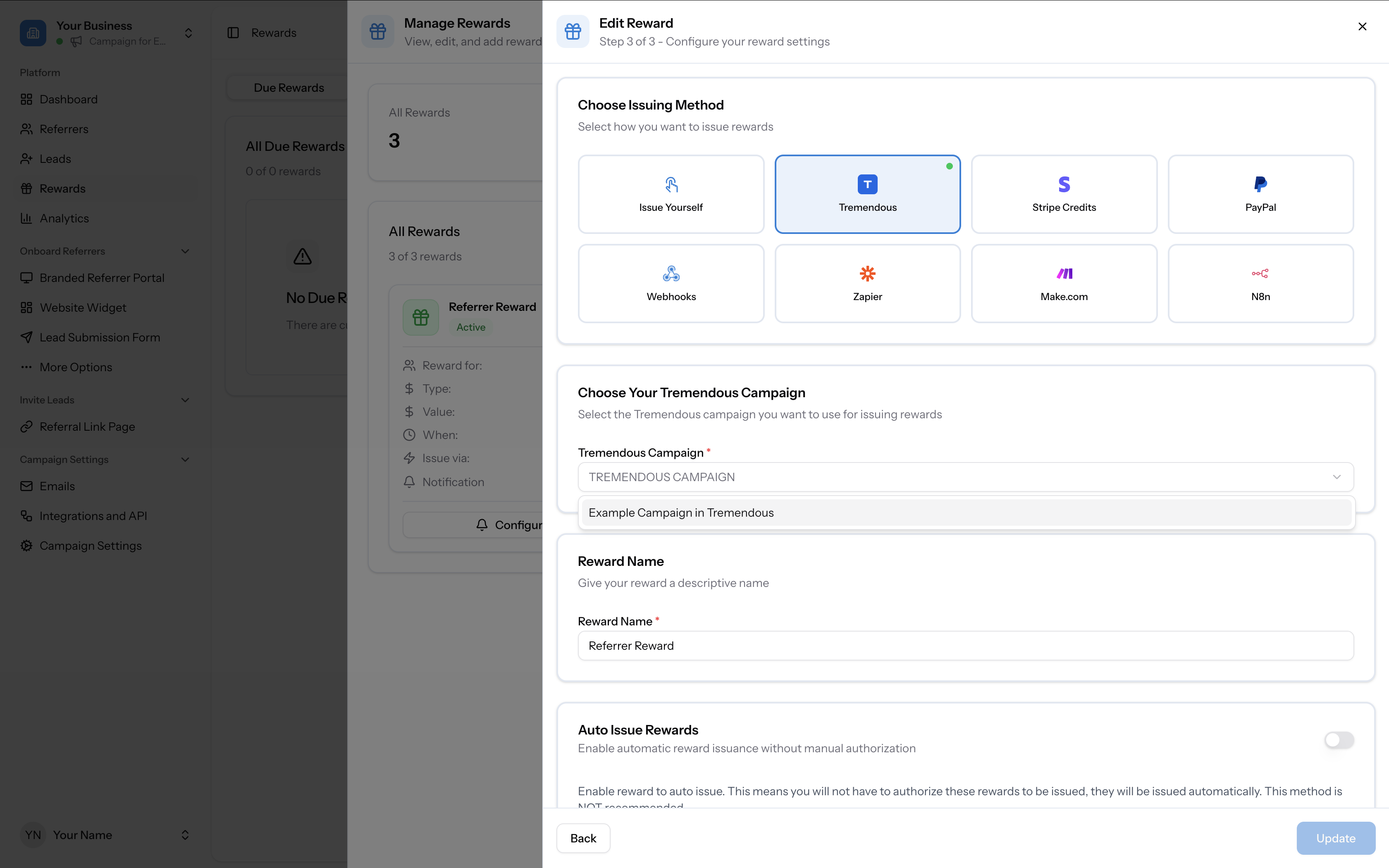
If the campaign still doesn't appear after disconnecting and reconnecting, contact support with a screenshot of the campaign inside Tremendous.
- Disconnect and reconnect — go to Campaign Settings → Integrations and API → Rewards tab, disconnect Tremendous, then reconnect. This forces a re-sync of your campaigns.
- Wait a moment — recently created campaigns can take a short time to sync between Tremendous and Referral Factory.
- Verify the campaign exists in Tremendous — log into Tremendous and confirm the campaign was saved correctly.
- Check which account is connected — if you have more than one Tremendous account, you may be connected to the wrong one. Log out of all Tremendous accounts, log into the correct one, and reconnect.