Read this page as a quick path: scan the headings, use the step blocks, and escalate if the expected result does not happen.
Need help applying this to your account?
Contact support and we will keep this article attached to your request.
Disconnections are uncommon but can happen in a few specific situations:
When a disconnection occurs, Referral Factory will send you an email notification with the subject line "Action Required: Reconnect Referral Factory to Tremendous", prompting you to reconnect.
- Someone changed the Tremendous login credentials.
- The API token between Tremendous and Referral Factory expired.
- A secure connection token failed to refresh during a reward event.
How to fix it
You won't need to reconnect every time you issue a reward — only when the integration has actually disconnected. If disconnections are happening repeatedly, contact support so the technical team can investigate.
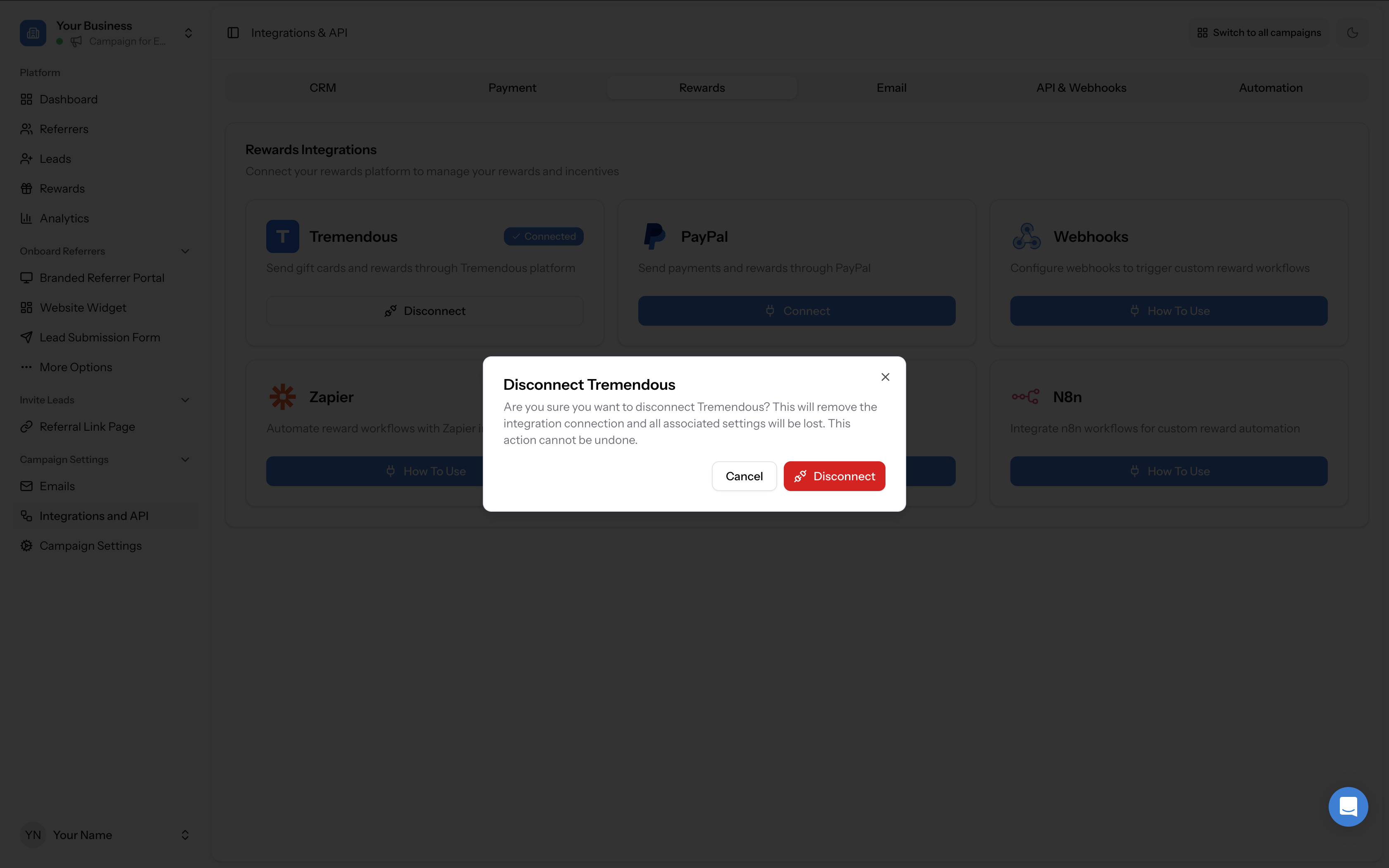
- Go to Campaign Settings → Integrations and API → Rewards tab and click Connect under the Tremendous tile to re-authenticate.
- You will be redirected to Tremendous to authorise the connection. Click Authorize to confirm.
- Once reconnected, go to the Rewards page and open the Issued Rewards tab. Look for any rewards with a Failed status badge — these are rewards that failed during the disconnect.
- Re-issue failed rewards by clicking the three-dots action menu on the reward row and selecting Issue Now, or by selecting them in bulk.
Disconnecting Tremendous manually
If you need to disconnect Tremendous intentionally (for example, to switch to a different Tremendous account), go to Campaign Settings → Integrations and API → Rewards tab and click Disconnect under the Tremendous tile. You will see a confirmation dialog warning that this will remove the integration connection and all associated settings will be lost. This action cannot be undone.