
Back to Help Hub
IntegrationsFAQ1 min readUpdated 2026-03-11

FAQ: Why did my Intercom integration disconnect?

This can happen if there's been a change in your Intercom settings, a password reset, or a security update that revokes your Intercom token.

Browse topics and support
Navigation

Topics

Article

On this page

Support

Ask AI

Ask a product or setup question without leaving this page.

Need human help?

Still stuck?

If this article does not solve the problem, send the context to support or book time with a human.

We will keep the article or page context with your request so support can respond faster.
Read this page as a quick path: scan the headings, use the step blocks, and escalate if the expected result does not happen.
This can happen if there's been a change in your Intercom settings, a password reset, or a security update that revokes your Intercom token.

How to fix it

  • Go to Campaign Settings → Integrations and API → CRM tab.
  • Click Connect under Intercom and re-authenticate with your Intercom account.
  • Contact support@referral-factory.com if you suspect any referrers or leads were not synced during the downtime.

Intentional disconnection

If you intentionally disconnected Intercom (via the Disconnect button), be aware that all integration settings including field mappings, qualification rules, and sync configurations may have been permanently deleted. You may need to reconfigure everything if you reconnect.
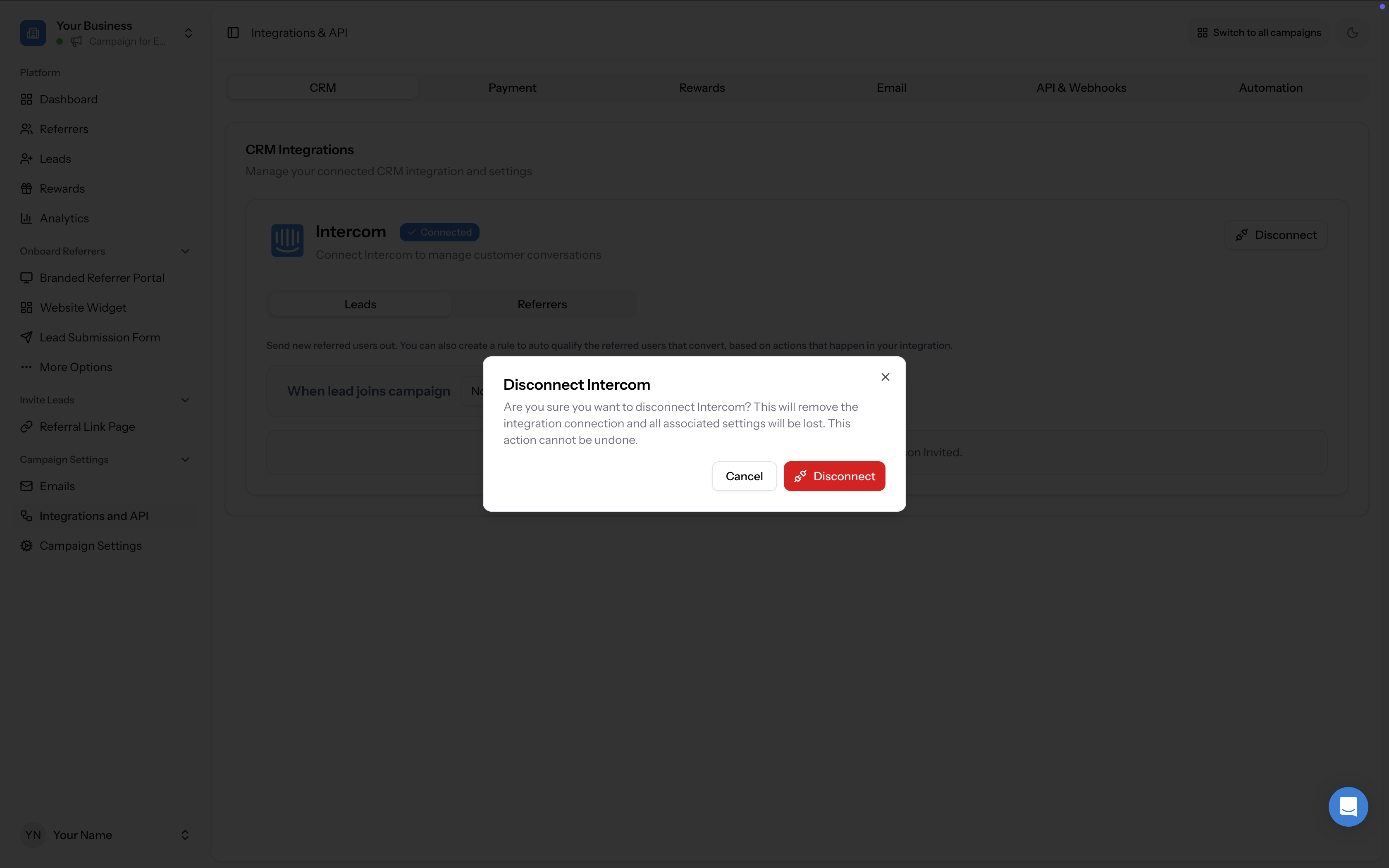
Disconnect confirmation modal warning that settings will be lost
Related strategy reading

Go deeper with Learn

This help article explains the setup. These Learn guides explain the bigger strategy, planning, and real-world use of referral programs.

Article feedback

Did this answer your question?

Your vote helps support spot weak articles, fix missing steps, and decide when a person should step in.