
Read this page as a quick path: scan the headings, use the step blocks, and escalate if the expected result does not happen.
Need help applying this to your account?
Contact support and we will keep this article attached to your request.
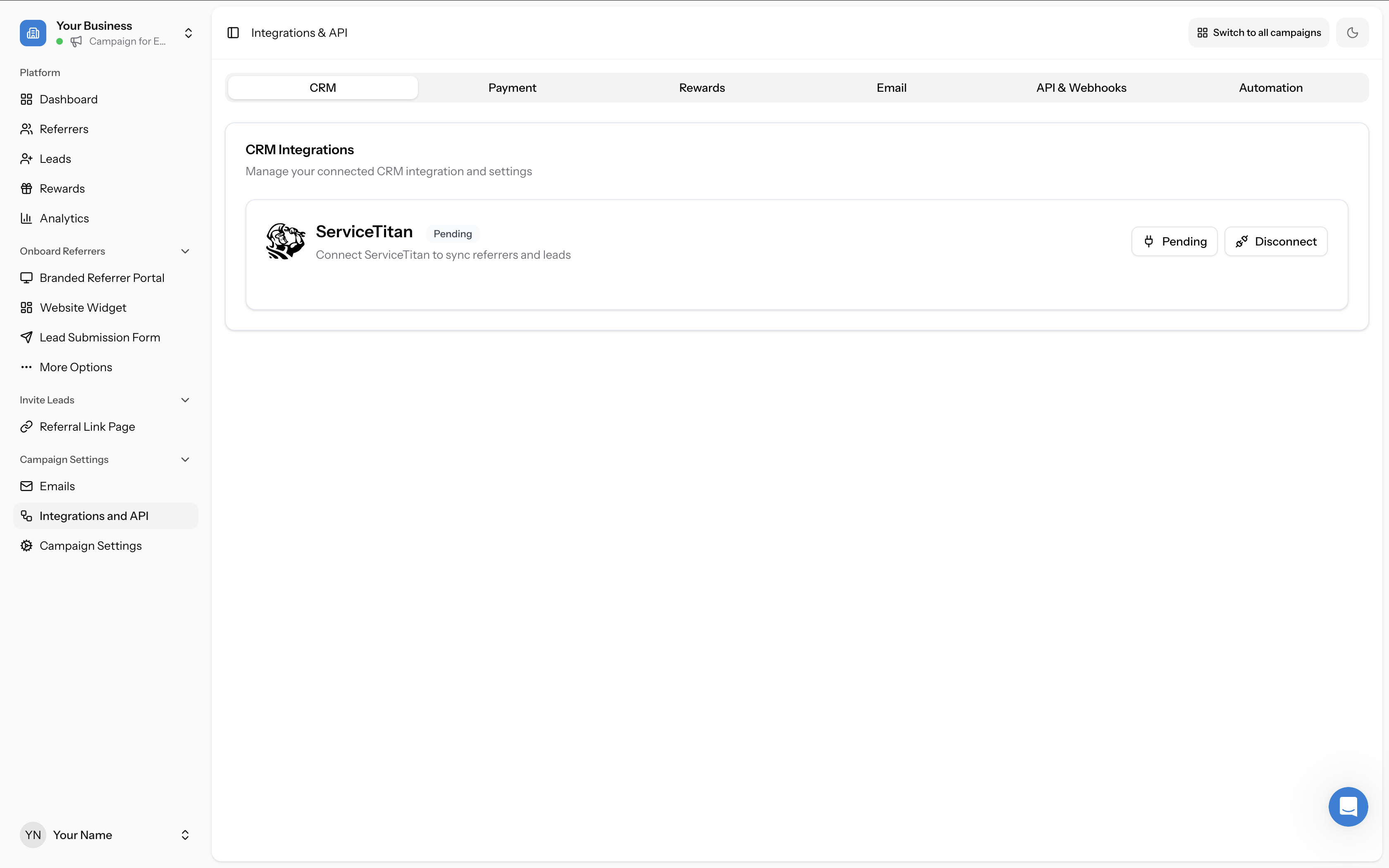
Approval typically takes 1–2 business days after you submit your ServiceTitan Tenant ID.
What happens during approval
After you enter your Tenant ID in Campaign Settings → Integrations and API → CRM tab and click Connect, the ServiceTitan tile will show a Pending status. The Referral Factory team verifies your Tenant ID and enables the integration connection on their side.
What happens after approval
Once approved, the ServiceTitan tile will change from Pending to Finalize. This means you can now complete the setup by:
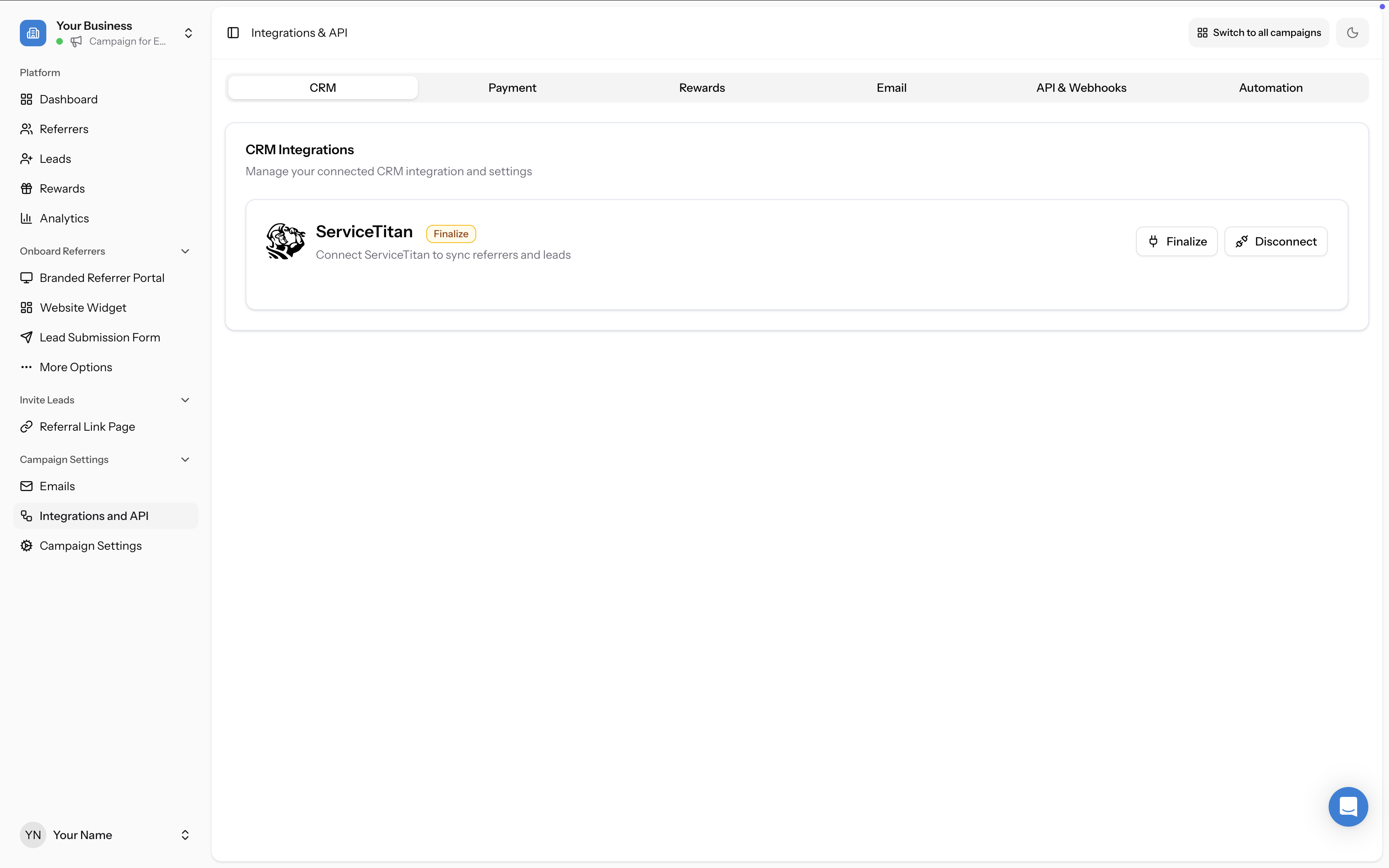
For the full step-by-step walkthrough, see How to Connect and Configure Your ServiceTitan Integration.
- Installing the Referral Factory app in your ServiceTitan account (under Settings → Integrations → API Application Access)
- Copying your Client ID, Client Secret, and Booking Provider Value from ServiceTitan
- Entering those credentials in the Finalize modal in Referral Factory
If you haven't heard back
If it has been more than 2 business days since you submitted your Tenant ID, reach out to the support team via chat to have your request escalated.