Need help applying this to your account?
Contact support and we will keep this article attached to your request.
What is a Promo Code?
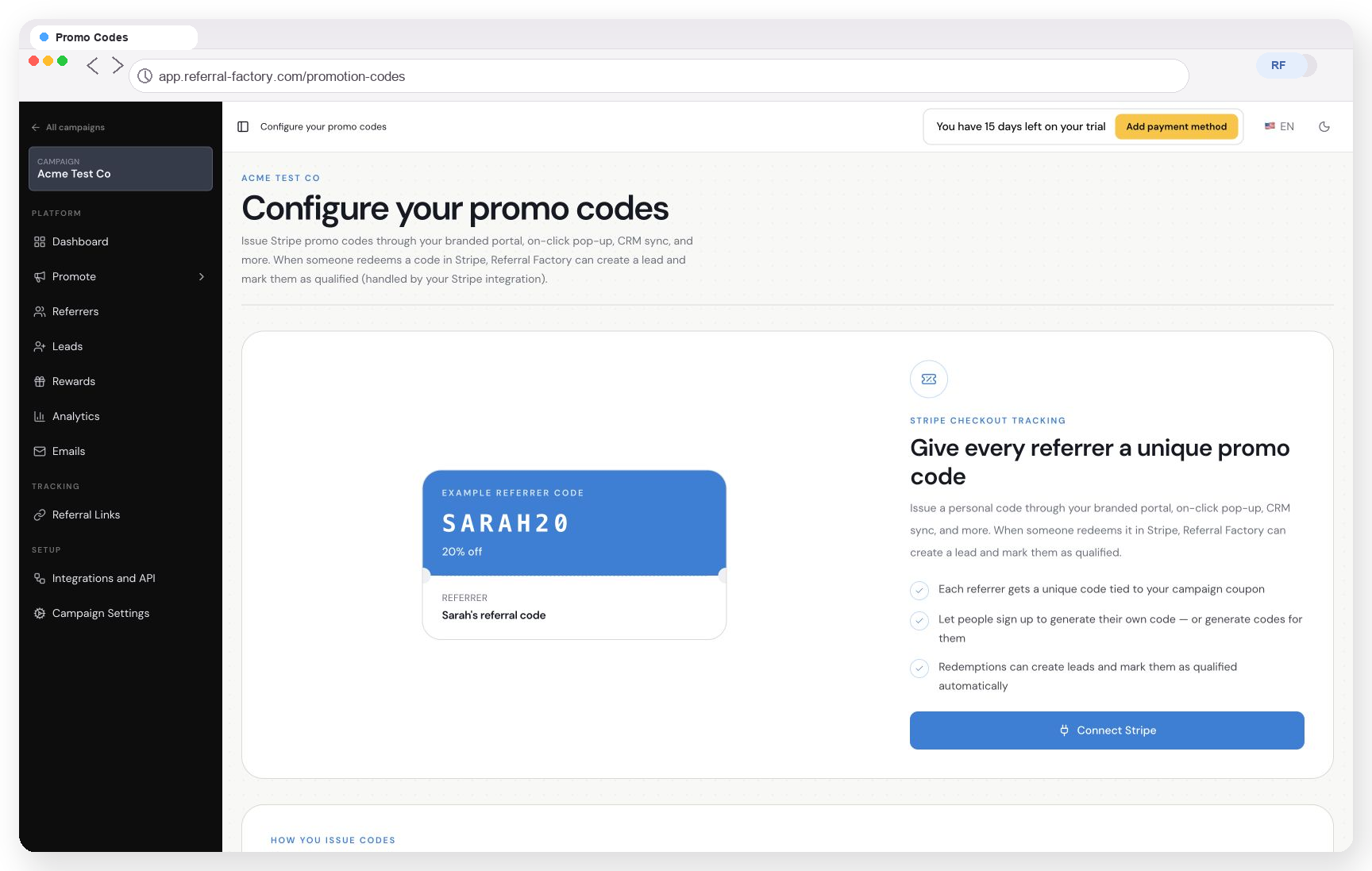
Promo Codes require Stripe. They are created through Stripe’s promo-code functionality and can be connected to the Campaign Coupon for the campaign. If you are not using Stripe, use Referral Links instead.
A Promo Code belongs to one referrer in a campaign. When the referred person uses that code through the configured referral or checkout journey, Referral Factory can connect the referral to the person who owns the code. The same code can also apply the campaign discount in Stripe.
Campaign Coupon, Promo Code, or reward coupon?
These names refer to different parts of the referral journey:
- Campaign Coupon: the Stripe discount or offer connected to the campaign. It is used with Promo Codes to give the referred lead a discount.
- Promo Code: the unique code assigned to one referrer. The referred customer uses this code, and Referral Factory uses it to identify the referrer.
- Referral Factory Coupon: a coupon code uploaded by the business and issued as a reward to a referrer or lead. It is separate from the Stripe Campaign Coupon and Promo Code.
A simple example
Imagine that your campaign has a 10% Campaign Coupon. Referral Factory could then associate a different Promo Code with each referrer:
- Campaign Coupon: 10% off
- Referrer A's Promo Code: SARAH123
- Referrer B's Promo Code: JOHN456
The codes in this example are only there to show the relationship. Both Promo Codes can be connected to the same campaign discount, while each one still points back to a different referrer.
How does the referral journey work?
1. A referrer receives their unique Promo Code.
2. They share the code with a friend, customer, or prospect.
3. The referred person enters the code during the signup or checkout journey configured for the campaign.
4. Where the campaign is set up to use a Stripe offer, the code can apply that discount and identify the referrer at the same time.
5. Referral Factory records the referral attribution against the referrer who owns the code.
The code needs to be used through the configured referral or Stripe journey. Typing the code into an unrelated form or checkout does not create attribution automatically.
When are Promo Codes useful?
Promo Codes are a good fit when the referral does not begin with a clickable link, or when the referred person is already entering a checkout or signup flow. For example, a referrer can share a code:
- Verbally during an in-person conversation
- At an event, in a shop, or during a sales meeting
- On a printed card, flyer, or other offline material
- Through a messaging app
- In an online checkout or signup flow that is configured to accept the code
For an online journey where the person can click straight through, a Referral Link may be easier because it carries the referral context automatically. A campaign can use Referral Links, Promo Codes, or both.
Can Promo Code use qualify a referral?
It can, if the campaign is configured to qualify a lead when a Promo Code is used. Otherwise, using the code can still create the lead while the referral remains pending until another qualification rule is met. Whether the Lead qualifies immediately depends on the qualification settings configured for the campaign.