
Need help applying this to your account?
Contact support and we will keep this article attached to your request.
How are new Referrers sent to Zapier?
Create a Zap, select Referral Factory as the trigger app and choose New User. Select the campaign, choose Direct for the user source and confirm the test sample belongs to a referrer.
Add the CRM as the action app. This trigger can send the referrer’s details and unique referral link to the next step.
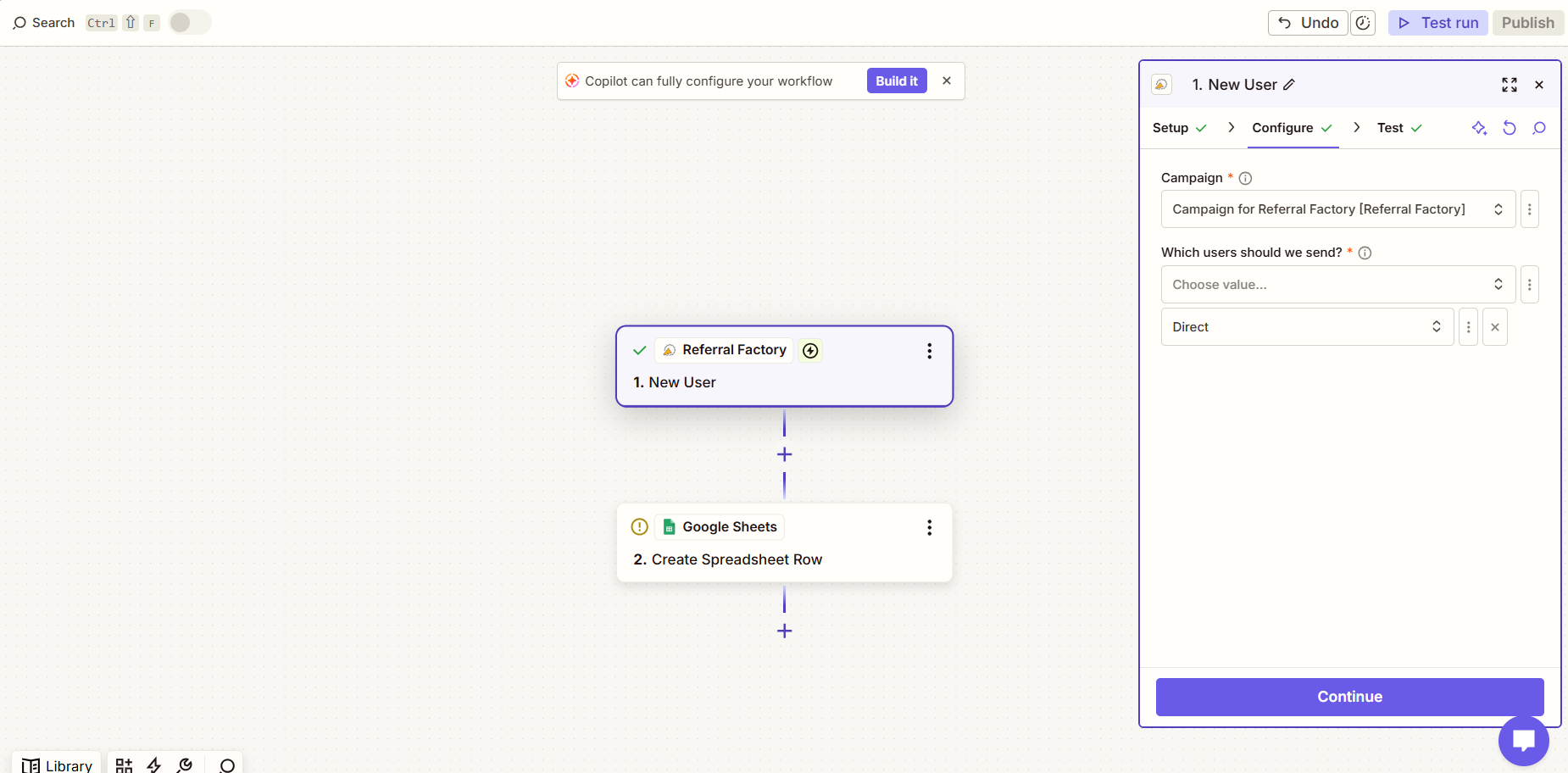
When does the Zap run?
The Zap runs when a new referrer matching the trigger settings is added to the campaign. It does not send a historical backlog of existing referrers.
If another Zap first adds a referrer to Referral Factory, a second Zap can use New User to send the generated referral link back to your CRM. Turn both Zaps on in the correct order.
Which record and fields should I use?
Choose the CRM record your team uses for customers, partners, affiliates or other referrers. Map First Name, Email and any useful values such as company, campaign name, unique referral link or referral counts.
The destination CRM and selected action determine the required fields. Use dynamic values for referrer-specific information and fixed values for shared labels.
How should I handle duplicates?
Use the CRM’s find, update or find-and-create action where available. Referral Factory sends the data to Zapier, while the CRM action controls matching and duplicate handling.
How do I test the workflow?
Create a new test referrer, confirm the person receives a unique referral link, test the New User trigger and run the CRM action. Check that the correct CRM record was created or updated and that the referral link is available if mapped.
Use Zap History to identify the failed step when a record is not created.