
Need help applying this to your account?
Contact support and we will keep this article attached to your request.
How does Zapier qualify a Referral Factory Lead?
The Zap has two parts: a trigger in the app where the successful conversion happens and a Referral Factory action that qualifies the matching lead.
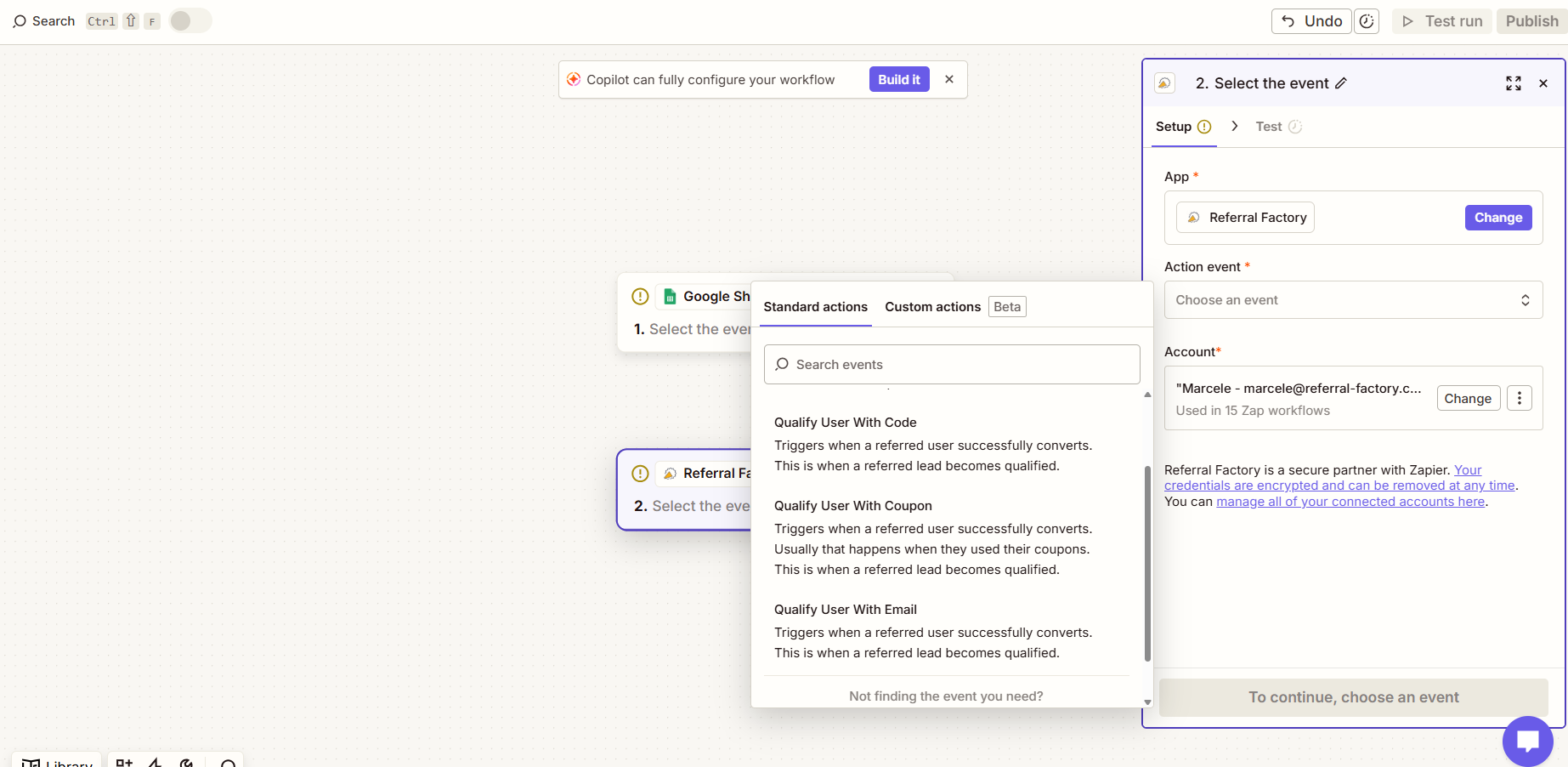
Choose the Referral Factory qualification action that matches the identifier stored by the trigger app: email address, referral code or coupon code. Select the correct campaign when qualifying by email.
How do I configure the Zap?
Choose the app where the conversion is recorded, select the successful event as the trigger and add a Zapier filter if only certain records should continue.
Add Referral Factory as the action app, choose the relevant qualification action, map the identifier and campaign, then test and publish the Zap.
The lead must already exist in Referral Factory before Zapier can qualify it.
Which event should trigger Qualification?
Choose the event that genuinely represents a successful referral in your business, such as a deal reaching Closed Won, a payment succeeding, an account being approved or an onboarding milestone being completed.
The trigger app and Zapier control when the event is sent. Referral Factory receives the action and updates the matching lead.
What happens after the action succeeds?
The lead changes from Pending to Qualified in Referral Factory. Active campaign reward rules are then evaluated separately and may create, issue or schedule a reward.
A qualification action does not create a new lead; it only finds and updates an existing lead.
How do I test and prevent errors?
Create a test referrer and lead, confirm the lead is Pending, trigger the conversion event, run the Zap with the correct identifier and then confirm the lead becomes Qualified.
Check Zap History when the lead remains Pending. Verify the identifier, campaign, action, app connection and trigger filter before retrying.