
Need help applying this to your account?
Contact support and we will keep this article attached to your request.
Referral Factory gives you several ways to promote your referral program to existing customers or place it directly inside your website, customer portal, or logged-in product.
The right option depends on whether you want anyone visiting your website to join, or whether your Referrers are already logged into your product.
The available embed/promotion approaches
You can choose from several options depending on where you want the referral experience to appear:
You do not need to use every option. Choose the experience that best matches how your customers interact with your business.
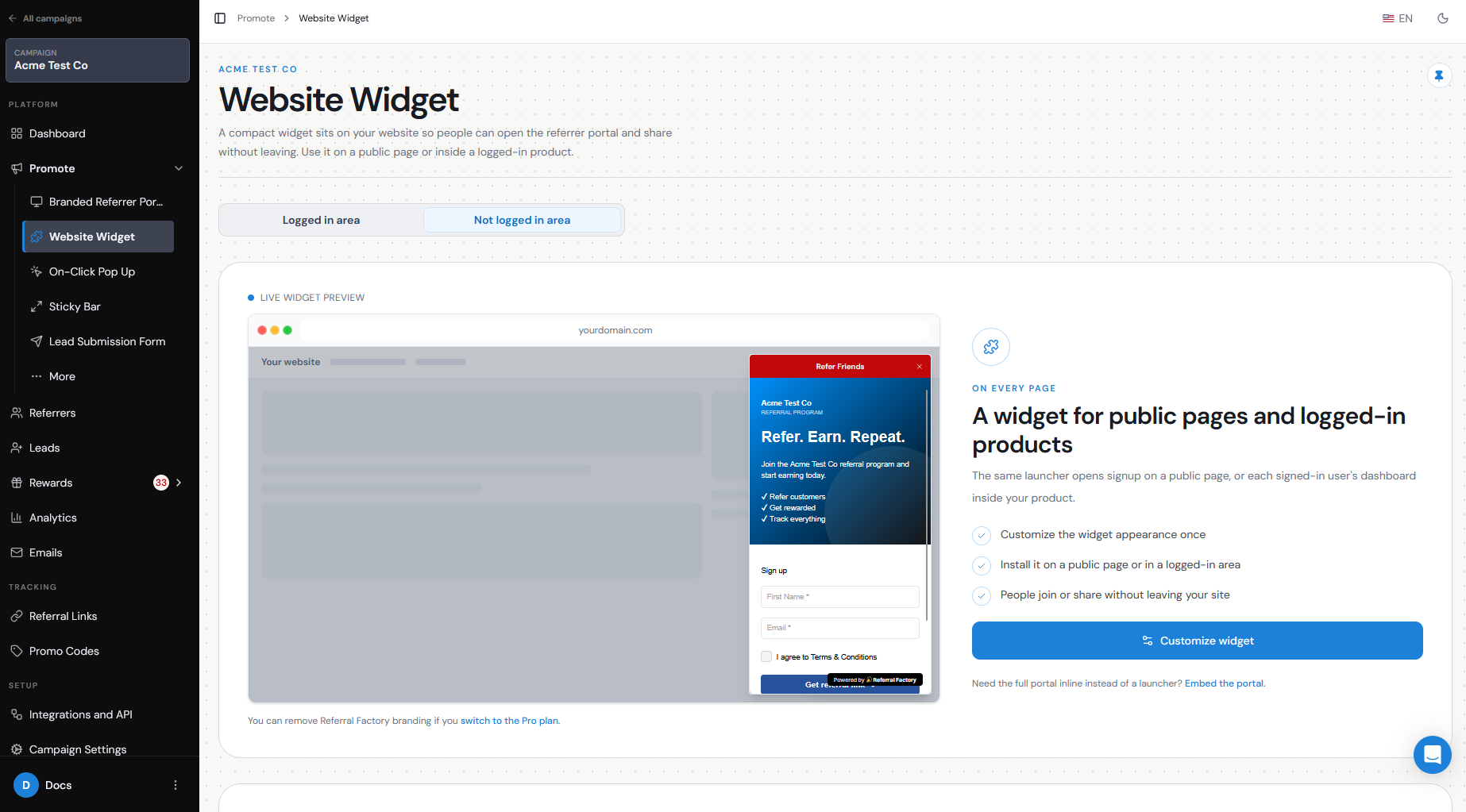
- Website Widget — adds a floating button to your public website. When clicked, your Branded Referrer Portal opens as an overlay, so visitors can join and access their referral program without leaving your site.
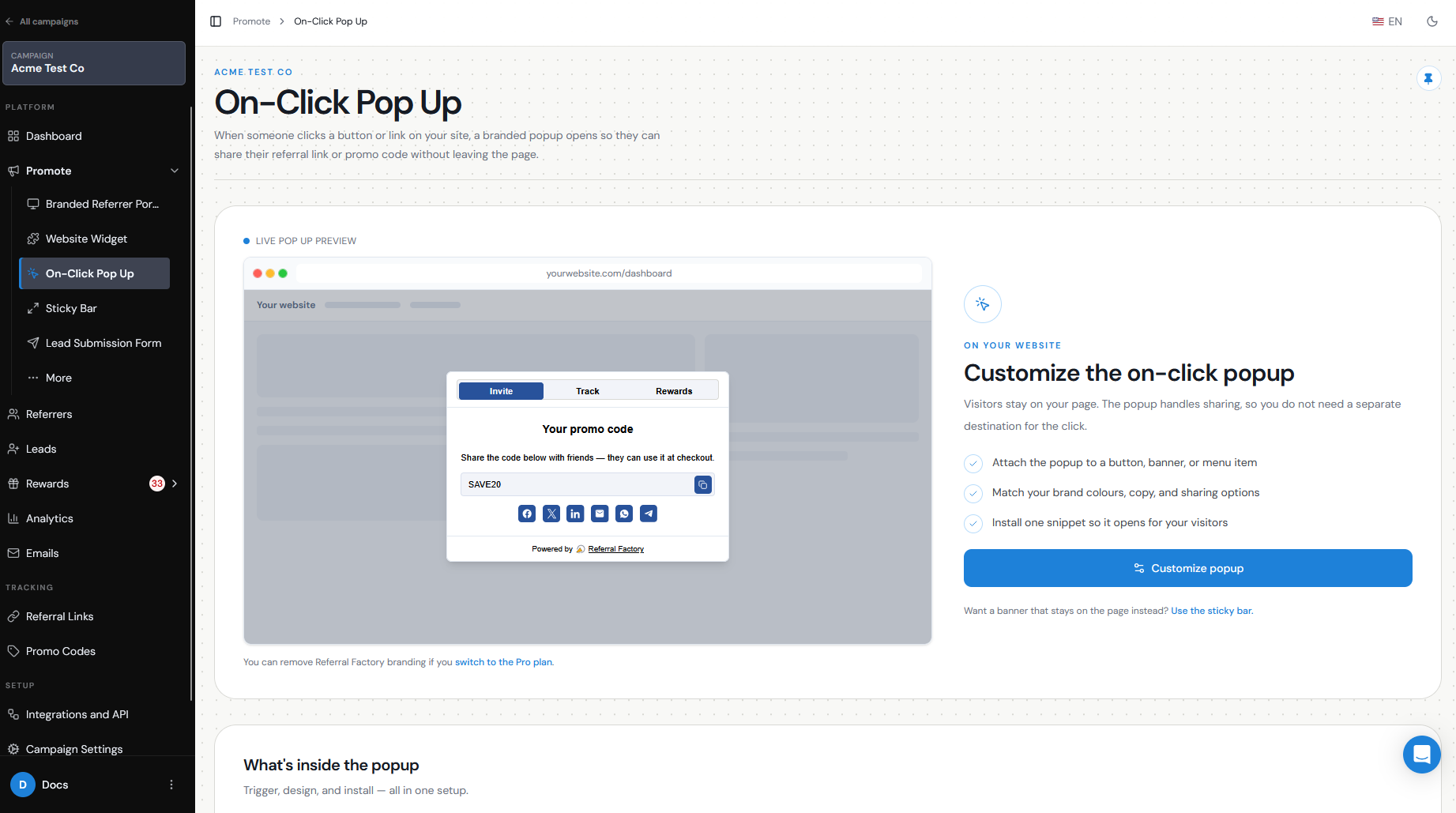
- On-Click Pop Up — designed for logged-in customers. You can connect it to a button, link, or menu item inside your product so customers can access their referral tools directly from where they are already working.
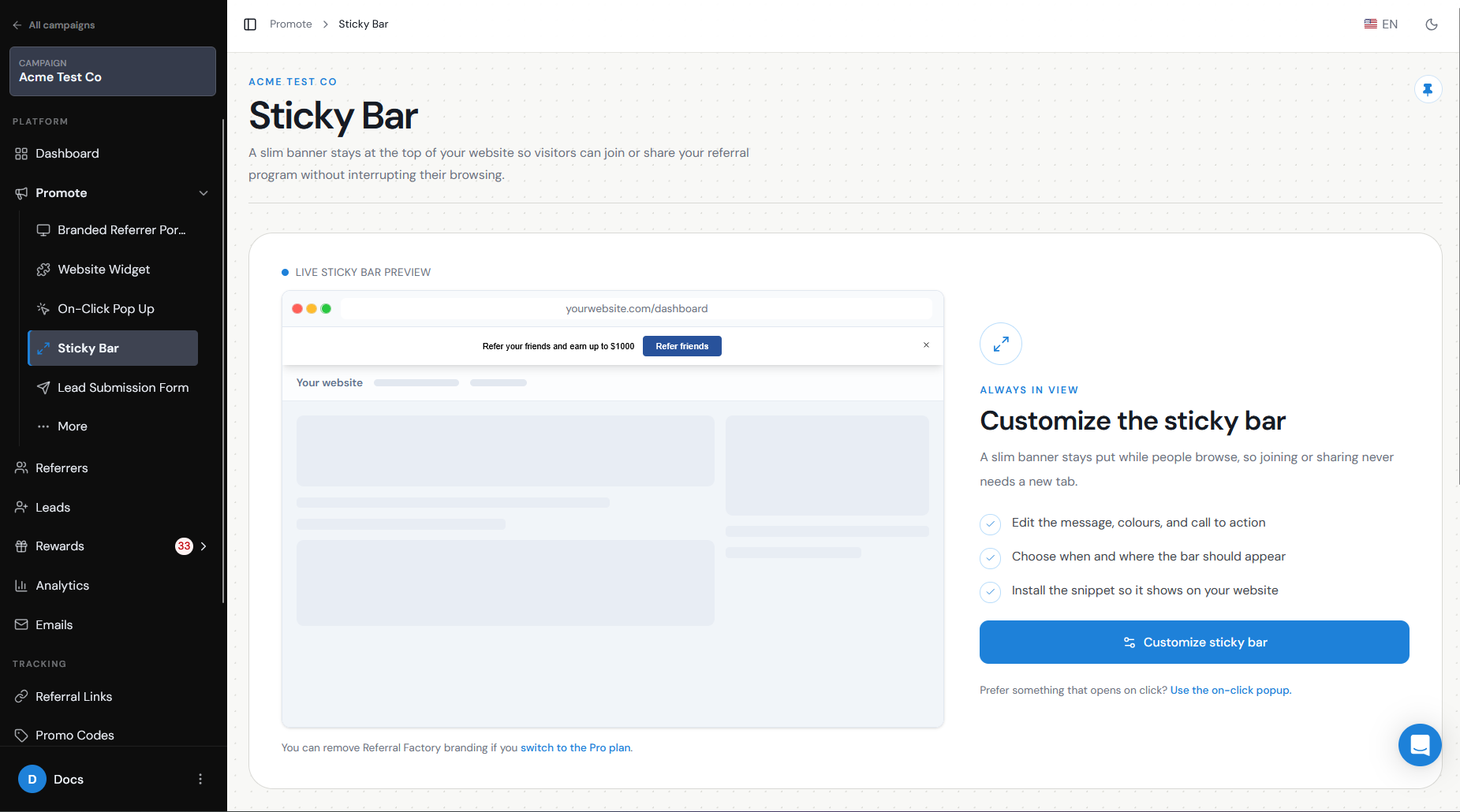
- Sticky Bar — displays a persistent referral prompt at the top or bottom of your website or product, keeping the referral program visible.
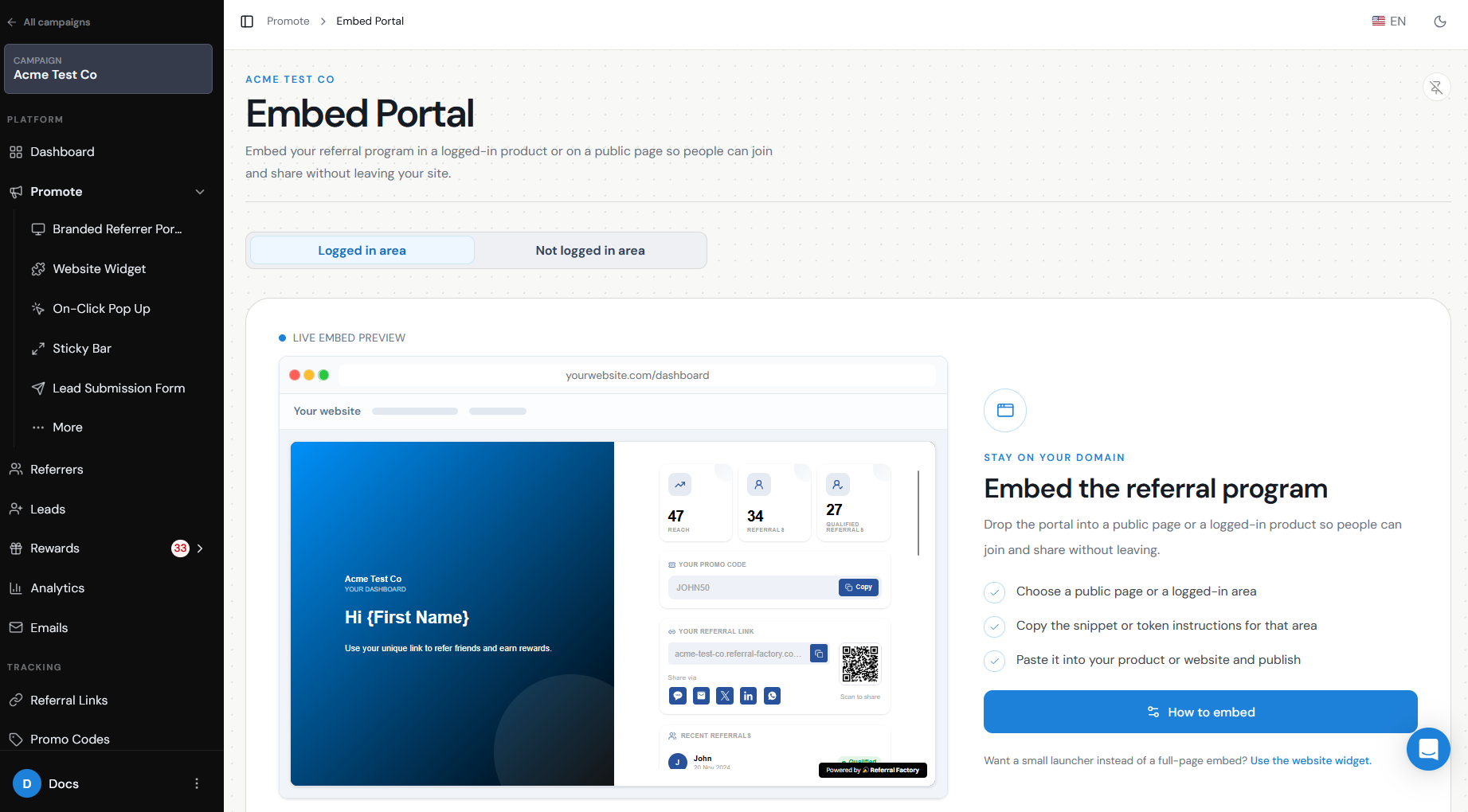
- Embed Portal — lets you embed the Branded Referrer Portal directly into your website using a script, so Referrers can access the referral experience without leaving your site.
Widget, on-click popup, Sticky Bar, Lead submission and hosted pages when relevant
Use the Website Widget when you want visitors to be able to discover and join your referral program from your public website or a logged-in environment.
For example:
Visitor clicks “Refer a Friend” widget → Branded Referrer Portal opens over your website → Visitor signs up and receives their Referral Link
Use the On-Click Pop Up when your customers are already logged into your product. The pop-up can give them access to their Referral Link, referral tracking, and reward information without sending them to another page.
Use the Sticky Bar when you want the referral invitation to remain visible while customers use your website or product.
For example:
Refer a friend and earn $50
Use the Embed Portal when you want the full portal experience to appear directly inside your website or product. This lets Referrers sign up or log in, access their Referral Link, view referral activity, and check rewards without leaving your site.
What stays on-site
The Website Widget, On-Click Pop Up, and Sticky Bar are designed to let customers interact with your referral program while remaining inside your web-app or product.
The Embed Portal lets you place the full Branded Referrer Portal directly inside your website, so Referrers can sign up or log in, access their Referral Link, view referral activity, and check rewards without leaving your site.
Developer requirements
How much technical help you need depends on the option you choose.
The Embed Portal requires a script to be added to your website. Once installed, it displays the Branded Referrer Portal directly on your site so Referrers can access the referral experience without leaving your website.
The Website Widget requires a JavaScript snippet to be added to your website. No backend integration is required for the standard Widget.
The On-Click Pop Up is intended for logged-in users and usually requires developer involvement so your product can identify the customer and load the correct Referrer experience.
More advanced implementations can also use the Referral Factory API to build a more customized referral experience inside your product.
Branding considerations
Whichever option you choose, keep the referral experience consistent with the rest of your website or product.
Depending on the feature, you can customize elements such as:
The Website Widget, On-Click Pop Up, each have their own design and content settings.
If you use white-labeling and a custom domain, you can make the overall referral experience even more consistent with your own brand.
- Logo
- Colors
- Fonts
- Button text
- Referral messaging
- Page content
- Sharing options