
Need help applying this to your account?
Contact support and we will keep this article attached to your request.
A Referral Link is a unique URL generated for each Referrer in a campaign. Referrers share this link with friends, customers, or colleagues, and Referral Factory uses it to identify who generated each new Lead.
A typical referral journey looks like:
Referrer receives unique Referral Link → Shares it → Friend clicks → Friend submits their details → Lead is attributed to the Referrer
A referral link
When someone becomes a Referrer, Referral Factory automatically generates their personal Referral Link for that campaign.
For example:
[yourbusiness].referral-factory.com/[unique-code]
The Referrer can access their link through the Branded Referrer Portal, receive it by email, copy it from another referral experience, or have it stored in your CRM.
You do not need to manually create a different URL for the Branded referrer Portal, for every customer.
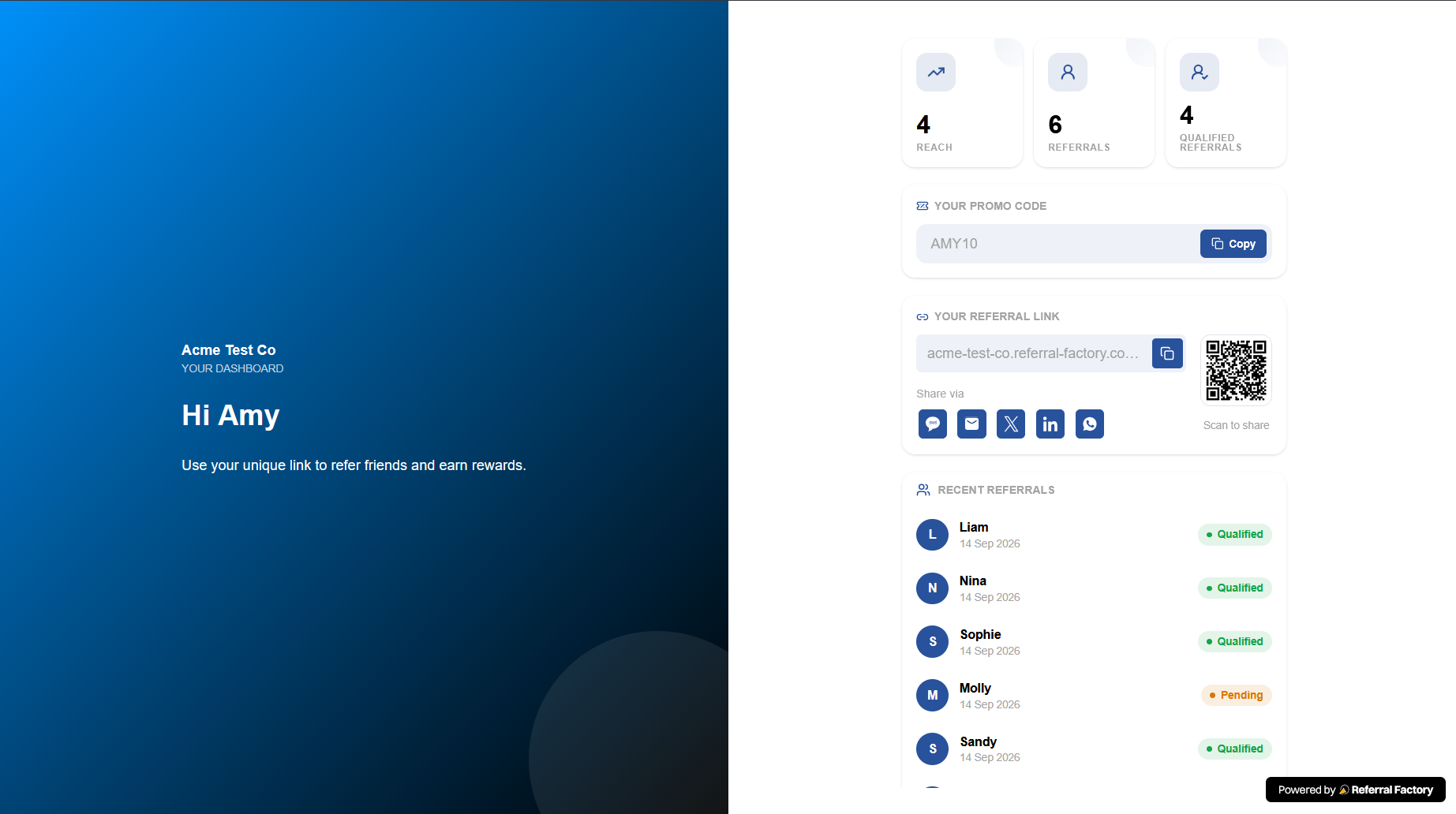
How it is unique to a Referrer
Referral Factory automatically generates a unique Referral Link for every Referrer added to a campaign.
By default, the link follows this format:
[yourbusiness].referral-factory.com/[unique-code]
The unique code at the end of the URL is generated by Referral Factory and connects the link to that specific Referrer. It is not based on the Referrer's name.
If you have connected your own custom domain, the domain portion changes, for example:
refer.yourdomain.com/[unique-code]
The unique tracking information remains part of the Referral Link, allowing Referral Factory to identify which Referrer shared it when a Lead follows the link and submits their details.
Each Referrer receives their own unique Referral Link for the campaign.
What happens on click
When someone clicks a Referrer's link, they normally arrive on your Referral Link Page.
The page can explain your business, product, service, or referral offer and collect the visitor's details.
A click by itself does not create a Lead.
The Lead is created when the visitor submits their information. After submission, you can show a thank-you step or redirect them to another destination such as your website, booking page, or checkout.
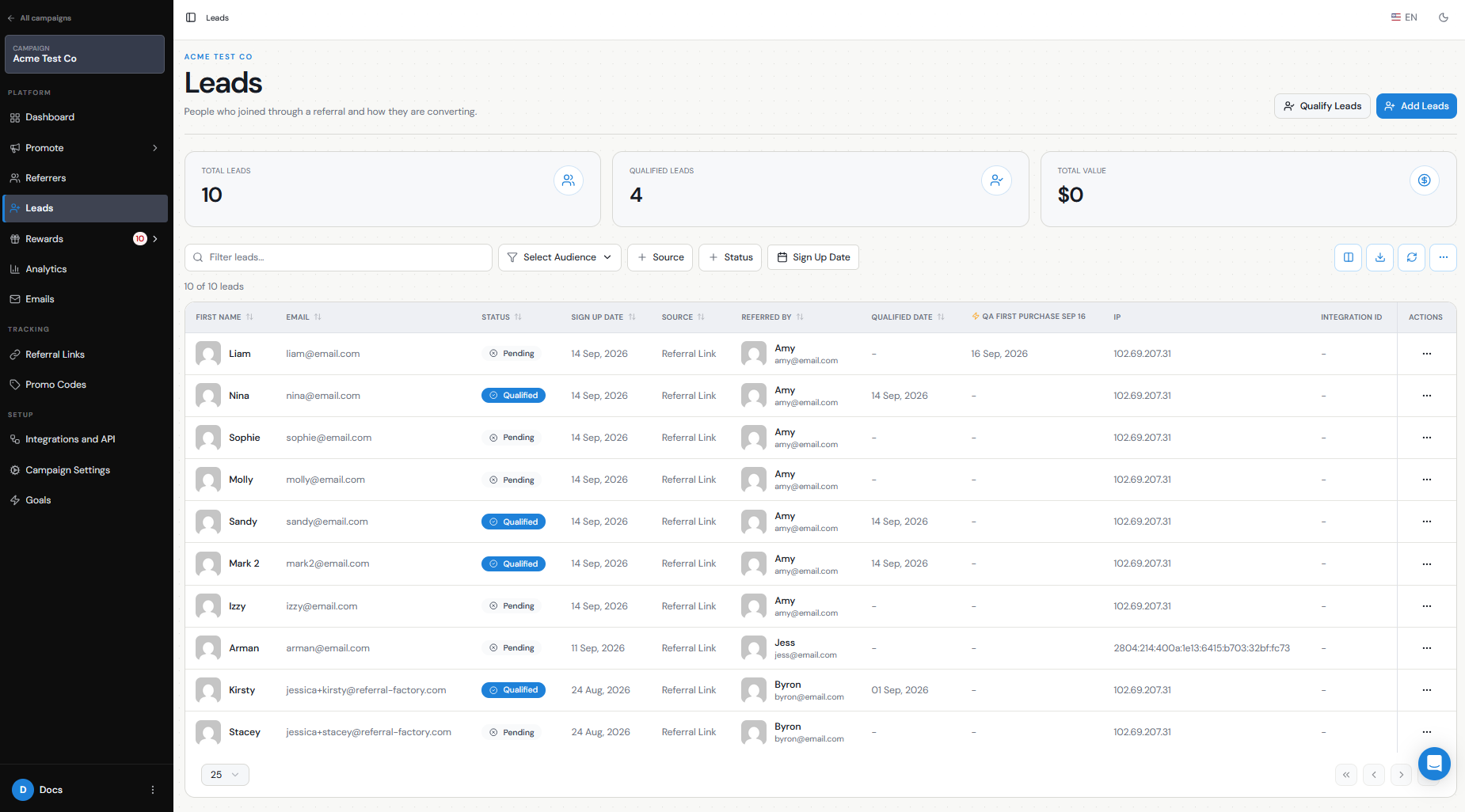
How attribution works
Because the visitor arrived through a unique Referral Link, Referral Factory already knows which Referrer sent them.
When the visitor submits their details:
Unique Referral Link → Lead submits form → Lead created → Referrer recorded under Referred By
The Lead does not need to enter the Referrer's name or email manually.
You can see this relationship in the Leads section, where the Referred By information identifies the Referrer who generated the Lead.
Campaign link vs personal link
A campaign or Branded Referrer Portal link and a personal Referral Link serve different purposes.
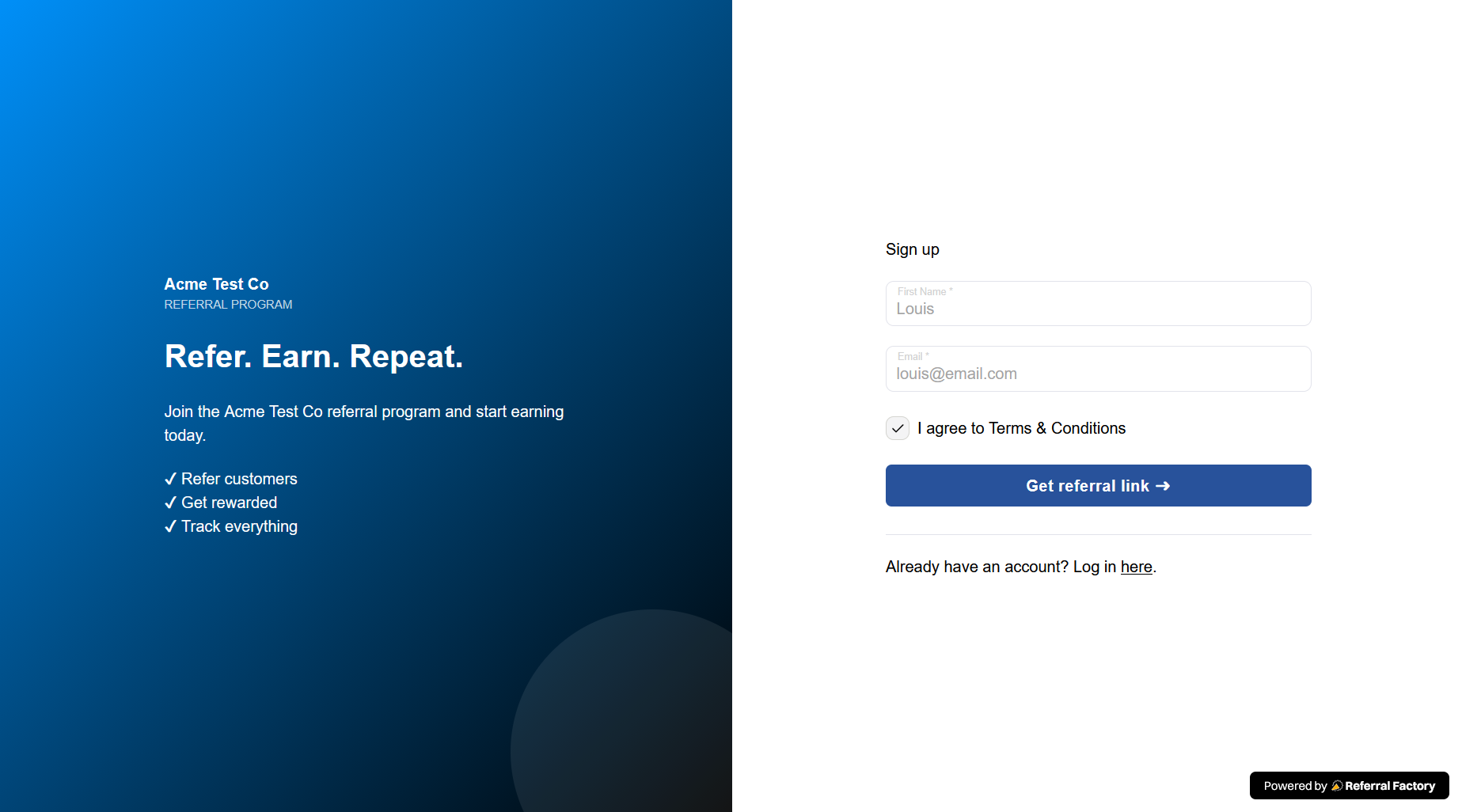
The Branded Referrer Portal link is used to invite people to join your referral program as Referrers.
A personal Referral Link belongs to an individual Referrer and is used to refer new Leads.
For example:
Branded Referrer Portal → Become a Referrer
Sarah's Referral Link → Become a Lead referred by Sarah
If your goal is to credit a referral to a particular customer, that customer should share their personal Referral Link, not the general campaign or portal link.