
Need help applying this to your account?
Contact support and we will keep this article attached to your request.
Overview
The Referral Factory API can qualify a lead when a conversion happens in another system, such as your own application, backend or internal workflow.
Keep these two concepts separate:
Attribution = who referred the lead
Qualification = whether the lead achieved the business success condition
API qualification updates the lead’s status. It does not replace the lead’s existing Referrer attribution.
If you need to understand how the referrer relationship is created before qualification, read the referral attribution guide
When should I use the API to track conversions?
Use API qualification when the conversion event happens in a system that is not directly integrated with Referral Factory, or when your own backend already controls the business logic.
Examples include:
a customer completes onboarding in your application;
an application is approved;
a booking becomes successful;
a subscription becomes active;
an internal system records a custom milestone; or
a sale happens in a system that is not directly integrated with Referral Factory.
These are examples of workflows. They are not hard-coded Referral Factory event types. Your system decides which event means that the referral has succeeded.
How does API Qualification work?
The basic journey is:
1. The Lead already exists in Referral Factory and is Pending.
2. A success event happens in your system.
3. Your server sends a qualification request to Referral Factory.
4. Referral Factory updates the lead to Qualified.
5. The Lead keeps its existing Referrer attribution.
Qualification can then feed into reporting and any configured reward or email workflow that depends on a qualified referral.
What do I need before I start?
You need:
a lead that already exists in Referral Factory;
a success event in your own system;
a way to identify the correct Lead; and
a Referral Factory API token.
The current V3 endpoint supports these identifier options:
id — the Referral Factory internal Lead ID;
code — the lead’s unique referral code; or
email together with campaign_id.
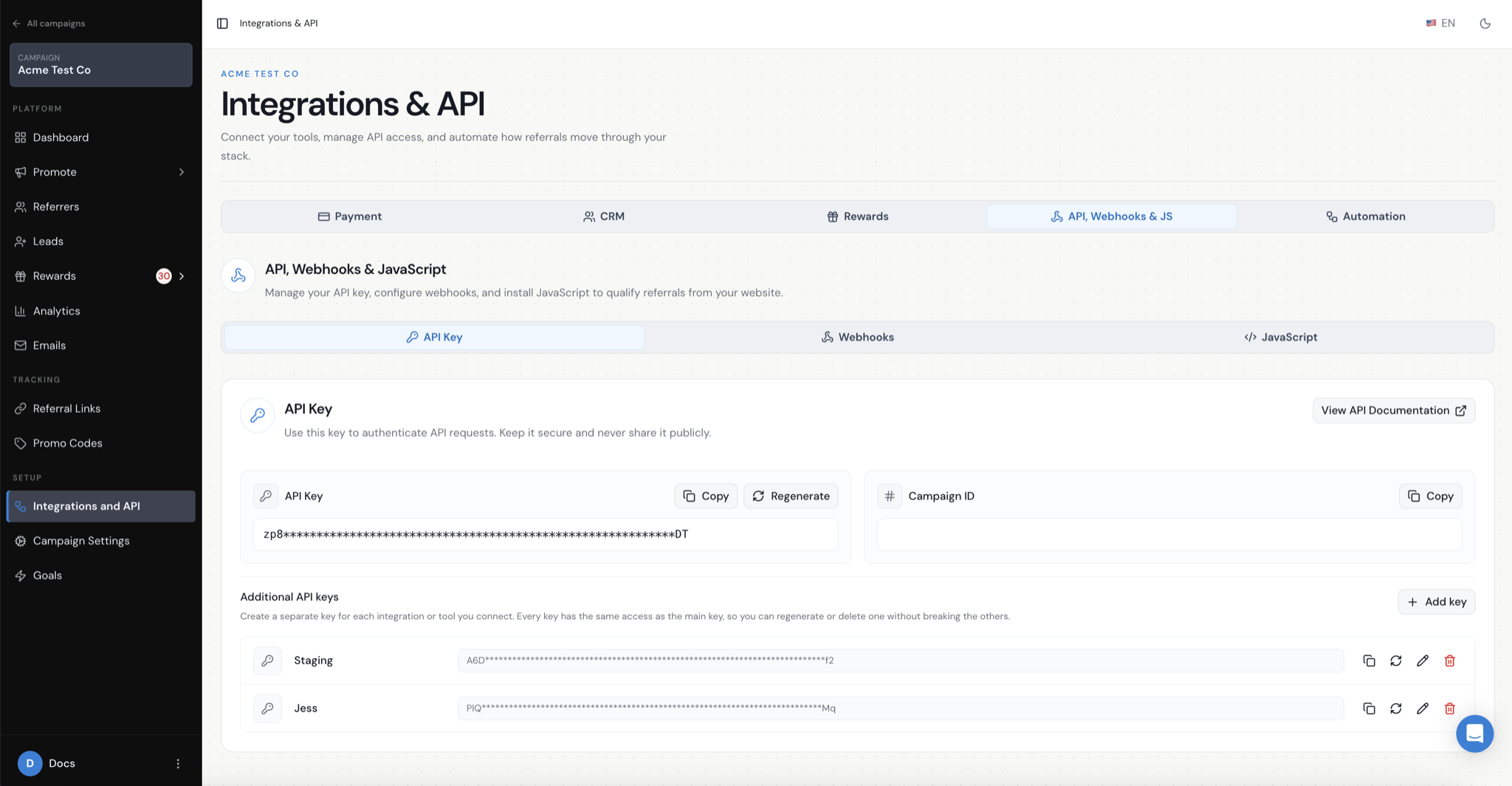
Referral Factory uses Bearer Authentication. Keep the API token on your server and do not expose it in browser or front-end code.
How do I send the Qualification request?
The current V3 qualification endpoint is:
PUT https://api.referral-factory.com/api/v3/leads/qualificationThe request uses a JSON body. qualified is required and defaults to true in the current API reference. For example, when you identify the lead by internal ID:
curl --request PUT \--url https://api.referral-factory.com/api/v3/leads/qualification \--header 'Authorization: Bearer YOUR_API_TOKEN' \--header 'content-type: application/json' \--data '{"id":123,"qualified":true}'You can use code instead of id. If you use email, include the matching campaign_id as well. Do not put a real API token in front-end code, screenshots or documentation examples.
What happens after a Lead is Qualified?
Referral Factory marks the lead as Qualified. The Lead remains connected to the referrer who was already recorded through the campaign’s attribution flow.
The qualified status can then be used in Referral Factory reporting and in configured reward or email workflows.
Troubleshooting
If the lead does not become Qualified:
1. Confirm that the lead already exists in Referral Factory.
2. Confirm that the identifier matches the correct Lead.
3. If you use email, confirm that campaign_id is included and correct.
4. Confirm that the request uses the V3 URL, PUT method, JSON body and Bearer token.
5. Log the API response and check the documented error code.
The current API error reference includes 400 Bad Request, 401 Unauthorized, 403 Forbidden, 404 Not Found, 405 Method Not Allowed, 406 Not Acceptable, 410 Gone, 429 Too Many Requests, 500 Internal Server Error and 503 Service Unavailable. Validation errors are returned as JSON with a code, message and field-level errors.