
Need help applying this to your account?
Contact support and we will keep this article attached to your request.
Referral Factory can use activity in a connected CRM to track when a Lead becomes a successful referral. When the configured success condition is met, Referral Factory moves the Lead from Pending to Qualified.
This is separate from attribution:
Referral Factory manages the attribution and qualification status. Your CRM provides the business event that tells Referral Factory the referral succeeded.
- Attribution = who referred the Lead
- Qualification = whether that Lead achieved the business success condition
What does automatic CRM Qualification mean?
Automatic CRM qualification means that Referral Factory monitors a configured CRM field, property, stage, status or record change. When that condition occurs, Referral Factory marks the corresponding Lead as Qualified.
Connecting a CRM alone does not automatically qualify Leads. You must also configure a qualification rule that tells Referral Factory which CRM event represents a successful referral.
How does the CRM Qualification flow work?
The general flow is:
1. A Lead enters your referral program and is recorded in Referral Factory.
2. Referral Factory sends the Lead to your connected CRM.
3. Your team works with the CRM record as part of your normal sales or customer journey.
4. The configured success condition is met in the CRM.
5. Referral Factory marks the corresponding Lead as Qualified.
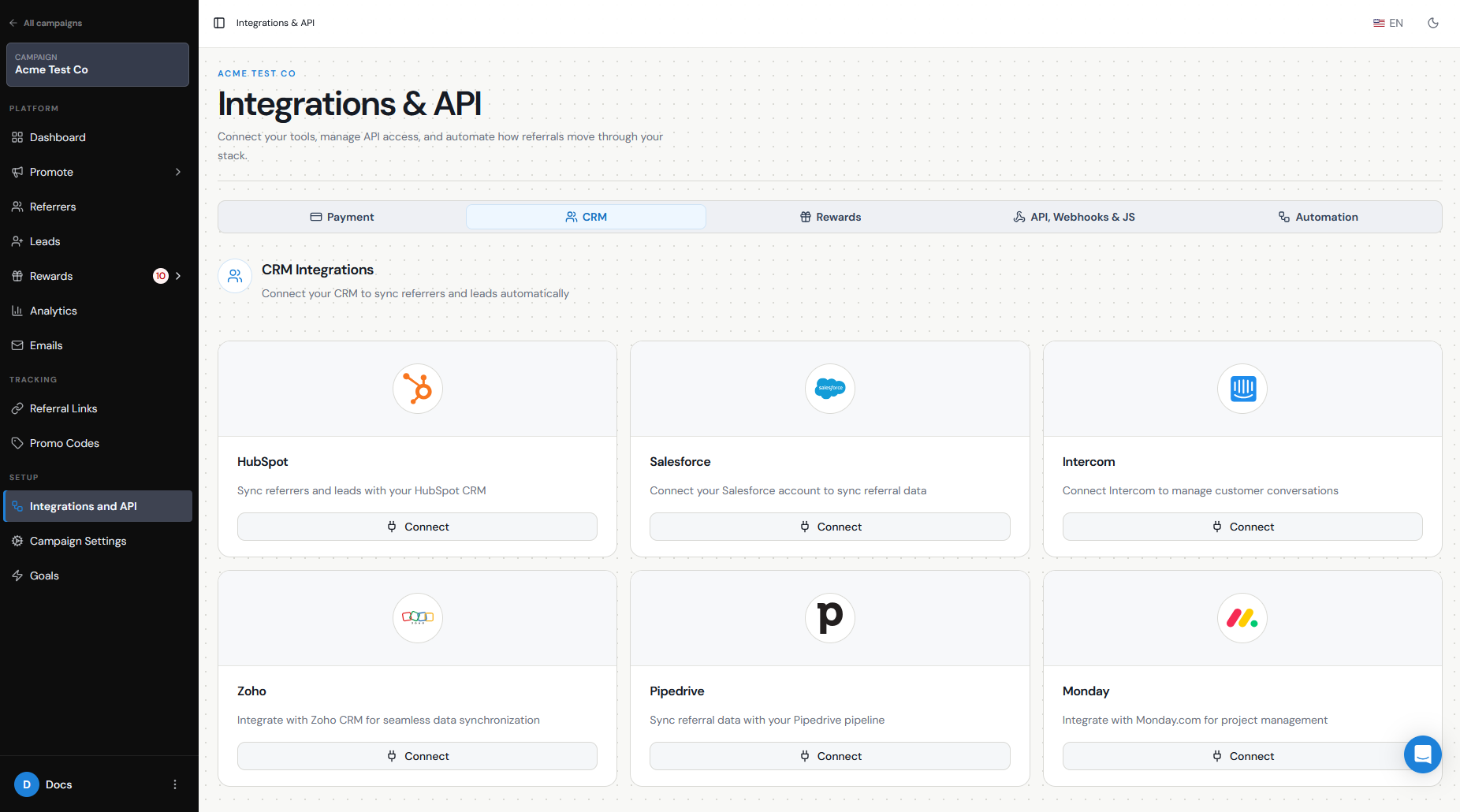
The exact event depends on your CRM and the record type your campaign creates. The examples below are illustrative, not a complete list of every supported qualification option.
What type of CRM event can qualify a referral?
Choose the CRM event your team already uses to indicate that a Lead has converted or reached the next meaningful stage. For example:
Other native integrations may use a different field, stage, status or record change. Use the guide for your specific CRM to confirm the available qualification conditions and setup steps.
- HubSpot: a Contact property changes or a Deal reaches the configured stage.
- Pipedrive: a Lead converts to a Deal, or a Deal reaches the configured stage or Won status.
- Zoho CRM: a Lead converts, a Deal reaches the configured stage, or a selected Lead or Contact field changes.
- ServiceTitan: a booking becomes a Job or reaches the configured Job status.
Why does the CRM record type matter?
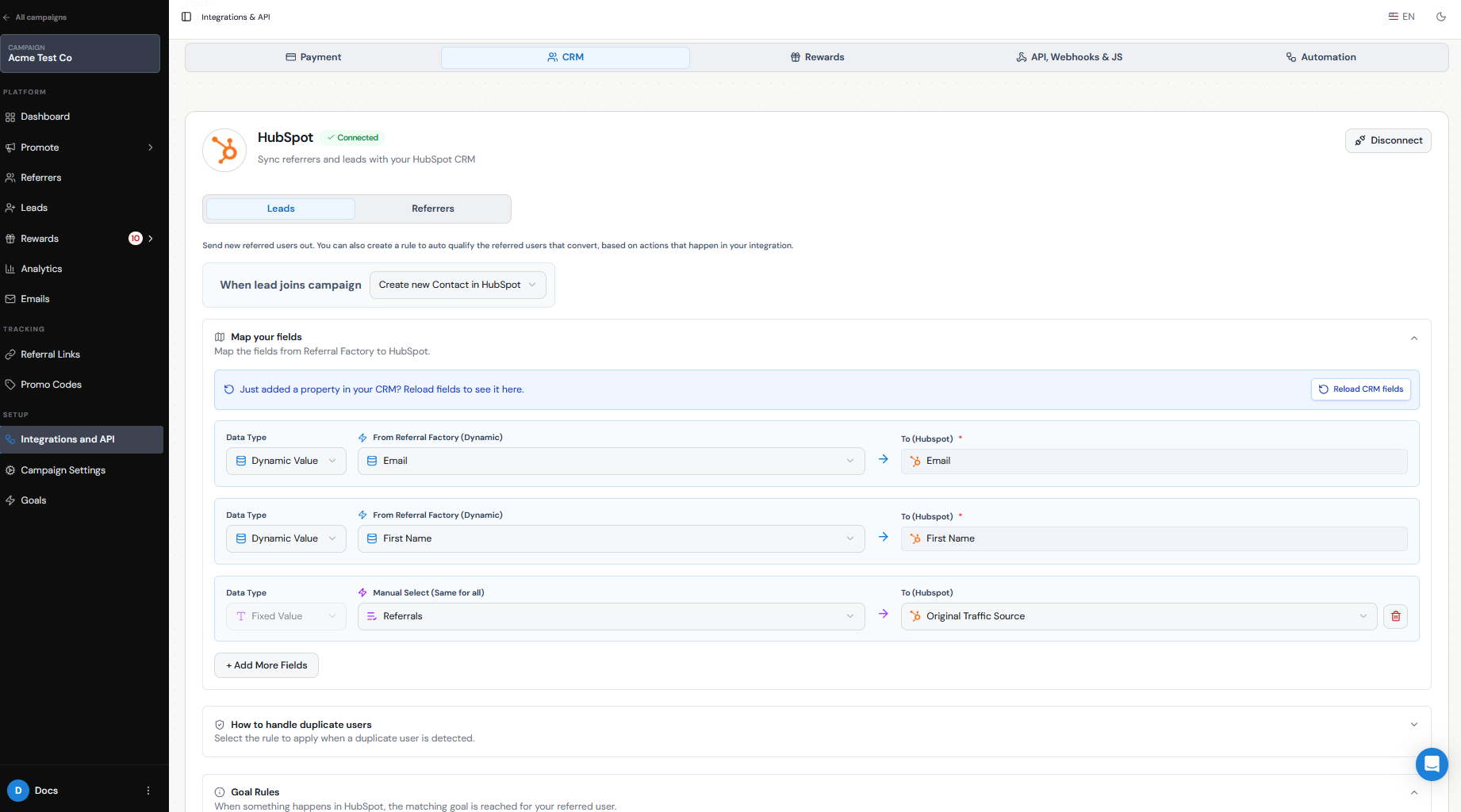
The qualification rule must match the type of CRM record Referral Factory creates for the Lead.
For example:
You also need to map the fields required by your CRM so Referral Factory can create or update the correct record. The exact fields depend on the CRM and record type you choose.
This is why the qualification rule should be chosen after you decide which CRM record Referral Factory should create or update. The individual CRM guide explains the available record types and configuration choices for that integration.
- If a HubSpot campaign creates a Contact, qualification can use a Contact property.
- If a HubSpot campaign creates a Deal, qualification can use a Deal stage.
- If Pipedrive creates a Lead, the qualification options can differ from a campaign that creates a Deal.
What happens after the Lead qualifies?
When the configured CRM event occurs, Referral Factory changes the Lead’s status from Pending to Qualified.
The original attribution remains attached to the Lead, so you can still see which referrer generated them. Qualification adds the outcome of the referral; it does not replace or change the attribution relationship.
What if my CRM is not natively integrated?
If your CRM is not directly integrated with Referral Factory, you can create a similar workflow using an automation platform, webhook or the Referral Factory API. Common options include Zapier, Make, n8n, webhooks and the API.
In that setup:
1. Your CRM provides the trigger, such as a Deal becoming Won or a customer reaching a selected status.
2. The automation receives that event.
3. The automation sends the qualification event to Referral Factory.
4. Referral Factory updates the matching Lead to Qualified.
The exact way the Lead is identified and the qualification event is sent depends on the method you use. See the relevant automation, webhook or API guide for those details.
How do I test CRM Qualification?
Test the complete journey before relying on it in a live referral program:
1. Create a test referrer.
2. Submit a new Lead through that referrer’s referral journey.
3. Confirm the Lead appears as Pending in Referral Factory and that the correct CRM record is created.
4. Trigger the configured qualification condition in the CRM.
5. Confirm the Lead becomes Qualified in Referral Factory.
CRM updates may not appear immediately. If the Lead remains Pending after the qualifying event occurs, check the troubleshooting guide for your specific integration.