
Need help applying this to your account?
Contact support and we will keep this article attached to your request.
White-labeling your referral program lets you create a customer-facing experience that looks and feels like your own brand.
In Referral Factory, the two main white-label features are:
- Removing Referral Factory branding from the referral experience.
- Using your own custom domain for your referral links and portal.
Used together, these remove the most visible signs that your referral program is running on Referral Factory.
How do I remove Referral Factory branding?
With 100% White Label, Referral Factory branding is removed from the customer-facing parts of your referral program.
This includes branding such as Powered by Referral Factory on your:
- Referral pages
- Branded Referrer Portal
- Website Widgets and other embedded experiences
- Referral program emails
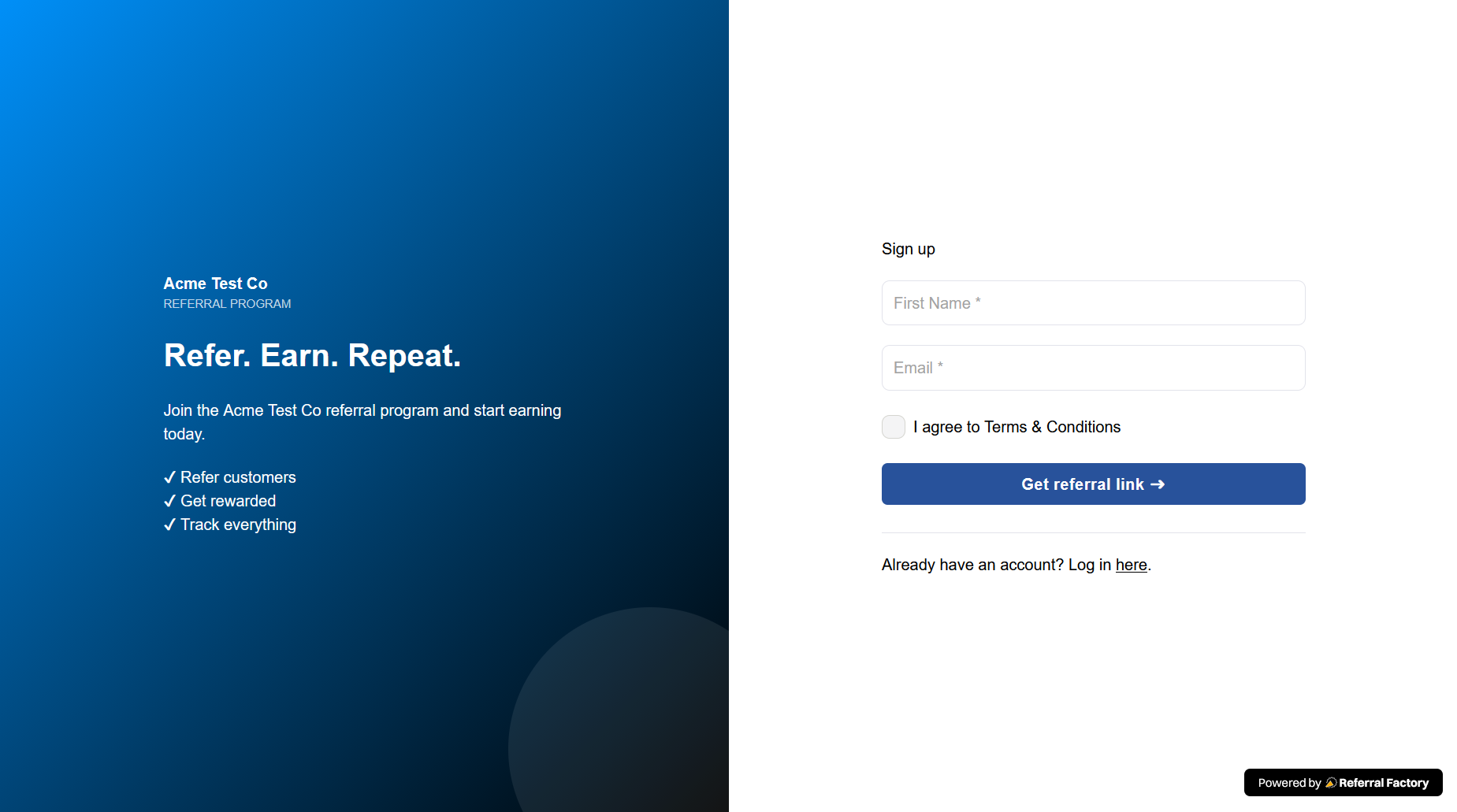
You can then use your own logo, colors, fonts, images, and messaging so customers interact with a referral program that reflects your brand.
You do not need to manually remove Referral Factory branding from each individual page once your account includes the white-label feature.
How do I use my own domain for referral links?
By default, your referral links use a Referral Factory domain.
For example:
yourbrand.referral-factory.com/ABC123
With a custom domain, you can use your own branded subdomain instead:
refer.yourbrand.com/ABC123
This custom domain is used for the links your Referrers share and for the customer-facing referral experience associated with those links.
Using your own domain is particularly useful when Referrers are sharing links through email, WhatsApp, social media, or other channels because the recipient sees a URL associated with your business rather than Referral Factory.
You will need access to your domain's DNS settings to connect the custom domain. We recommend using a subdomain such as:
refer.yourbrand.com
You can currently connect one custom domain per Referral Factory account, and that domain is used across the campaigns in the account.
What does a fully white-labeled referral journey look like?
For the most complete white-label experience, use 100% White Label together with your custom domain.
For example, a customer might:
Receive a referral link using refer.yourbrand.com → Open a page designed with your logo and brand colors → Join or refer through your branded experience → Receive emails without Referral Factory branding
Referral Factory still powers the referral program in the background, but your customers interact with your brand throughout the journey.
What can I customize in addition to white-labeling?
Removing Referral Factory branding does not limit your ability to customize the referral experience.
You can also customize elements such as:
- Your logo
- Brand colors
- Fonts
- Images
- Page content
- Buttons and calls to action
- Form fields
- Referral messaging
- Email content
These design controls help the referral program match the rest of your website and customer experience.
Your email sending domain is a separate setting from your referral-link custom domain. If you also want campaign emails to come from your own business email address, configure your email sending domain separately.
Which plan do I need?
Both 100% White Label and Add Your Own Domain are available on the Pro and Enterprise plans.
If you want to remove Referral Factory branding but continue using a Referral Factory URL, you can use the white-label feature on its own.
If you want the program to appear fully branded — including the URLs your Referrers share — combine:
- 100% White Label + Your Own Custom Domain
That gives you the most complete white-labeled referral experience.